
Last updated 04-23-2026
Category:
Reviews:
Join thousands of AI enthusiasts in the World of AI!
Remover.video
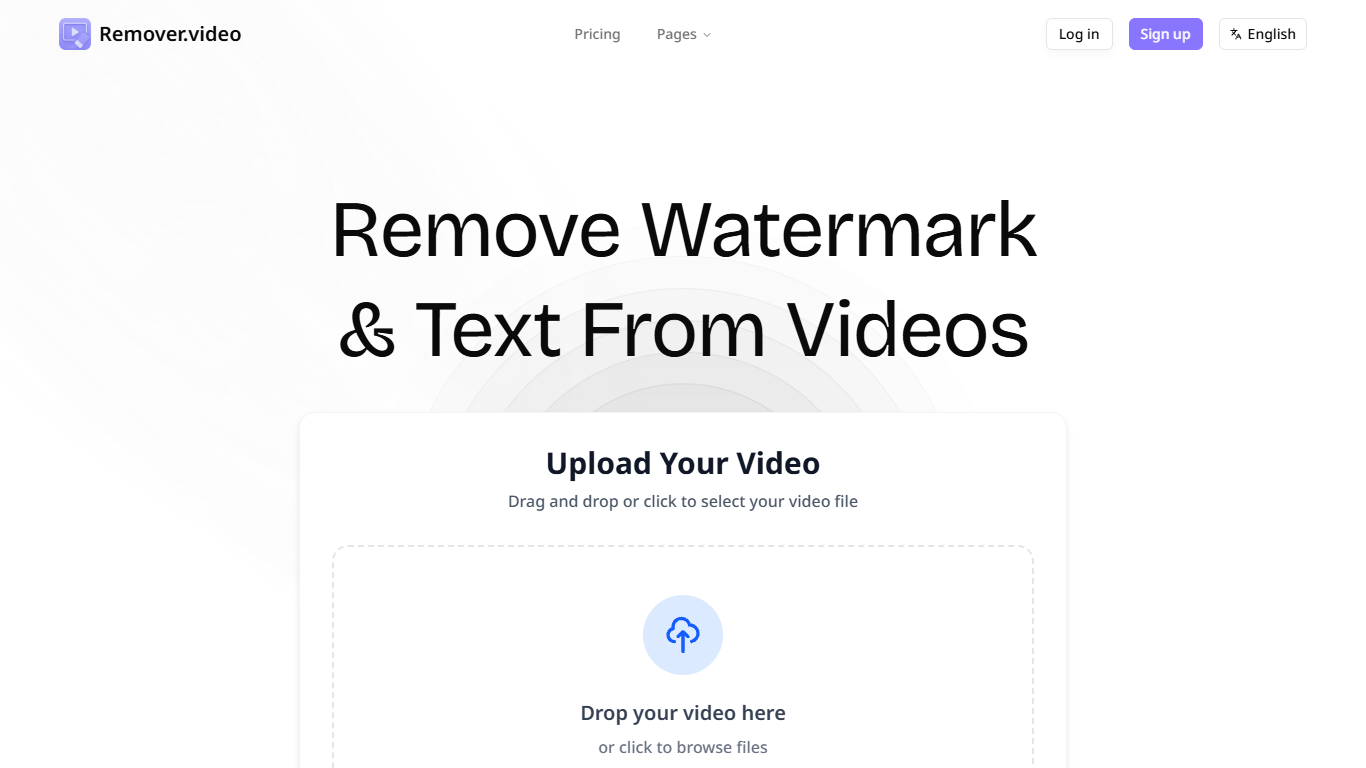
Remover.video is an AI-powered online tool designed to remove text, watermarks, logos, and captions from videos without compromising quality. It supports multiple video formats and social media platforms such as TikTok, Instagram, YouTube, and Snapchat. The tool targets content creators, video editors, agencies, and studios who need to repurpose or clean up videos quickly and professionally. Its unique value lies in its ability to remove unwanted overlays without blur or quality loss, preserving the original video integrity. The platform offers batch processing capabilities, enabling users to edit multiple videos efficiently. The AI technology analyzes surrounding pixels to intelligently fill in removed areas, ensuring a natural and seamless result. Users can upload videos directly in their browser without installing software, making it accessible and convenient. Additional features include subtitle and caption removal, logo removal, and optimization for various social media formats.
🖼️ Remove watermarks and logos without blurring video quality
⚡ Fast AI processing for quick video editing results
📁 Batch edit multiple videos to save time
🎥 Supports all popular video formats and social platforms
🧹 Automatically detect and remove hardcoded subtitles and captions
Removes watermarks and text overlays without quality loss
Supports batch processing for efficient editing
No software installation required; works in any browser
Handles complex watermarks and hardcoded captions
Compatible with multiple social media video formats
Processing speed may vary depending on video length and size
Limited information on maximum video length or file size constraints
What video formats does Remover.video support?
Remover.video supports multiple popular video formats including MP4, AVI, MOV, WebM, and MKV, making it compatible with most videos from social media platforms.
Can I remove watermarks from TikTok videos without losing quality?
Yes, Remover.video uses AI technology to remove TikTok watermarks without blur or quality loss, preserving the original video integrity.
Is there a limit on video length or file size when using Remover.video?
The content does not specify exact limits on video length or file size, so users may want to test their videos or contact support for details.
How long does it take to process a video with Remover.video?
Processing times vary depending on video length and size, but the tool is designed for fast AI processing to deliver results in minutes.
Does Remover.video offer a free trial or free usage option?
Remover.video offers a freemium model with free access to basic video processing and watermark removal features.
Can Remover.video remove hardcoded subtitles and captions?
Yes, the tool includes AI-powered features to automatically detect and remove hardcoded subtitles and captions while restoring the background naturally.
Is my video data secure when using Remover.video?
Videos are processed securely in the cloud and automatically deleted after processing to protect user privacy.