
Last updated 07-20-2026
Category:
Reviews:
Join thousands of AI enthusiasts in the World of AI!
RenderCut
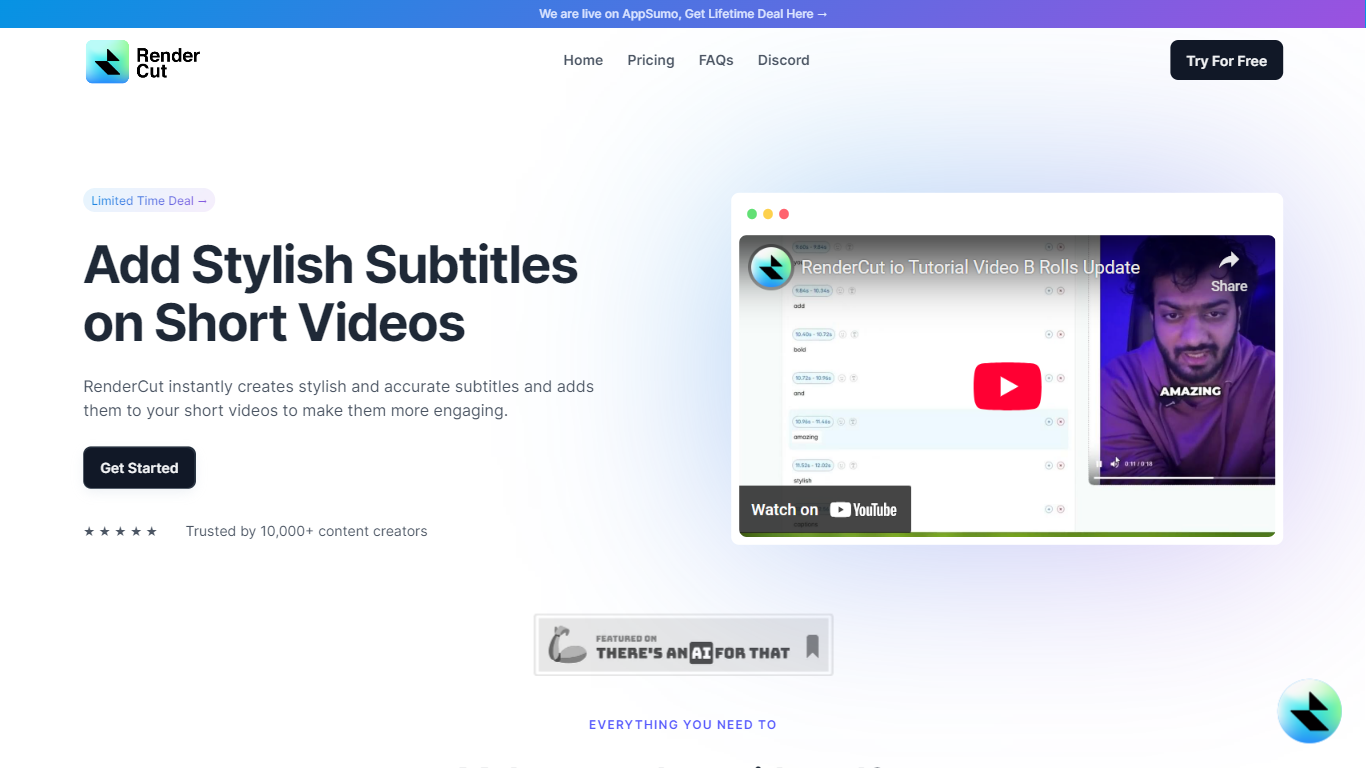
RenderCut turns plain videos and audio files into short-form social content with styled captions, B-roll clips, GIFs, and sound effects. Upload a file, pick a template, and export a finished video in under a minute for TikTok, Reels, or YouTube Shorts.
The editor syncs subtitles to speech automatically across accents and 40+ languages, then lets you fine-tune fonts, colors, animations, and word grouping before export. You can also upload audio only and generate a captioned video over a green screen background with stock B-roll layered in.
RenderCut is built for freelance creators, social media marketers, and agencies who post short videos regularly and want caption styling without rebuilding edits in a full NLE. The product launched in February 2025 and ships frequent editor updates through its public changelog.
Syncs auto captions to speech in 40+ languages with custom fonts and animations
Layers stock B-rolls, GIFs, emojis, and sound effects from the transcript editor
Turns audio-only uploads into captioned portrait or landscape green screen videos
Saves brand kits, custom templates, and uploaded TTF or OTF fonts for reuse
Exports SRT subtitles and re-edits rendered videos without starting over
Free tier includes five videos with no credit card required.
Supports audio-only uploads with green screen captioned video output.
Caption editor includes SRT import/export, re-editing, and brand kit templates.
Browser-only workflow with no dedicated mobile or desktop app.
Paid plans cap per-video length between 5 and 15 minutes depending on tier.
Some Growth and Unlimited features are still marked as coming soon on the pricing page.
Does RenderCut have a free plan?
Yes. RenderCut includes a free plan with five video uploads and no credit card required. Paid Starter, Growth, and Unlimited plans add higher monthly upload limits and longer per-video processing times.
How much does RenderCut cost?
RenderCut Starter costs $12 per month or $9 per month billed annually. Growth is $25 per month or $19 per month billed annually, and Unlimited is $49 per month or $39 per month billed annually.
Is RenderCut compatible with Mac and PC?
Yes. RenderCut runs in a web browser on Mac and PC. The editor and signup flow live at app.rendercut.io, so no desktop install is required.
Can RenderCut generate subtitles from audio files?
Yes. RenderCut accepts audio-only uploads and can output a captioned video over a green screen background. You can pair the transcript with stock B-roll clips to build a full short-form video without source footage.
How accurate are RenderCut auto-generated subtitles?
RenderCut uses AI transcription that handles multiple accents and languages, but accuracy can vary with background noise or complex vocabulary. The editor lets you correct words, regroup caption lines, and use find-and-replace before export.
Can I customize caption styling in RenderCut?
Yes. RenderCut lets you adjust fonts, colors, backgrounds, placement, and animations for captions. You can also save custom templates, upload brand fonts, and apply word-level styling or the Remix template for emphasized words.