
Last updated 08-12-2026
Category:
Reviews:
Join thousands of AI enthusiasts in the World of AI!
Respondable | Boomerang for Gmail
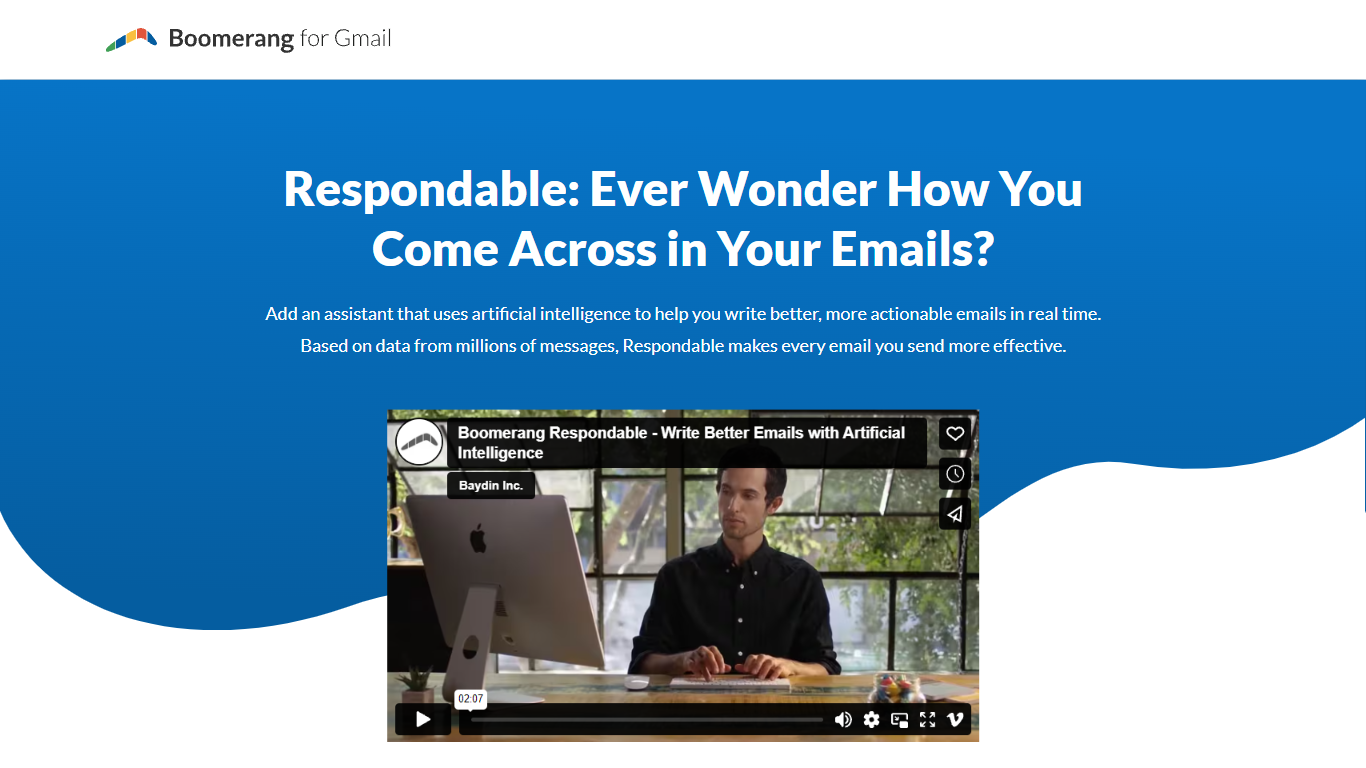
Respondable is an email assistant built into Boomerang for Gmail that scores drafts as you type. It predicts how likely a message is to get a reply and explains which factors drive that score, drawing on patterns from millions of sent emails. The tool surfaces tips on tone, including politeness, positivity, and subjectivity, so you can adjust wording before hitting send.
Most Gmail users guess at tone and hope for a response. Respondable gives live feedback inside the compose window instead of waiting for silence. That makes it especially useful for outreach to clients, follow-ups with your manager, and any thread where a missed reply costs time.
Sales reps, recruiters, and anyone living in Gmail who needs higher reply rates are the core audience. Respondable ships as part of the Boomerang extension, which also covers send-later, reminders, and inbox pause. Boomerang reports more than 1 million businesses on the platform and SOC 2 Type 2 certification on its main site.
Live response-likelihood score while you write in Gmail
Tone guidance on politeness, positivity, and subjectivity
Actionable rewrite tips trained on millions of email messages
Works inside Boomerang for Gmail on Chrome, Firefox, Safari, Opera, and Edge
Targets outreach, manager updates, and information requests called out on the page
Ships alongside Boomerang scheduling, reminders, and Inbox Pause tools
Real-time reply likelihood feedback inside Gmail compose.
Tone coaching on politeness, positivity, and subjectivity.
Backed by Boomerang, which reports 1M+ business users and SOC 2 Type 2 certification.
Requires the Boomerang browser extension and a Gmail or Google Workspace account.
Respondable pricing is bundled with Boomerang plans rather than sold separately on its landing page.
What is Respondable by Boomerang?
Respondable is an AI writing assistant inside Boomerang for Gmail that analyzes drafts in real time. Respondable estimates reply probability and explains how tone and structure affect the score.
How does Respondable improve my emails?
Respondable compares your draft against factors learned from millions of messages and highlights changes that raise response odds. Respondable coaches tone balance across politeness, positivity, and subjectivity.
Where does Respondable run?
Respondable runs inside the Boomerang browser extension for Gmail and Google Workspace. Boomerang lists support for Chrome, Firefox, Safari, Opera, and Edge on its main site.
Who should use Respondable?
Respondable targets anyone who needs more replies, including outreach to new clients, emails to your boss, and follow-ups when you need information back. The Respondable page lists those scenarios explicitly.
Is Respondable separate from Boomerang?
Respondable is a feature within Boomerang for Gmail, not a standalone app. You install Boomerang to access Respondable alongside send-later, reminders, and scheduling tools.
Is Boomerang free to install?
Boomerang offers a free Gmail install on boomeranggmail.com with paid plans for advanced scheduling and mobile features. Respondable is marketed on its own landing page inside that ecosystem.