
Last updated 08-21-2026
Category:
Reviews:
Join thousands of AI enthusiasts in the World of AI!
Routine
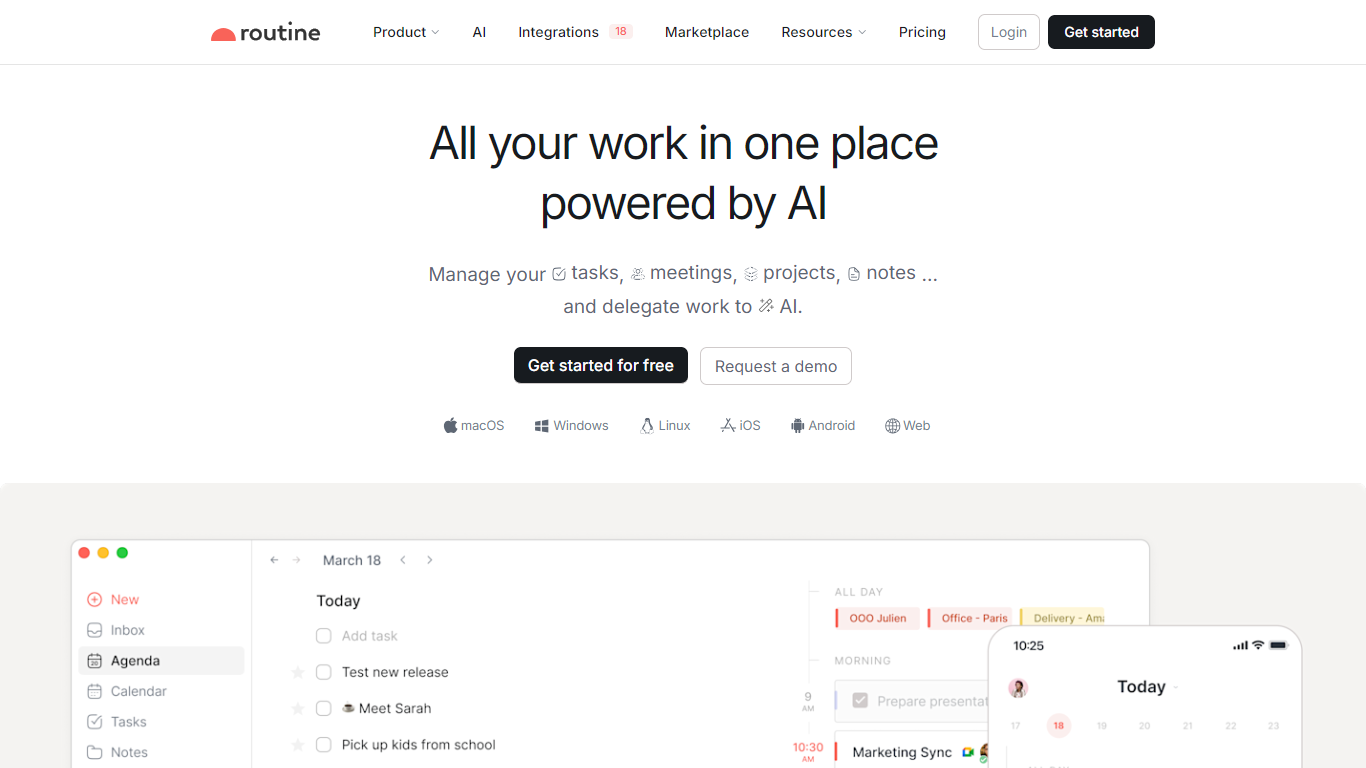
Routine combines tasks, calendars, notes, and AI assistance in one productivity app for desktop and mobile. You capture work through a universal inbox, quick hotkey, or voice commands, then plan it with time blocking, projects, and a single planner view. Professional plans add AI meeting notes without a meeting bot, specialized agents, automations, and integrations across the tools you already use.
Notion and Todoist each own a slice of the stack, but Routine targets the planner who lives in calendar blocks and hates tab switching. Its dashboard captures stray tasks, AI turns meeting summaries into action items, and agents automate email triage or research. Credit allotments scale from 250 on Free to 7,000 on Professional, so heavy AI users can see costs upfront instead of hidden message caps.
Ambitious professionals and small teams comparing Akiflow or Todoist plus a separate notes app are the core audience. Business plans add workspaces, access control, and 10,000 AI credits per seat for collaborative automation.
Free plan includes tasks, calendars, notes, AI assistant, voice commands, and 250 AI credits
Personal plan is $5 per month with time blocking, exporting, and 500 AI credits
Professional plan is $10 per month with AI meeting notes, agents, automations, and 7,000 AI credits
Business plan is $15 per seat per month with workspaces, access control, and 10,000 AI credits per seat
AI meeting notes summarize calls and create tasks without joining as a bot
Universal inbox centralizes tasks, messages, and notifications from connected integrations
Tasks, calendar, notes, and AI live in one planner instead of three apps
Meeting notes create tasks without a visible bot joining calls
Transparent AI credit tiers on each plan
Voice capture suits mobile capture workflows
Business tier adds workspace controls for small teams
Heavy AI usage may require Professional or Business credit limits
Free tier caps integrations at three and databases at three
Enterprise pricing requires contacting sales
Switching from entrenched Notion or Todoist setups takes migration effort
Is Routine free?
Yes. Routine offers a free forever plan with tasks, calendars, notes, an AI assistant, voice commands, offline mode, 3 integrations, and 250 AI credits. Paid Personal and Professional plans add more credits and features.
How much does Routine Professional cost?
Routine Professional costs $10 per month with cancel-anytime billing on the pricing page. It adds AI meeting notes, agents, automations, unlimited integrations, and 7,000 AI credits.
Does Routine take AI meeting notes?
Yes. Routine Professional includes AI meeting notes that summarize conversations and turn action items into tasks. Routine states this works on all platforms without a meeting bot.
What AI credits does Routine include?
Routine lists 250 AI credits on Free, 500 on Personal, 7,000 on Professional, and 10,000 per seat on Business. Credits power the assistant, voice commands, agents, and automations.
Can Routine automate workflows?
Yes. Routine Professional and Business add AI agents and automations that triage email, schedule meetings, and research information across connected integrations according to its AI product page.
Does Routine work for teams?
Yes. Routine Business at $15 per seat per month adds organization workspaces, access control, versioning, consolidated billing, and priority support for collaborative teams.