
Last updated 08-22-2026
Category:
Reviews:
Join thousands of AI enthusiasts in the World of AI!
Sendmux CLI
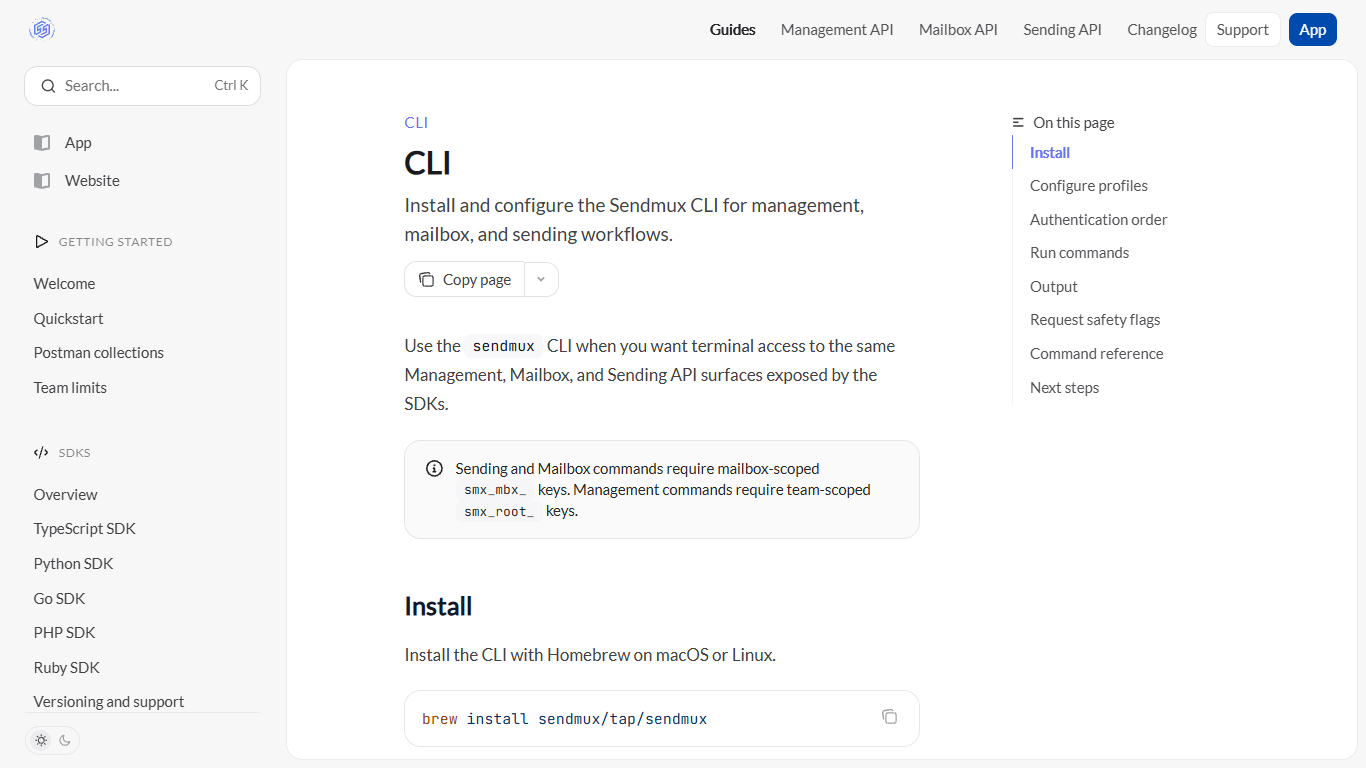
With Sendmux CLI you run Management, Mailbox, and Sending API commands from a terminal instead of hand-writing HTTP requests. Install through Homebrew, Snap, or npm, save scoped API keys as local profiles, and call colon-separated commands like sending:send or mailbox:messages:list when you need quick mailbox or send control from a shell.
Most email CLIs wrap one SMTP endpoint. Sendmux CLI maps three credential types to three API surfaces: smx_root_ keys for team management, smx_mbx_ keys for mailbox work, and smx_agent_ tokens for owner-approved agent sending. It validates key prefixes before each request, so a management command fails fast if you pass a mailbox key.
The tool fits backend developers, DevOps engineers, and AI agent builders who want a productivity workflow for scripting email in CI, cron jobs, or local terminals. Request bodies go inline or from files, output switches between readable JSON and machine-readable --json mode, and safety flags cover idempotency keys and conditional headers.
Install via Homebrew, Linux Snap, or npm install -g @sendmux/cli
Three API surfaces: management, mailbox, and sending commands with colon-separated names
Local profiles store smx_root_, smx_mbx_, and smx_agent_ keys with restricted file permissions
Pass request bodies with --body or --body-file and query params as name=value flags
Output formatted JSON by default or add --json for automation pipelines
Safety flags include --idempotency-key, --if-match, and --if-none-match per API operation
Maps three scoped key types to management, mailbox, and sending commands with prefix validation
Installs through Homebrew, Snap, or npm on common developer machines
Supports idempotency keys and conditional headers for safer scripted requests
Profiles avoid passing API keys on every command
Requires comfort with terminal workflows and JSON request bodies
No graphical interface; all operations run through CLI commands
Sending through managed Amazon SES is limited to transactional email, not bulk marketing
How do I install Sendmux CLI?
Sendmux CLI installs on Linux with sudo snap install sendmux, on macOS or Linux with brew install sendmux/tap/sendmux, or globally through npm as @sendmux/cli. Run sendmux --version after install to confirm the binary is on your PATH.
What API keys does Sendmux CLI accept?
Sendmux CLI checks key prefixes before each call. Management commands need team-scoped smx_root_ keys, mailbox and sending commands accept smx_mbx_ keys or scoped smx_agent_ tokens, and sending also works with owner-approved smx_agent_ Sending-resource tokens after human approval.
How does Sendmux CLI store credentials?
Sendmux CLI saves keys as named profiles with sendmux profiles:set, storing configuration locally with restricted file permissions. Commands resolve credentials from --api-key, SENDMUX_API_KEY, --profile, SENDMUX_PROFILE, or the default profile in that order.
Can Sendmux CLI send email from a script?
Yes. Sendmux CLI sends email with sendmux sending:send, passing a JSON body via --body or --body-file and an --idempotency-key for safe retries. The command needs a send-capable smx_mbx_ key or an owner-approved smx_agent_ Sending-resource token.
Does Sendmux CLI cost money to use?
Sendmux CLI itself is free to install. Sendmux bills email usage per event on a team balance, with new teams credited $1 at signup. Outbound mail through your own provider costs $0.000150 per accepted recipient, and managed Amazon SES sends cost $0.000250 per recipient.
How does Sendmux CLI format command output?
Sendmux CLI prints human-readable formatted JSON for API responses by default. Add the --json flag when another process needs strict machine-readable output, including base64-encoded binary responses with byte_length metadata.