
Last updated 10-23-2025
Category:
Reviews:
Join thousands of AI enthusiasts in the World of AI!
Shell Sage
Shell Sage is an open-source AI-powered terminal assistant designed to enhance command-line operations. It integrates with Ollama to provide users with the ability to generate shell commands, debug errors, and streamline their CLI workflows. This tool is particularly beneficial for developers and system administrators who frequently work with command-line interfaces and require a more intuitive way to manage their tasks. By leveraging local and cloud AI models, Shell Sage offers a unique value proposition that combines the power of artificial intelligence with the flexibility of local processing.
The target audience for Shell Sage includes developers, IT professionals, and anyone who regularly interacts with command-line tools. These users often face challenges in remembering complex commands or debugging issues, and Shell Sage aims to alleviate these pain points. The tool's ability to provide context-aware error analysis and automatic fixes makes it a valuable companion for both novice and experienced users alike. Its interactive setup wizard further simplifies the installation process, ensuring that users can get started quickly.
One of the key differentiators of Shell Sage is its hybrid mode, which allows users to seamlessly switch between local privacy and cloud performance. This flexibility is crucial for users who prioritize data security while still wanting the speed and efficiency of cloud processing. Additionally, the tool supports multiple API providers, including Groq, OpenAI, Anthropic, Fireworks, and Deepseek, giving users the freedom to choose the best model for their needs.
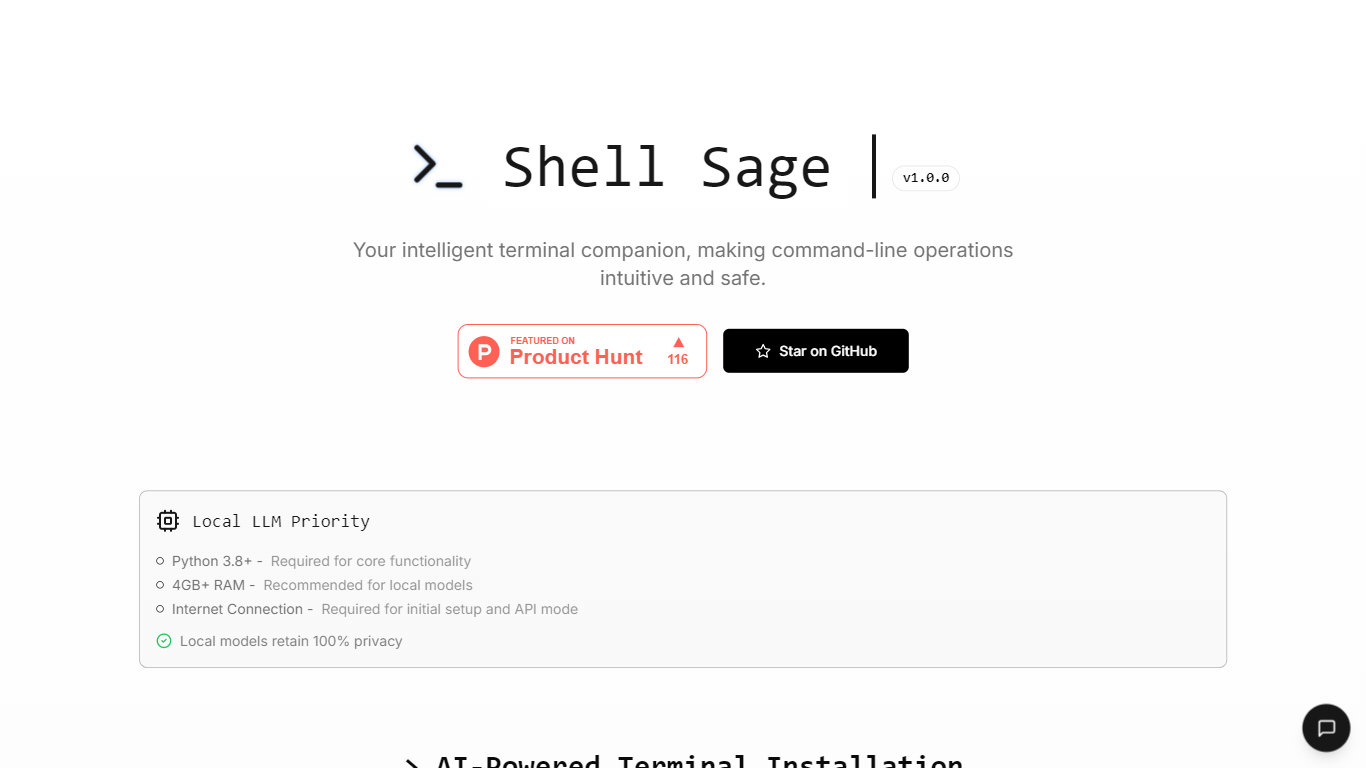
Technical implementation details reveal that Shell Sage can be easily installed via a simple command-line process, making it accessible to users with varying levels of technical expertise. The tool requires a minimum of 4GB of RAM for local processing, ensuring that it can run efficiently on most modern machines. Users can also configure their local mode and select from various AI models, enhancing the customization options available to them.
In summary, Shell Sage stands out as a powerful AI terminal assistant that not only simplifies command-line operations but also prioritizes user privacy and flexibility. Its open-source nature encourages community contributions and continuous improvement, making it a reliable choice for those looking to enhance their CLI experience.
AI-Powered Command Generation: Shell Sage helps users create shell commands quickly, making command-line tasks easier and faster.
Context-Aware Error Analysis: The tool analyzes errors in real-time and suggests automatic fixes, saving users time and frustration.
Interactive Safety Checks: Shell Sage provides confirmations for potentially destructive commands, ensuring users execute commands safely.
Hybrid Processing Modes: Users can switch between local and cloud processing, allowing for privacy and performance based on their needs.
Multi-Provider Support: The tool supports various AI models from providers like Groq and OpenAI, giving users flexibility in their choices.
How does local mode differ from cloud?
Local mode keeps all data on your machine, ensuring privacy, while cloud mode uses internet resources for faster processing.
Which models are officially supported?
Shell Sage supports models from Groq, OpenAI, Anthropic, Fireworks, and Deepseek.
How to switch providers?
You can switch providers easily through the configuration settings in Shell Sage.
Is Shell Sage open-source?
Yes, Shell Sage is proudly open-source, allowing users to contribute and modify the tool.
What are the system requirements for local processing?
Local processing requires a minimum of 4GB of RAM to function effectively.
Can I use Shell Sage without an internet connection?
Yes, you can use Shell Sage in local mode without an internet connection.
How do I install Shell Sage?
You can install Shell Sage by cloning the repository from GitHub and running the installation script.