
Last updated 07-24-2026
Category:
Reviews:
Join thousands of AI enthusiasts in the World of AI!
Shutout
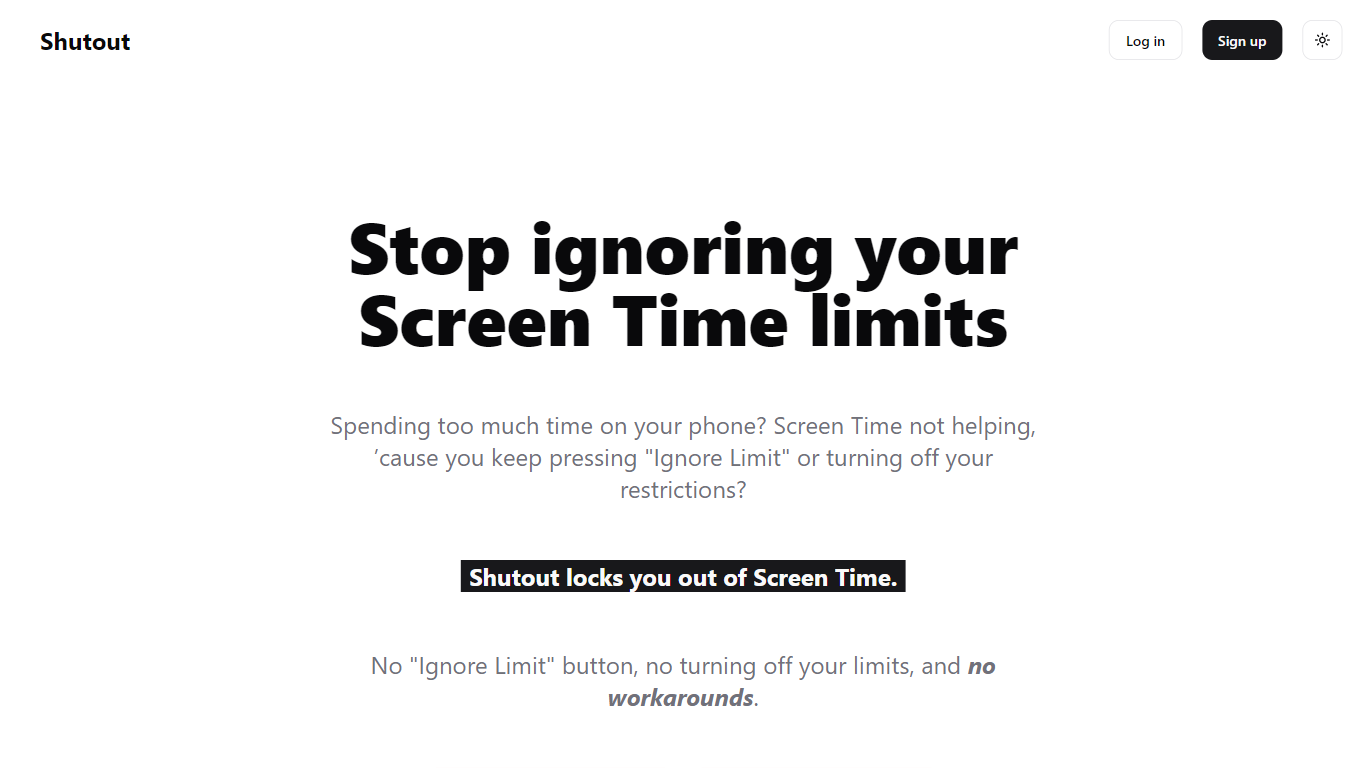
Shutout helps iPhone and iPad users stick to the Screen Time limits they already set. Instead of installing a blocker you can delete or disable in Settings, it locks the Screen Time passcode so you cannot ignore limits, turn restrictions off, or reset your way around them on impulse.
The setup works in three steps. Shutout sets your Screen Time passcode while having you enter it in a confusing order so you will not remember it. It saves the passcode without showing it, and getting it back means typing hundreds of random words first. It also disables Forgot Password by creating a dummy Apple ID as the recovery email, so resetting the passcode outside Shutout is not an option.
That approach targets a specific failure mode. Third-party blockers like Opal, Freedom, and Clearspace rely on Apple's Screen Time API and can be revoked from Settings in seconds. Vanilla Screen Time still offers an Ignore Limit button, and any passcode you set yourself is easy to recall. Shutout sits on top of Apple's built-in limits and removes those easy outs.
It is built for anyone who keeps pressing Ignore Limit or disabling restrictions when a limit hits. Plans start at $4.99 per month, with annual and lifetime options listed on the homepage.
Sets your Screen Time passcode in a confusing sequence so you will not remember it later
Hides the saved passcode behind hundreds of random words you must type to get it back
Blocks Forgot Password by routing recovery through a dummy Apple ID
Works with app limits, downtime, and content restrictions already in iOS Screen Time
iPhone and iPad support today, with Android listed on the product roadmap
Works with built-in iOS Screen Time instead of a third-party blocker you can revoke in Settings.
Removes the Ignore Limit path by locking a passcode you cannot easily recall.
Lifetime plan at $39.99 undercuts many competitor annual subscriptions listed on the homepage.
Passcode recovery is possible but requires typing hundreds of random words first.
iPhone and iPad only; Android support is not available yet.
No dedicated pricing page; plans are only listed on the homepage.
Changing Screen Time settings requires going through Shutout's tedious recovery flow.
What does Shutout actually do?
Shutout works with the Screen Time limits you already have on iPhone and iPad, including app limits, downtime, and content restrictions. It locks the Screen Time passcode so you cannot turn those limits off when you are tempted.
Does Shutout work on Android?
Not yet. Shutout is iPhone and iPad only because it hooks into Apple's Screen Time. The Shutout site lists Android support on the roadmap.
Why does Shutout use Screen Time instead of building its own blocker?
Third-party blocker apps can be deleted or turned off in Settings in seconds. Screen Time is built into iOS and cannot be removed, so Shutout locks the passcode instead of replacing the underlying system.
How much does Shutout cost?
Shutout lists $4.99 per month, $29.99 per year, and a $39.99 lifetime plan on its homepage. There is no separate pricing page.
Can I reset my Screen Time password without Shutout?
No. Shutout disables the Forgot Password option by setting a dummy Apple ID as the recovery email. The only way back to your passcode is through Shutout's recovery flow.
What happens if I need my Screen Time passcode back?
Shutout still stores your passcode, but you must type hundreds of random words first. The site describes it as tedious enough to stop an impulse but still available for emergencies.
How is Shutout different from Opal, Freedom, or Clearspace?
Apps like Opal, Freedom, and Clearspace use Apple's Screen Time API and can be revoked from Settings without a password. Shutout works with built-in Screen Time and locks the passcode so those bypasses are not available.