
Last updated 07-20-2026
Category:
Reviews:
Join thousands of AI enthusiasts in the World of AI!
Signmeup.ai
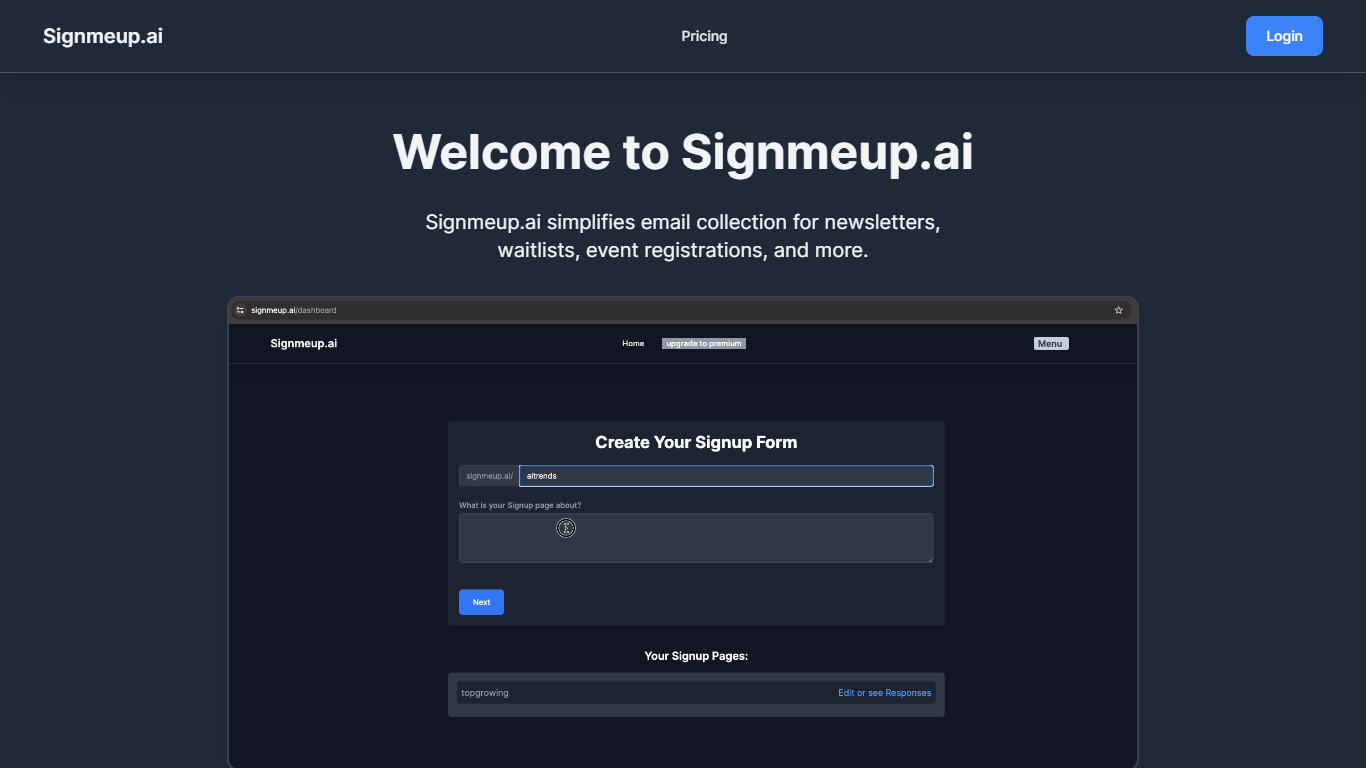
Signmeup.ai is a form builder that turns a short text prompt into a ready-to-publish signup, survey, or feedback form. Describe what you need, and it generates fields, layout, and copy in seconds. Responses land in a dashboard where you can chart trends, filter submissions, and export data.
The workflow starts with a prompt, then moves into a drag-and-drop editor where you can tweak field labels, colors, and structure. You can embed forms with a single snippet and connect exports to tools like Google Sheets, Mailchimp, Notion, or Zapier.
It fits founders, marketers, and community builders who need waitlists, onboarding flows, event registrations, or lead capture pages without writing code.
Describe a form in plain text and get fields, layout, and copy generated in seconds
Drag-and-drop editor with 20+ field types, including file uploads and dropdowns
Unlimited forms and submissions on the free plan
Response dashboard with trend charts, filters, and export options
Embed forms anywhere with one snippet, plus Google Sheets, Mailchimp, Notion, and Zapier hooks
Free tier includes unlimited forms and submissions with no credit card required.
Generates full form structure and copy from a single text prompt.
Supports 20+ field types and integrations with Google Sheets, Mailchimp, Notion, and Zapier.
Privacy and terms pages were not available at the time of research.
Templates page returned a not-found response during enrichment.
Is Signmeup.ai free to use?
Yes. Signmeup.ai offers a free plan with unlimited forms, unlimited submissions, basic analytics, AI form generation, and embed snippets. No credit card is required to start.
How does Signmeup.ai use AI to build forms?
Signmeup.ai reads your text prompt to understand the form goal, then generates matching fields, structure, and suggested headlines or call-to-action copy. You can edit everything in the builder before publishing.
What types of forms can I create with Signmeup.ai?
Signmeup.ai supports signup forms, contact forms, surveys, feedback forms, job applications, event registrations, and lead capture pages. Field types and tone adjust to the purpose you describe.
Can I customize forms after AI generation?
Yes. After Signmeup.ai generates a form, you can edit field labels, colors, and layout in the drag-and-drop builder. Pro adds custom domains and branding controls.
How do I sign in to Signmeup.ai?
Signmeup.ai supports Google sign-in and email/password login. New users can create a free account from the login page without a credit card.
What does the Signmeup.ai Pro plan include?
Signmeup.ai Pro includes everything in Free plus real-time analytics and reporting, custom domains and branding, and priority chat support. Pricing is shown on the homepage with annual and monthly billing options.