
Last updated 07-21-2026
Category:
Reviews:
Join thousands of AI enthusiasts in the World of AI!
Smartrazor
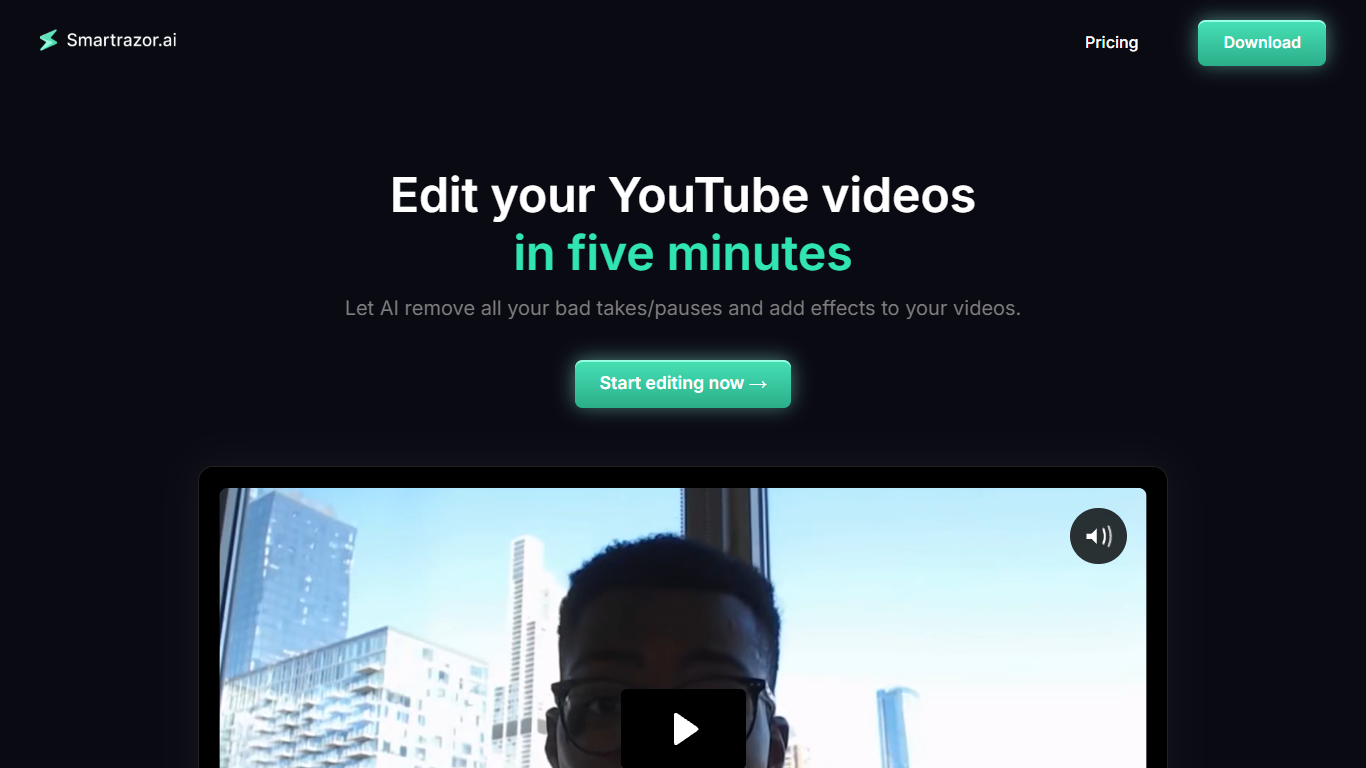
Smartrazor is a desktop video editing app built for YouTube creators who film talking-head videos. Record in the app or upload raw footage, and it automatically cuts mistakes, pauses, and bad takes while adding captions and zoom effects.
The tool focuses on longform YouTube editing rather than short clips. A transcript editor lets you adjust cuts by editing text instead of scrubbing through timeline footage, and an effects timeline handles zoom and caption placement.
It is aimed at solo creators, entrepreneurs, and content agencies who produce camera-facing videos and want editing handled without hiring a full-time editor or spending hours on every upload.
Cuts mistakes, pauses, and bad takes from raw talking-head footage automatically
Animated auto captions and smart zoom placement on Standard and Team plans
Text-based transcript editor to tweak cuts without replaying full footage
Record directly in the app or upload pre-recorded raw video files
Export straight to YouTube, download the full video, or save individual clips
Automates first-pass editing for longform talking-head YouTube videos
Transcript-based editing lets you fix cuts without scrubbing timeline footage
Lite plan starts at $9/month with 80 upload minutes included
Free trial available on all paid plans before subscribing
Direct YouTube export plus full video and individual clip downloads
English is the only reliably supported language
Upload minutes are capped per plan tier
Desktop app only with no browser-based editor mentioned
AI cuts can miss the mark and require manual transcript adjustments
Does Smartrazor offer a free trial?
Yes. Smartrazor offers a free trial on all paid plans before you commit to a subscription. Plans are billed monthly or annually through Whop.
How much does Smartrazor cost?
Smartrazor has three paid plans: Lite at $9/month with 80 upload minutes, Standard at $29/month with 240 upload minutes, and Team at $79/month with 960 upload minutes. Standard and Team include animated auto captions and zoom placement.
What platforms does Smartrazor support?
Smartrazor is a desktop application available for Apple and Windows. Download links are provided through the Whop checkout page linked from the Smartrazor website.
What languages does Smartrazor support?
Smartrazor currently supports English only. The site states that English is the only language reliably supported for transcription and editing.
What are Smartrazor's export options?
Smartrazor lets you export directly to YouTube, download the full edited video, or download individual clips to your local computer.
How is Smartrazor different from other video editors?
Smartrazor is built specifically for longform YouTube talking-head editing. It automates mistake cutting, captions, and zoom effects in one pass, with a transcript editor for quick manual adjustments when the AI misses a cut.