
Last updated 07-28-2026
Category:
Reviews:
Join thousands of AI enthusiasts in the World of AI!
Snap headshots
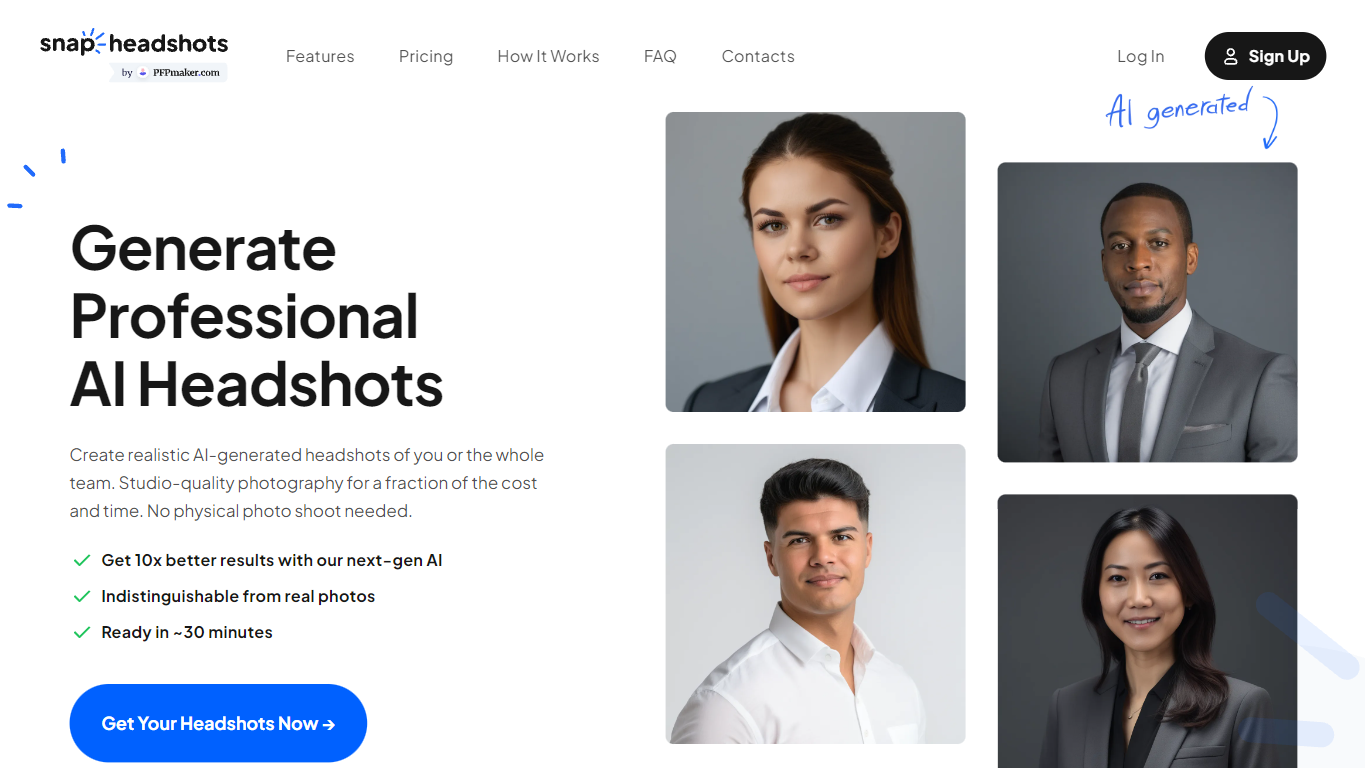
Snap headshots offers realistic AI-generated headshots tailored for business professionals, enabling you to create studio-quality photos without a physical photoshoot. Upload a single selfie and choose from over 400 styles, including various outfits, backdrops, and poses, to generate professional headshots in about 20 seconds. This tool is designed to meet the specific standards of different industries, helping users make a strong impression on CVs, LinkedIn, email signatures, and other professional platforms.
It supports consistent team photos across locations and devices, eliminating the need for coordinating photoshoots. The platform also provides additional tools like LinkedIn and resume summary generators to complement your professional image. All processing happens in-browser with no app downloads required, and privacy policies ensure your photos are handled securely with options for deletion.
Generate professional headshots in about 20 seconds ⏱️
Choose from 400+ styles including outfits and backdrops 🎨
Create consistent team photos remotely without photoshoots 👥
Works on any device with no app download needed 📱💻
Includes LinkedIn and resume summary generators for career branding 📝
Fast generation of high-quality headshots in 20 seconds
Wide variety of styles tailored to different industries
No need for physical photoshoots or professional photographers
Supports consistent team headshots across locations
Works seamlessly on all devices without app installation
Requires purchase of credits for headshot generation
Multiple selfies recommended for best results, which may be inconvenient for some users
How do I start creating headshots?
Snap headshots open the headshot flow on PFPMaker, upload the requested number of selfies, and follow the on-screen posing tips. Everything runs in your browser with no app download needed.
Why do you need several selfies?
Snap headshots multiple selfies from different angles and lighting help the AI generate more realistic and consistent headshots with better likeness and fewer artifacts.
What should uploaded photos look like?
Snap headshots use clear head-and-shoulders shots of yourself alone without heavy filters, sunglasses, hats, or other objects covering your face. Avoid blurry or group photos.
How do you use and protect my photos?
Snap headshots photos are processed to generate headshots and related outputs. They are protected with industry-standard security, not resold, and retention periods are detailed in the Privacy Policy.
Is it safe to process my photos with AI?
Snap headshots yes, the platform uses industry-standard practices to protect your uploads in transit and at rest, ensuring your privacy and security.
Do you support larger teams?
Snap headshots yes, many teams use PFPMaker for consistent profile photos. For bulk or invoiced purchases, contact support for the best workflow options.
Can I choose different styles and poses?
Snap headshots yes, you can select from hundreds of styles including outfits, backdrops, poses, and facial expressions to match your professional needs.