
Last updated 07-22-2026
Category:
Reviews:
Join thousands of AI enthusiasts in the World of AI!
Steve AI
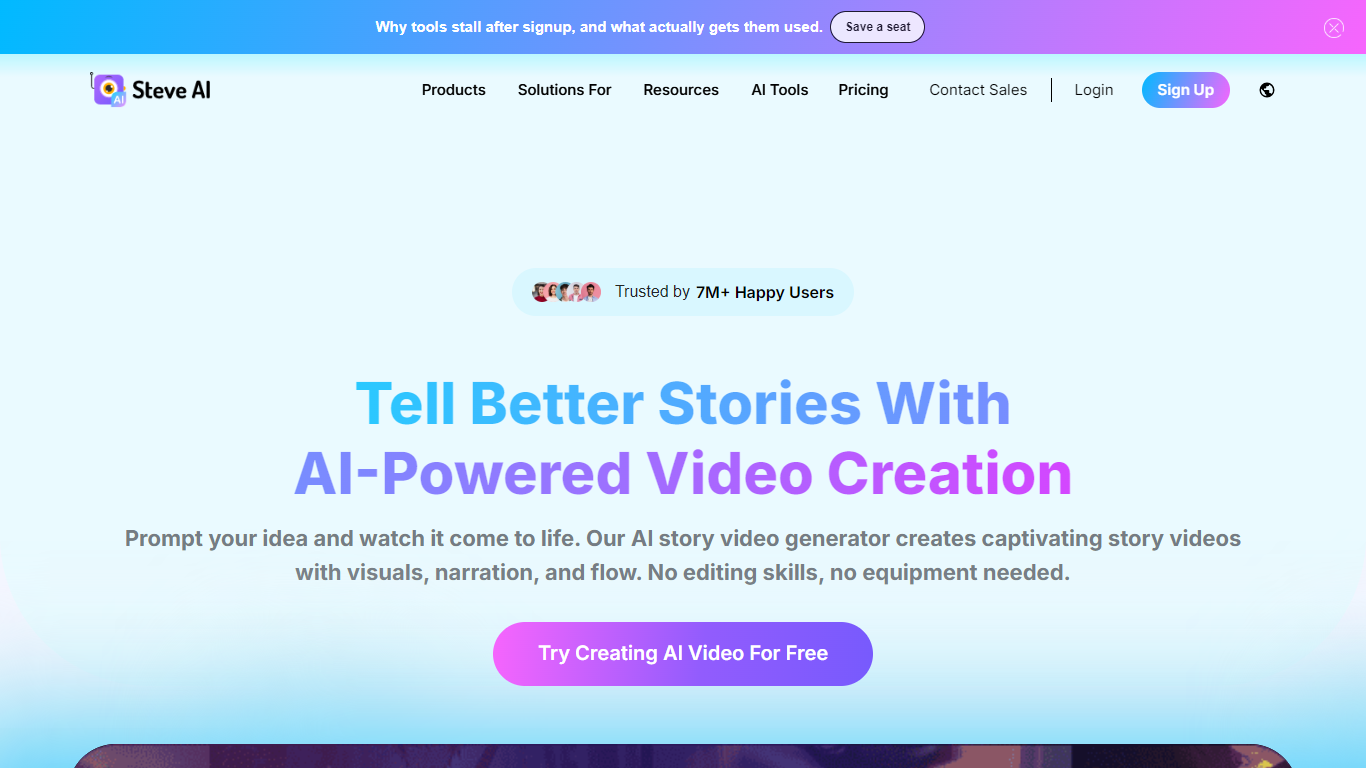
Steve AI is a patented video creation platform from the makers of Animaker. You feed it text, scripts, blog posts, audio, or prompts, and it builds finished videos with narration, visuals, subtitles, and scene-level editing controls.
The product spans several creation modes: text-to-video, blog-to-video, audio-to-video, generative AI scenes, 2D animation with custom avatars, and short clips through integrations like Google Veo 3. Faceless creators, marketers, educators, and L&D teams are the main audiences, with dedicated workflows for YouTube, social ads, training videos, and enterprise compliance content.
Steve AI reports 7M+ users and positions itself as the only AI video maker with three patents. It ships an iOS app for mobile editing, supports 10+ voiceover languages, and offers team collaboration with brand kits, approval workflows, and LMS-friendly exports.
Turn scripts, blog URLs, or audio files into full videos with AI narration and visuals
Generative AI video maker with character consistency across scenes and styles
300+ animated characters, 140M+ Getty stock assets, and custom brand kits
Scene-level control lets you edit visuals, swap assets, and reorder scenes before export
Exports up to 2K or 4K with watermark-free plans, subtitles, and direct YouTube publishing
100+ human-like AI voiceovers across 10 languages including English, Spanish, and Hindi
Enterprise L&D suite with SCORM exports, content repurposing from PDFs and PPTs, and 100+ language translation
Wide input options from text and blogs to audio and generative prompts
Large asset library with 300+ avatars and Getty stock media built in
Strong enterprise L&D positioning with SCORM, repurposing, and compliance certifications
Scene-level editing gives more control than pure one-click generators
Backed by Animaker with a large existing user base and mobile iOS app
Pricing tiers are fragmented across multiple upgrade paths on the billing page
Free plan limits downloads and adds watermarks on lower tiers
Full 4K and unlimited exports require Enterprise contact sales
Core editing happens in a separate app subdomain rather than the marketing site
Is Steve AI free to use?
Yes. Steve AI offers a free plan where you can generate unlimited videos with limited local downloads and direct publishing to YouTube. Paid plans unlock HD exports, watermark-free videos, and higher monthly download limits.
What video types can Steve AI create?
Steve AI supports explainer videos, storytelling content, kids videos, promotional ads, generative AI videos, animation videos, and news-style videos. Input options include text, prompts, blog URLs, and audio files.
Does Steve AI have a mobile app?
Yes. Steve AI offers an iOS app for creating and editing videos on the go, aimed at creators who need quick social media content from mobile devices.
What languages does Steve AI support for voiceovers?
Steve AI provides human-like AI voiceovers in 10 languages: English, French, German, Italian, Portuguese, Spanish, Dutch, Swedish, Telugu, and Hindi. Multi-voice support allows different characters in one video.
What export resolutions does Steve AI offer?
Steve AI exports videos up to 2K and 4K HD depending on your plan. Free and lower-tier plans support 720p or 1080p, while Pro and Enterprise plans unlock 2K and 4K exports with higher download limits.