
Last updated 08-13-2026
Category:
Overall Rating:
5.0 🏆
Reviews:
Join thousands of AI enthusiasts in the World of AI!
Storyboarder.ai
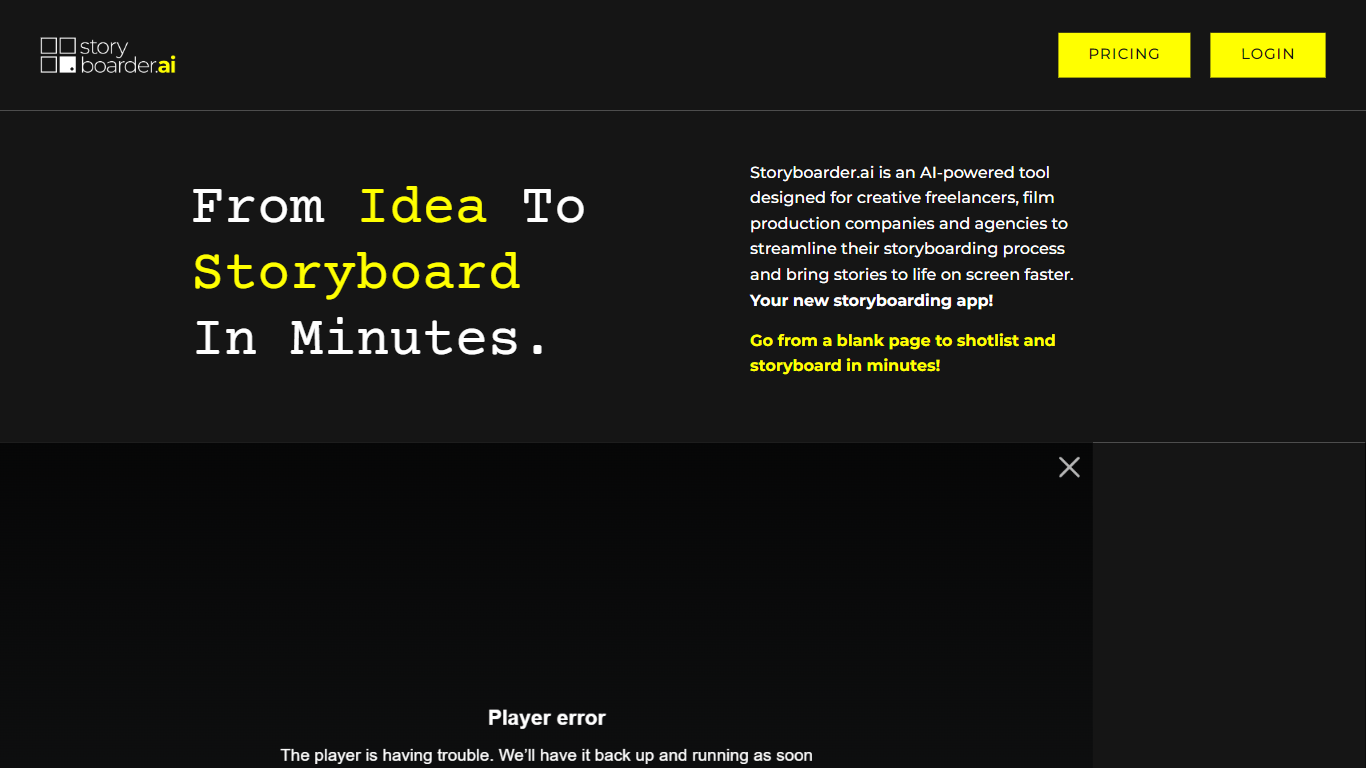
Storyboarder.ai automates pre-production by turning a script upload or concept into a shot list, storyboard frames, screenplay formatting, and animatics inside the browser. You refine characters, camera angles, and locations, then export PDF, Excel, or pitch-deck presentations for crew reviews.
Traditional storyboarding means hiring illustrators or spending days in drawing tools. Storyboarder.ai chains script parsing, consistent character rendering, 3D camera repositioning, and Video 2.0 clip generation (up to 15 seconds) in one pipeline, and advertises unlimited image iterations without a credit counter on paid plans.
It targets filmmakers, agencies, and creative freelancers who need pitch-ready boards fast. The marketing site highlights 250,000+ creators, a 4.7 out of 5 G2 rating, and features like multi-cut video mode with built-in audio for animatic previews.
Upload a script to generate shot lists, storyboard frames, and animatics automatically
Video 2.0 creates clips up to 15 seconds with multi-cut mode and built-in audio
3D camera-angle tool reframes a storyboard frame without regenerating the image
Consistent character, location, and object rendering across shots
Unlimited image iterations with no per-image credit counter on plans
One-click pitch deck export with multiple presentation templates
End-to-end pipeline from script upload to animatic and pitch deck export.
Unlimited image iterations without a credit-based generation counter.
3D camera repositioning saves time versus re-prompting every angle change.
Public pricing details live on the app subdomain, not the marketing site.
Heavy productions may still need manual polish on complex action sequences.
Video clips cap at 15 seconds per frame in Video 2.0 mode.
What does Storyboarder.ai do?
Storyboarder.ai turns scripts or concepts into shot lists, storyboard images, screenplays, and animatics. It runs in the browser and exports PDF, Excel, or pitch-deck files for production teams.
Is there a free plan for Storyboarder.ai?
Yes. Storyboarder.ai includes a free tier for new users. Paid upgrades are optional after you create an account.
Can Storyboarder.ai keep characters consistent?
Yes. Storyboarder.ai locks character, location, and object visuals across frames so shots read as one story instead of mismatched AI images.
Does Storyboarder.ai generate video?
Yes. Storyboarder.ai Video 2.0 animates storyboard frames into clips up to 15 seconds, with multi-cut sequences and built-in audio for animatic previews.
Can I control camera angles in Storyboarder.ai?
Yes. Storyboarder.ai includes a 3D camera tool that lets you orbit, pan, tilt, and zoom from a single frame to refine composition without regenerating the whole board.
Who is Storyboarder.ai for?
Storyboarder.ai targets filmmakers, creative agencies, and freelancers who need fast pre-production boards, pitch decks, and animatics without hand-drawing every frame.