
Last updated 08-14-2026
Category:
Reviews:
Join thousands of AI enthusiasts in the World of AI!
Sukha
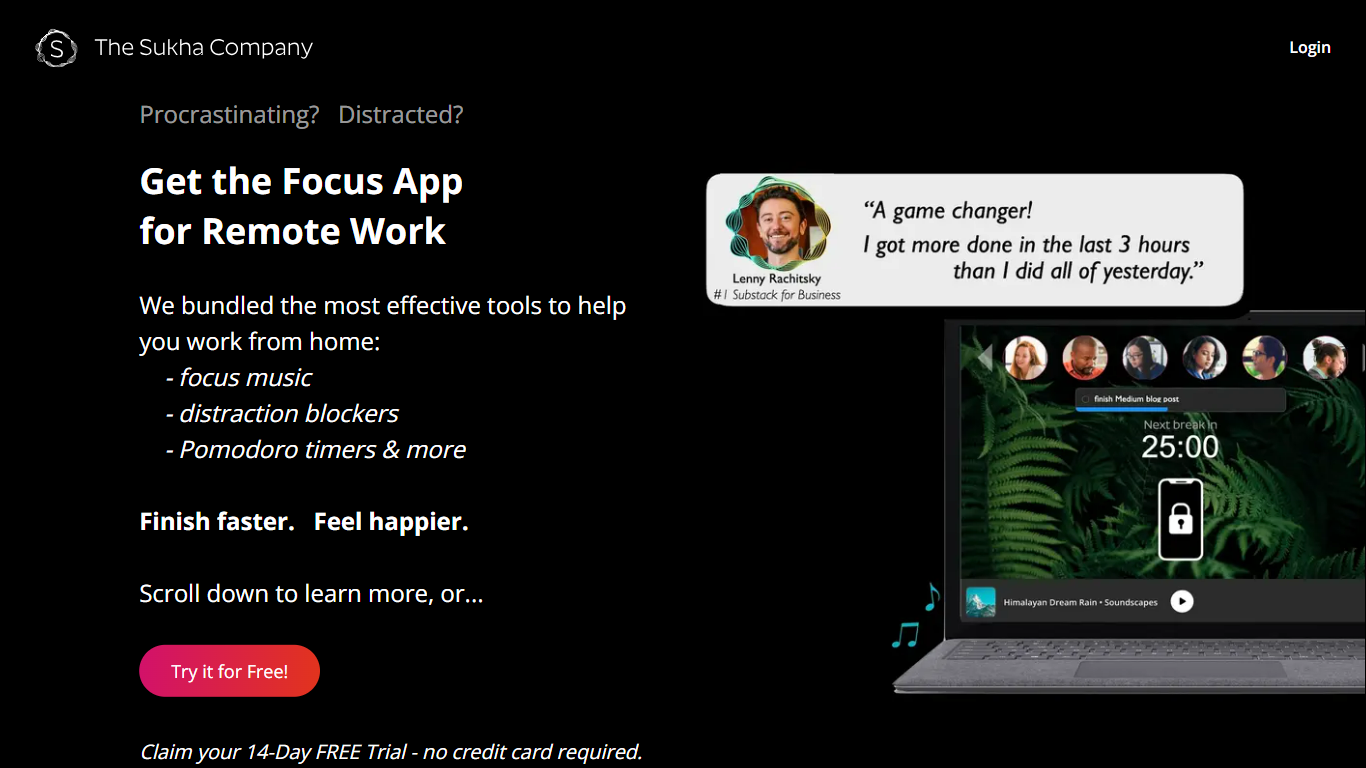
Press Play in Sukha and a full deep-work session starts in the browser: site and app blocking, lofi and binaural music, your task list, a Pomodoro timer, and an AI coach that nudges you off your phone. It runs in Chrome, Edge, Arc, or Brave on Mac, Windows, and Chromebook with no desktop install, which makes it a productivity workspace you open instead of a stack of single-purpose tabs.
Most focus tools solve one slice. Pomodoro apps impose a schedule, music apps supply audio, and blockers cut off sites. Sukha treats those as entry conditions for deep work and wires them together so you are not opening four subscriptions every morning. The trade-off is narrow: it targets knowledge workers who sit down to think, not people whose day lives on Zoom or phone calls.
Writers, developers, and designers use Sukha for long writing blocks, coding sprints, and design work where context switching kills momentum. The site also publishes dedicated pages for ADHD workflows, with gentle streaks and an AI assistant that breaks vague tasks into one next step.
One Play button starts blocking, lofi and binaural music, tasks, and a Pomodoro timer together
Blocks distracting websites and apps on desktop and phone during a session
Pulls tasks from Todoist, Linear, and Google Tasks without rebuilding your list
3-day full-access trial before choosing $20 per month or a $400 lifetime plan
AI focus coach breaks stalled tasks into one concrete next step
Runs in any Chromium browser on Mac, Windows, and Chromebook with no desktop install
Replaces a stack of separate blockers, music apps, timers, and task tools with one Play button.
Blocks distractions on both computer and phone during a session.
Imports tasks from Todoist, Linear, and Google Tasks instead of forcing a new list.
3-day trial includes every feature with no in-app upsells or ads.
AI coach turns vague or oversized tasks into one specific next step.
Requires a Chromium browser; no native desktop or mobile app outside the browser.
Built for deep solo work, not roles centered on meetings, phone calls, or Zoom.
Paid membership starts at $20 per month after the 3-day trial.
Does Sukha offer a free trial?
Yes. Sukha gives every new member a 3-day trial with full Pro access and unlimited sessions. You sign up with email at app.thesukha.co, press Play, and cancel before the trial ends if it is not a fit. No feature paywalls appear during the trial.
How much does Sukha cost after the trial?
Sukha costs $20 per month on the Monthly plan or $400 as a one-time Lifetime payment. Both plans include unlimited focus sessions, flow music, distraction blocking, the AI task manager, and the AI focus assistant. Lifetime adds priority support and future features with no recurring charge.
What devices and browsers does Sukha support?
Sukha runs in Chromium browsers such as Chrome, Edge, Arc, and Brave on Mac, Windows, and Chromebook. There is no desktop app to install. A free Chrome extension extends blocking across the browser, and phone blocking keeps distractions off your mobile device during sessions.
Can Sukha import tasks from other apps?
Yes. Sukha pulls to-dos directly from Todoist, Linear, and Google Tasks so you do not retype lists you already maintain. During a session it also updates your Slack status to In a Sukha session and mutes notifications, and it works alongside Google Calendar.
Who is Sukha designed for?
Sukha targets knowledge workers who need long stretches of deep thinking, especially writers, developers, and designers. The site states it is a poor fit for roles spent mostly on phone calls, Zoom, or meetings such as sales or biz dev. Dedicated pages cover writers, developers, designers, and ADHD users.
How is Sukha different from a Pomodoro timer?
A Pomodoro timer only schedules work and break intervals. Sukha is a flow state app that combines blocking, focus music, task management, session metrics, and an AI coach in one product. The homepage comparison table positions it against separate blockers, music apps, timers, and coworking tools you would otherwise stack manually.