
Last updated 07-26-2026
Category:
Reviews:
Join thousands of AI enthusiasts in the World of AI!
TalkForm AI
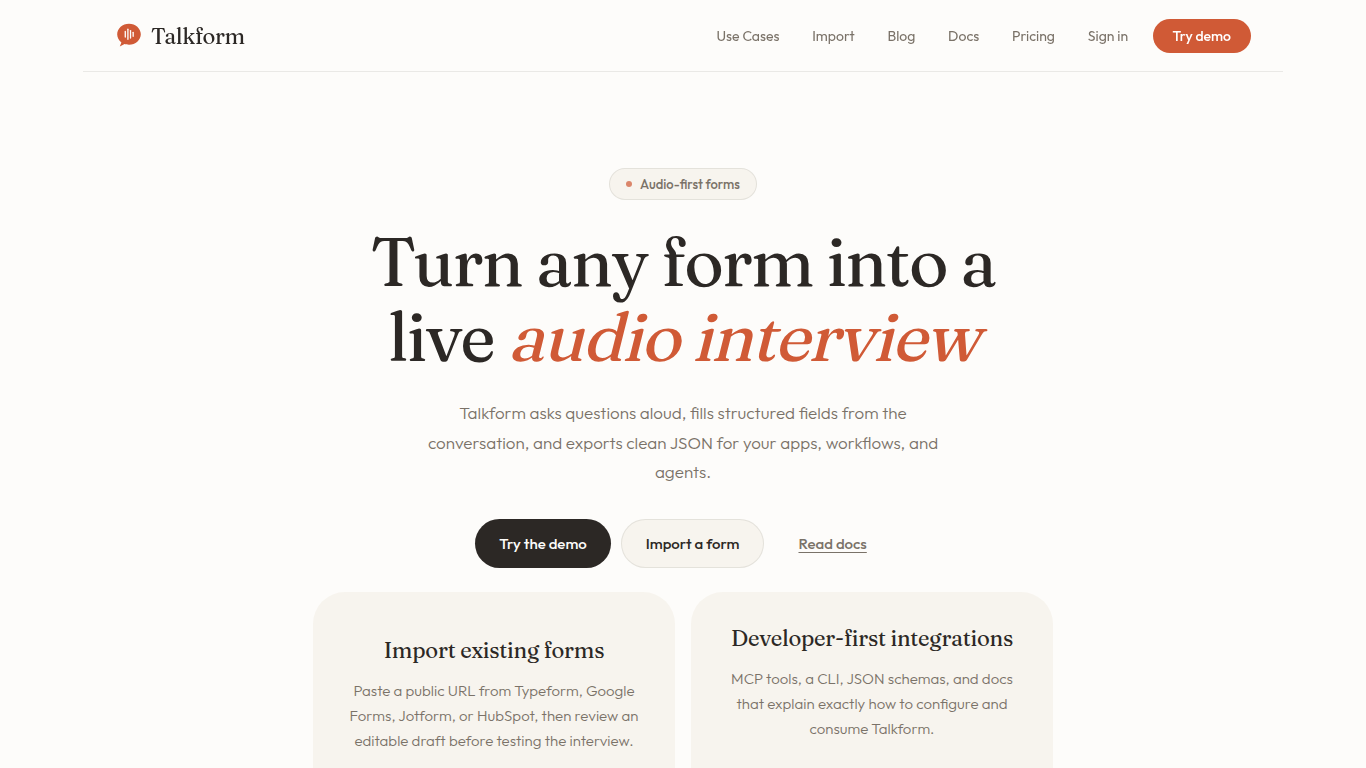
TalkForm AI transforms traditional online forms into guided voice interviews that capture structured data through natural conversation. Users can import forms from popular platforms like Typeform, Google Forms, Jotform, and HubSpot, then conduct live audio or text interviews in the browser. The tool listens, clarifies missing information, and structures answers into clean JSON outputs ready for integration with apps and workflows. It supports developer-friendly integrations including React widgets, HTTP APIs, CLI tools, and MCP schemas for AI agents. Voice input is optional, with typing available as a fallback, ensuring accessibility and privacy. TalkForm AI focuses on improving form completion rates by reducing friction and allowing respondents to explain their answers naturally while maintaining data structure. Its value lies in turning rigid forms into conversational experiences that gather richer context and improve data quality for onboarding, customer feedback, lead qualification, and more.
🎙️ Voice-first interviews that ask questions aloud and capture answers naturally
🔄 Import existing forms from Typeform, Google Forms, Jotform, and HubSpot for quick setup
🛠️ Developer tools including React widget, HTTP API, CLI, and MCP integration for flexible embedding
📝 Real-time transcript and answer review with editable structured JSON export
🔒 Privacy-focused design with optional voice input and local data storage until export
Transforms static forms into engaging voice interviews to increase completion
Supports importing from major form providers for easy migration
Offers multiple integration options for developers and teams
Ensures privacy by keeping audio and transcripts local until export
Provides structured JSON output compatible with existing workflows
Complex form logic and widgets may require manual configuration after import
No certification for handling regulated or highly sensitive data
Hosted production features have usage limits and require contacting support for scaling
Does TalkForm require microphone access to work?
No, microphone access is optional. Users can type answers without a realtime audio connection, and all data stays in the browser until export.
Which form platforms can I import into TalkForm?
TalkForm supports importing public forms from Typeform, Google Forms, Jotform, and HubSpot, though complex logic or restricted forms may need manual adjustments.
How does TalkForm handle data privacy and storage?
In the public demo, audio streams and transcripts stay local in your browser until you export. Hosted workflows store only reviewed structured answers temporarily, not raw audio.
Can TalkForm make decisions based on voice characteristics?
No, TalkForm does not infer protected traits or emotions from voice and avoids making unreviewed consequential decisions.
Is TalkForm suitable for regulated or sensitive data?
TalkForm does not claim certification for regulated data. Avoid submitting highly sensitive information without prior review.
What developer tools does TalkForm provide?
TalkForm offers React embedding, HTTP APIs, CLI tools, and MCP schemas to integrate voice interviews into various applications and workflows.
How does TalkForm improve form completion rates?
By replacing static forms with guided voice interviews, TalkForm reduces friction and lets respondents explain answers naturally, boosting engagement and completion.