
Last updated 08-09-2026
Category:
Reviews:
Join thousands of AI enthusiasts in the World of AI!
Talking Avatar
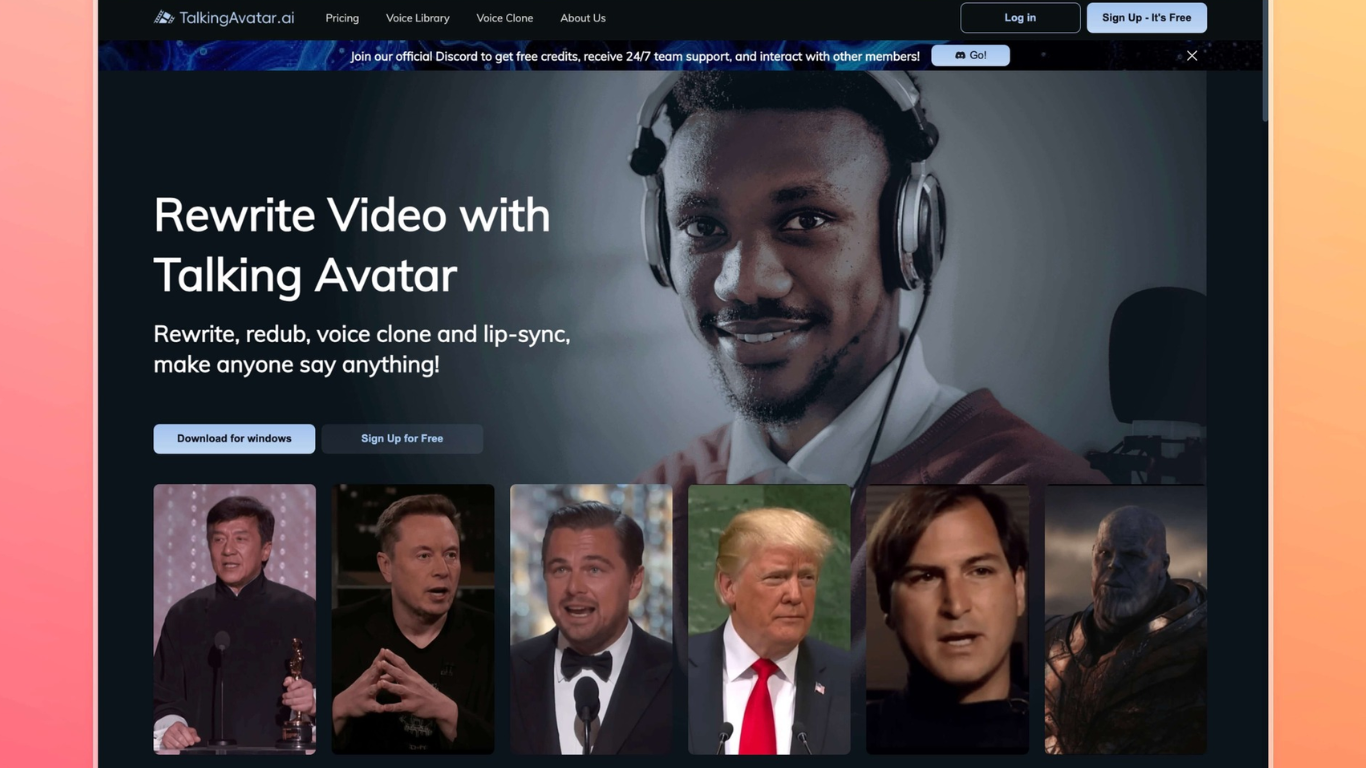
Talking Avatar lets you rewrite, redub, and lip-sync existing videos so on-screen faces match new speech. Clone a voice from one sentence of audio, assign different voices to multiple speakers in the same clip, or drop NotebookLM podcast audio onto avatars with one click. The tool runs in a Windows desktop app and a browser editor, with an avatar library spanning ages, ethnicities, and styles.
Where most avatar tools focus on generating clips from scratch, Talking Avatar is built around editing footage you already have. You change narration by editing text instead of re-recording, refresh old ads in new languages, and run a Stream Avatar mode that lip-syncs a camera-replacement double on Zoom, Twitch, or TikTok while you speak off camera.
Video creators, marketers, educators, and podcast producers use it to repurpose long-form content without a reshoot. The Windows app unlocks unlimited processing and the V2.0 lip-sync model, while the online version handles quick tests. Sign-up is free with no credit card, though heavy rendering expects a discrete NVIDIA or AMD GPU on Windows 10 or newer.
Clone any voice from a single sentence of sample audio
Multi-speaker lip-sync with separate voice tracks per face
Edit spoken lines by changing text instead of re-recording
Stream Avatar mode for Zoom, Twitch, and TikTok camera replacement
One-click NotebookLM podcast audio to lip-synced avatar video
Voice library with 1,000+ models plus custom clones
V2.0 lip-sync model with teeth enhancement and intensity controls
Edits existing footage instead of forcing you to regenerate whole videos
One-sentence voice cloning with multi-speaker lip-sync in one project
Stream Avatar works as a live camera replacement on major platforms
NotebookLM podcast import automates speaker matching
Free tier available without a credit card
Full feature set requires a Windows desktop app with a discrete GPU
V2.0 lip-sync model is slower and needs higher-end NVIDIA or AMD hardware
Pricing page lists paid tiers but did not render specific dollar amounts during research
What does Talking Avatar do?
Talking Avatar rewrites, redubs, and lip-syncs videos so people on screen appear to say new lines. You can clone voices, assign multiple speakers in one clip, and generate avatar videos from text or imported audio.
Does Talking Avatar have a free plan?
Yes. Talking Avatar lets you try core features for free with no credit card at sign-up. Higher-use yearly plans are also listed on the pricing page.
Can Talking Avatar run on Mac or Linux?
Talking Avatar provides a Windows desktop download and an online editor. System requirements list Windows 10 Anniversary Update or newer with an Intel Core i5 9400 or AMD Ryzen 5 2600, 8 GB RAM, and an NVIDIA GeForce 1060 or Radeon RX 580 GPU minimum.
How does Talking Avatar voice cloning work?
Talking Avatar analyzes one sentence of speech to build a voice clone, then generates new narration from text with lip movements matched automatically. You can preview clones in real time before exporting.
What is Stream Avatar in Talking Avatar?
Talking Avatar's Stream Avatar mode replaces your webcam feed on Zoom, Twitch, TikTok, and similar apps. You speak normally and your AI body double lip-syncs on camera, or can speak on your behalf without turning on a real camera.
Does Talking Avatar support NotebookLM podcasts?
Yes. Talking Avatar imports NotebookLM-generated podcast audio, diarizes speakers, matches segments to faces, and lip-syncs each speaker in one click according to the product help pages.