Top 15 AI Avatar Video Generator tools in 2026
The AI Avatar Video Generator tools allows users to create personalized videos featuring lifelike avatars. With advanced AI technology, this platform enables anyone to quickly design avatars that can speak, gesture, and interact in real-time. You can choose from a variety of pre-designed avatars or customize your own to match a specific personality or brand. Its user-friendly interface makes it easy to generate high-quality content for presentations, tutorials, or marketing campaigns without any prior experience in video editing.
One of the standout features is its text-to-video capability, which allows you to simply enter a script and watch as the avatar brings your words to life. The tool is perfect for businesses, educators, and content creators who want to engage thier audience in a unique and impactful way. By combining creativity with AI-driven automation, the AI Avatar Video Generator saves time while delivering professional-grade results.
AI Avatar Video Generator By Wondershare
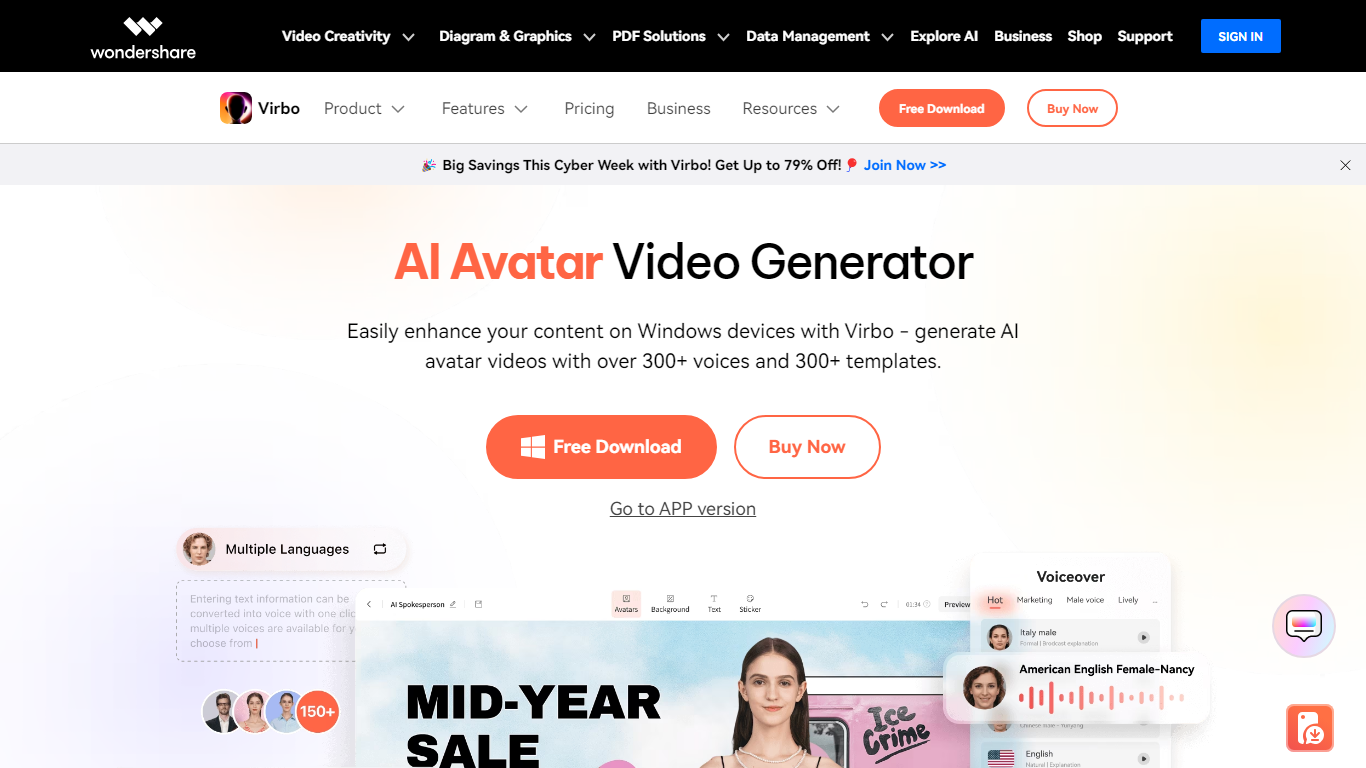
What does AI Avatar Video Generator By Wondershare do?
Wondershare Virbo builds presenter-style videos from text scripts using 350+ digital avatars and 460+ text-to-speech voices. You write or auto-generate a script, pick an avatar and voice, customize backgrounds and music, then export a Full HD MP4 or WebM file.
Talking-head video tools often need a camera and studio setup. Virbo skips filming entirely: its AI script optimizer drafts copy, avatars lip-sync in multiple languages, and 400+ industry templates cover marketing, e-commerce, training, and social posts. URL-to-video and talking-photo modes extend the same pipeline to product links and still images.
Marketers, e-commerce sellers, trainers, and social creators are the target users. A free online version runs through Media.io, with desktop and mobile apps also available. Custom AI avatars and voice cloning sit on the premium side of the product.
350+ AI avatars spanning multiple ethnicities, ages, and presentation styles
460+ text-to-speech voices across languages with studio-quality audio
400+ video templates for marketing, e-commerce, training, and social media
AI script generator that optimizes copy before avatar recording
Full HD video export as MP4 or WebM files
URL-to-video converts product links into presenter-led promo clips
Royalty-free music library included for commercial video projects
Avaturn
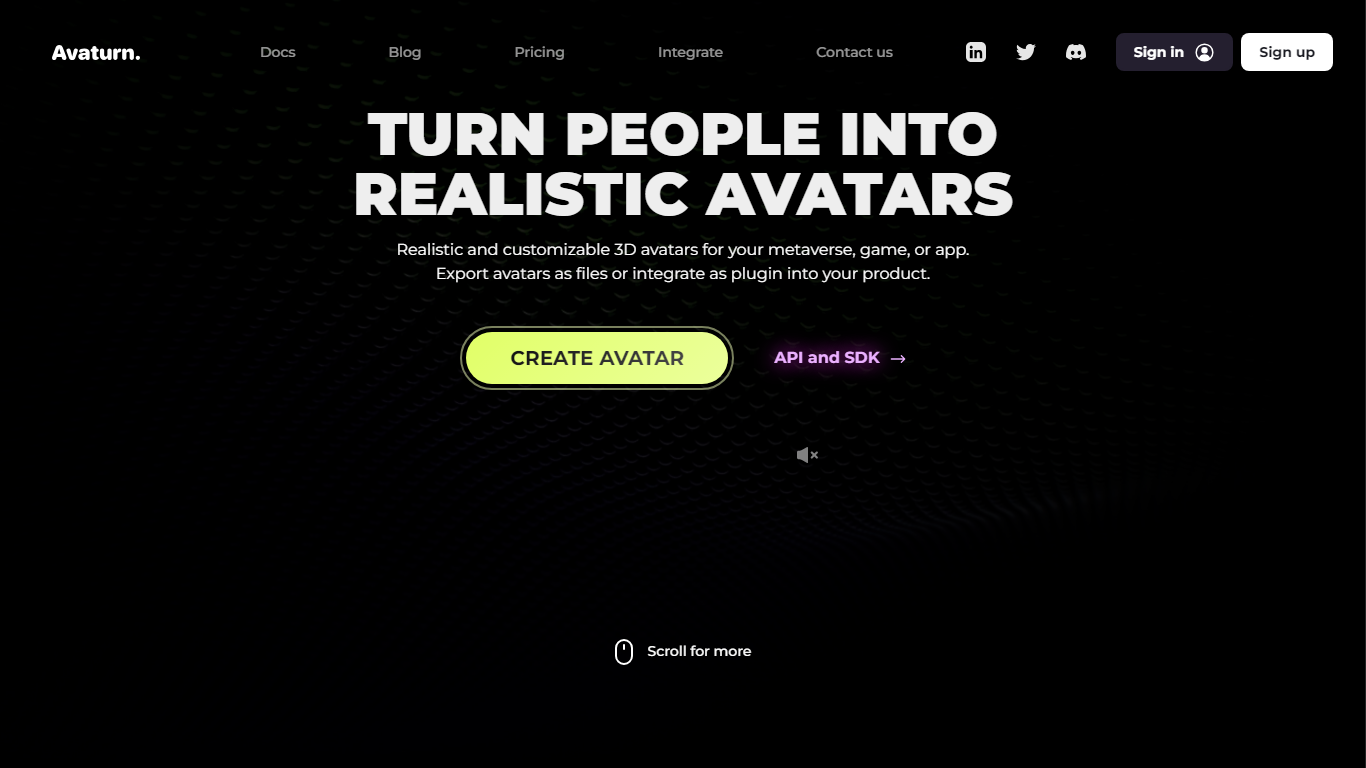
Why choose Avaturn?
Avaturn is an avatar generator that builds realistic 3D characters from a single selfie. Game studios, app developers, and metaverse teams embed its plugin or API so users create personalized avatars with custom body shape, clothes, hairstyles, and accessories, then export a ready-to-use 3D model.
Compared with generic character creators, Avaturn focuses on photorealistic likeness from a phone photo and ships plugins for Unity, Unreal Engine, Three.js, Android, and iOS. The free developer tier has no cap on avatars created or exported, while the Pro plan at $800 per month adds white-label branding, custom garments, and up to 1,000 hosted avatars.
Marketing teams run avatar-based campaigns, VR software vendors deploy selfie avatars in social apps, and indie game developers skip building an in-house avatar pipeline. Agencies can also use Avaturn through a partner program listed on the site.
Generate a realistic 3D avatar from a single selfie with body, hair, clothing, and accessory customization
Plugins for Unity, Unreal Engine, Three.js, Android, and iOS with no limit on free-tier avatar exports
Pro plan at $800 per month includes 1,000 avatars, white-label branding, and $0.15 per extra avatar
API and web SDK let developers control the full avatar UX without routing users through Avaturn login
Upload custom garments and apply your own logos and colors on the Pro tier
Export compiled 3D models ready to drop into existing game characters
OtherYou

Why choose OtherYou?
OtherYou lets you swap your face and voice in existing videos using AI avatars. Upload a clip, choose from lifelike avatars or build your own, and the platform replaces your appearance and audio to match. It targets creators who want to appear as a different persona without reshooting footage.
Where a standard editor would force you to mask faces and dub audio in separate steps, OtherYou ties face swap and voice replacement into one upload workflow. You work from finished footage instead of a timeline, and paid plans ship with a commercial license for client deliverables.
New users get 20 free credits to try transformations before choosing a paid plan. Starter, Plus, and Pro tiers scale monthly video minutes from 8 to 120 and custom avatar slots from 3 to unlimited for occasional users through heavy production workflows.
Swap the face in your video with a lifelike AI avatar in a few clicks
Replaces voice audio to match your chosen avatar character
Starter includes 8 minutes, Plus 30 minutes, and Pro 120 minutes of generated video per month
New accounts start with 20 free credits to test transformations
Create up to 3 custom avatars on Starter, 10 on Plus, or unlimited on Pro
EmulateMe

What is EmulateMe? and how does it work?
EmulateMe is a revolutionary platform that integrates Generative AI to offer a comprehensive suite of tools for video, audio, and conversational AI creations. With EmulateMe, users can effortlessly clone themselves or anyone else to create AI-driven videos and voice notes. The process begins with users uploading an image, voice clip, and personal documentation to train their Smart Avatar, enabling endless AI-driven interactions. EmulateMe has made it simple and accessible by providing a free trial without the need for a credit card, encouraging users to experience the power of AI with ease. The platform's aim is to allow users to share their stories with loved ones forever, preserving family history and legacies through lifelike digital emulations. EmulateMe ensures a secure and private environment with encrypted content and a commitment to not selling user data or displaying ads, emphasizing user trust and content safety.
Generative AI Platform: Integrates video audio and conversation in one AI-driven solution.
Avatar Training: Users can create and train a Smart Avatar using personal images and voice clips.
Realistic Interactions: Engage with Smart Avatars for lifelike conversations and responses.
Privacy and Security: Prioritizes user privacy with encrypted content and no advertisement policy.
Legacy Preservation: Share and save family stories for future generations in a digital format.
Spiritme
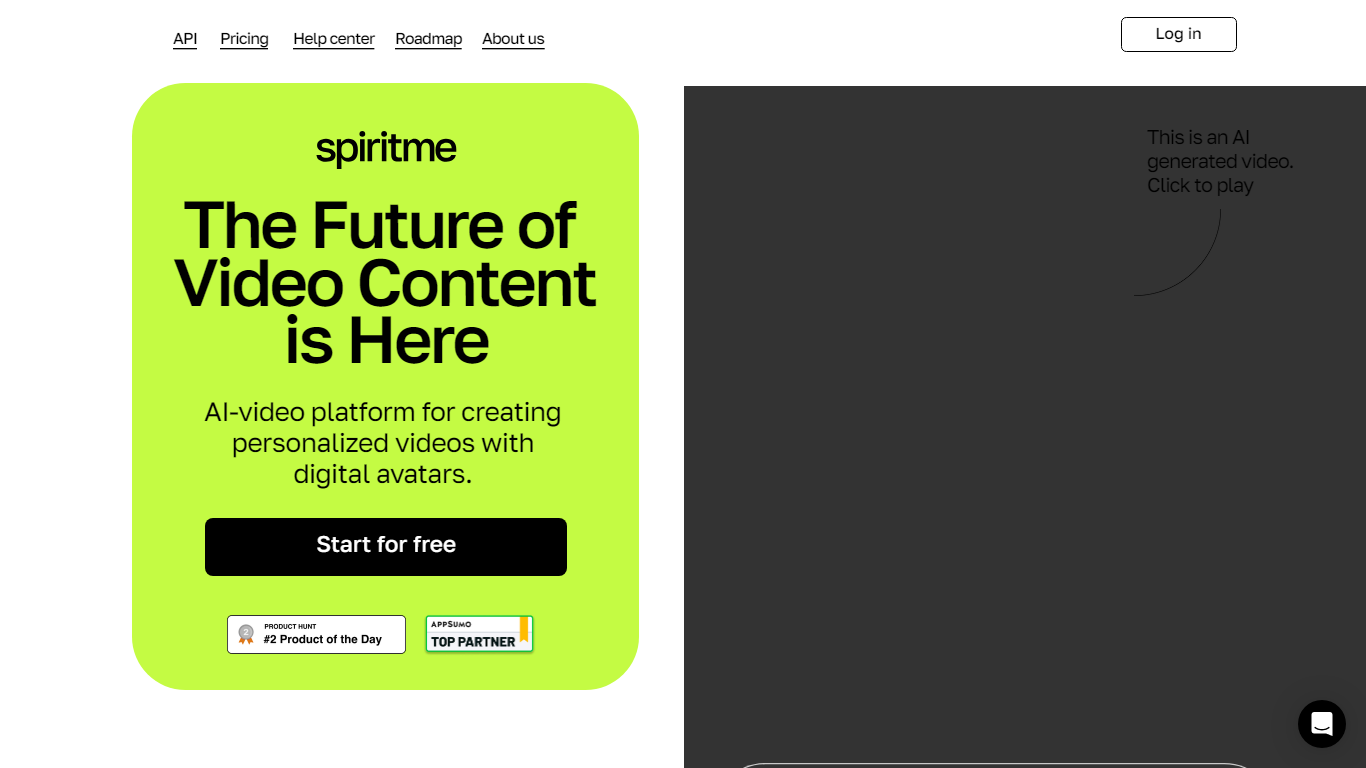
Why use Spiritme?
Welcome to Spiritme, the innovative platform where you can generate videos using your very own AI avatars! With Spiritme, you have the power to create dynamic and engaging video content at the tip of your fingers. Our user-friendly interface is designed with a clean, minimalist aesthetic ensuring an undistracted experience while you focus on bringing your visions to life. Dive into a new era of personalized video content without the hassle of traditional video production.
Experience a seamless creation process from start to finish. UI elements are intuitively placed for an efficient workflow, and our platform supports a wide array of styles to cater to your unique needs. Embrace the future of video making where your creative control is limitless. With Spiritme, shape the digital representation of yourself or your brand and captivate your audience in ways never before possible.
Intuitive Design: A user-friendly interface that promotes an efficient workflow.
Custom AI Avatars: Personalize and create videos with your own AI avatars.
Seamless Creation Process: From conception to finished product enjoy an undistracted and streamlined experience.
Diverse Styles: Support for a wide range of styles to suit your unique creative needs.
Limitless Creative Control: Take charge of your video content with powerful personalization options.
VEED AI Avatars

How does VEED AI Avatars work?
VEED AI Avatars is the avatar and talking-head video layer inside VEED.io, a browser-based video platform. It turns scripts into presenter-style videos so teams can produce marketing, training, and sales clips without booking a studio or appearing on camera every time.
The product spans three avatar paths. Stock avatars let you pick from 70+ on-screen presenters and publish multilingual clips from text alone. Personal avatars clone your look and voice from a short home recording in under two minutes. Studio avatars target higher-end custom characters for polished brand content.
Everything runs inside the wider VEED editor, where you can pair avatars with auto-subtitles, templates, brand kit assets, and translation into 120+ languages. VEED positions the feature for marketing campaigns, learning and development, internal communications, and personalized sales outreach.
Pick from 70+ stock AI avatars or build a personal digital twin from a short home recording
Studio avatars support higher-end custom characters for polished brand videos
Turn scripts into presenter videos in 120+ languages without filming new footage
Covers marketing, training, internal comms, and personalized sales use cases
Works inside the VEED editor alongside subtitles, templates, and brand kit tools
Mango AI - Mango Animate
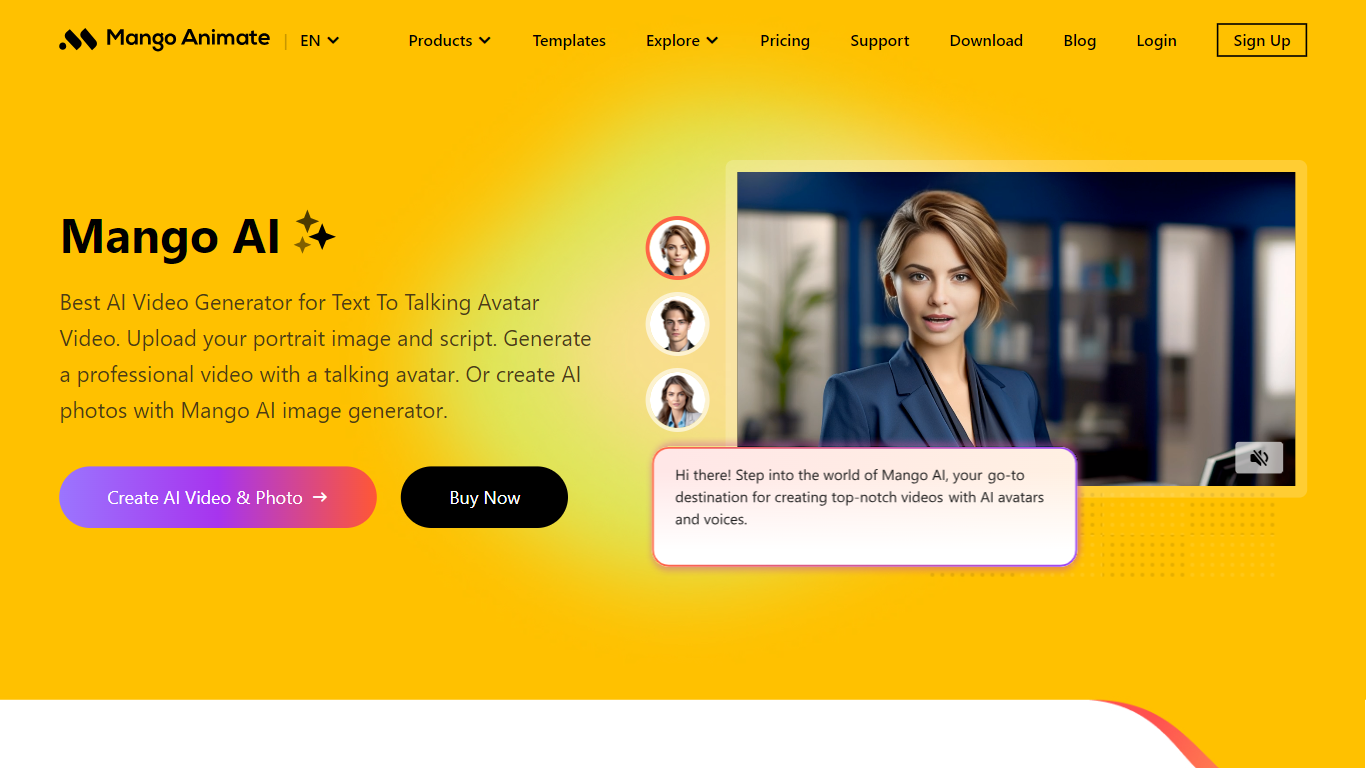
What is Mango AI - Mango Animate?
Mango AI is a versatile online AI video generator that transforms text and images into engaging videos featuring talking avatars. Users can upload a portrait photo and script to create professional videos with lifelike AI avatars that mimic natural expressions and precise lip-syncing. The platform offers a wide range of AI-powered video tools including face swap, lip sync, video cartoonizer, and text-to-video conversion, catering to diverse creative needs.
The tool targets business professionals, educators, marketers, and personal users who want to create explainer videos, training content, promotional clips, or personalized storytelling videos quickly and affordably. Its extensive library of customizable video templates simplifies video creation, allowing users to produce polished content without advanced skills.
Mango AI also integrates AI voiceover capabilities with multiple voice options, including male, female, and child voices, enhancing video narration. New AI effects like AI dance generators, pet dance, AI hugging, and AI gender swap add creative flair and fun to videos.
Technically, Mango AI leverages advanced AI models for video and image generation, including Seedance 2.0 for video and Nano Banana 2 for images, enabling smooth animation and realistic avatar movements. The platform supports multi-language interfaces and offers cloud-based video generation for easy access.
Key differentiators include a broad suite of AI video and photo tools, prebuilt templates optimized for vertical formats, and the ability to create custom avatars from user photos. Mango AI emphasizes ease of use, speed, and affordability, making AI video creation accessible to users of all levels.
Overall, Mango AI stands out as a comprehensive AI video maker that combines powerful features with user-friendly design, ideal for creating engaging digital avatars and animated videos for business, education, and personal use.
🎥 Talking Avatar Creation: Upload a portrait and script to generate lifelike talking avatars that engage viewers.
🖼️ Diverse AI Video Tools: Includes face swap, lip sync, video cartoonizer, and pet dance for creative video effects.
🔊 AI Voiceover Options: Choose from male, female, and child AI voices to narrate videos naturally.
📱 Customizable Templates: Use prebuilt video templates, including vertical formats, for quick, professional results.
✨ New AI Effects: Add fun animations like AI twerk, AI hugging, AI gender swap, and AI flying to enhance videos.
Synthesia
Why choose Synthesia?
Synthesia turns scripts into presenter-led videos using 240+ stock avatars, cloned voices, and lip-synced dubbing across 160+ languages. You write text, pick an avatar, and export MP4 or SCORM without cameras, studios, or voice actors. The Basic plan includes 10 minutes of generated video per month with 9 stock avatars.
Where most avatar video tools stop at export, Synthesia runs create, localize, collaborate, and publish in one workspace. Embedded videos auto-update when you edit the source, SCORM packages ship with translated versions, and Enterprise teams get Brand Kits plus SAML/SSO. Roleplay Sessions add a newer angle: practice sales or support conversations with interactive avatars that score your responses.
L&D teams use it for compliance and onboarding at scale. Sales enablement groups ship pitch refreshes in minutes instead of booking shoots. Marketing and internal comms teams localize one master video into dozens of languages with one-click translation. Over 50,000 companies use it, including a large share of the Fortune 100.
🎥 AI Avatars: Choose from 240+ avatars or create your own personal avatar to deliver your message naturally.
🌍 Multilingual Support: Translate videos into 80+ languages with one click and use AI dubbing for perfect lip-sync.
🤝 Live Collaboration: Work with your team in real time to edit videos and gather feedback efficiently.
🗣️ Voice Cloning: Clone your voice to create personalized videos with your digital twin speaking in 30+ languages.
🧑💼 Roleplay Sessions: Practice real conversations with interactive AI avatars, get live coaching, and track skill progress.
Quinvio AI
What is Quinvio AI? and how does it work?
Try out your content ideas with AI and turn your plan into videos with realistic AI avatars speaking different languages and styles. Create videos quickly with pre-made templates, get AI content suggestions and make videos faster.
X-Me: Generate Your AI Avatar Videos!
What does X-Me: Generate Your AI Avatar Videos! do?
X-Me turns a written script into a talking avatar video in about 10 seconds. You pick a presenter from its avatar library, paste your text, and the tool handles lip sync, facial movement, and export. Output targets short clips for social posts, course intros, and marketing messages rather than long-form studio productions.
Most avatar platforms lean on custom digital twins or lengthy onboarding. X-Me keeps the workflow to three steps on one page: enter text, choose a stock avatar, then generate. Plan tiers cap video length at 2, 5, or 15 minutes and resolution at 720p, 1080p, or 4K, so you pay for volume and quality rather than enterprise seat bundles.
It fits marketers who need dozens of localized clips, educators scripting lesson intros, and solo creators posting to YouTube or TikTok without a camera. Support covers 20+ languages with pronunciation and lip sync, and commercial use rights stay with you on every plan.
Generates avatar videos in about 10 seconds after you submit a script
Starter plan includes 10 videos per month at 720p with 5 avatar choices
Professional tier delivers 50 monthly videos at 1080p and removes the watermark
Enterprise supports unlimited renders, 4K export, and API access for $99 per month
Supports 20+ languages including English, Spanish, Chinese, Japanese, and Arabic with lip sync
Pseudoface
Why use Pseudoface? and how does it work?
Pseudoface is an iOS app built for content creators who want a face on camera without revealing their real identity. It swaps your face in photos and videos with a photorealistic mask that adapts to your face shape and movements. Every mask is fully generated by AI and is not a photo of a real person.
You build a mask by uploading one reference photo, then run your images and videos through the app on iPhone or iPad. The mask tracks your expressions and lighting while changing your features enough to stay unrecognizable. Video processing runs in the background, and Pseudoface estimates roughly 20 to 30 minutes of processing time per minute of footage.
The product is developed by Aelusive Ltd, a UK company run by a small team focused on privacy for faceless creators. It is aimed at people who earn more when they show a face on platforms like OnlyFans or social media, but cannot risk exposing their real identity. Subscription plans include monthly image and video allowances, with extra credits available on every tier.
AI-generated masks adapt to your face shape and track your expressions in video
Process photos and videos directly on your iPhone or iPad
Create unlimited masks on any paid plan and refine them in the built-in editor
Every mask is a synthetic face, not a photo of a real person
Schedule background processing so long video jobs run while you do other work
You keep full commercial ownership of all masked and unmasked content
Buy extra image and video credits beyond your monthly plan allowance
Designkit (formerly 美图设计室-智能生成海报)
What is Designkit (formerly 美图设计室-智能生成海报)?
Designkit is Meitu's ecommerce creative suite for generating product images, posters, and videos. Upload a supplier photo and the AI Agent builds listing stacks with hero shots, lifestyle scenes, infographics, and localized text for marketplaces like Amazon, TikTok, and Shopify.
The platform covers product photography, fashion model generation, virtual try-on, detail page design, and video ads. Bulk editors handle background removal, enhancement, and watermark cleanup across large SKU catalogs.
It is built for ecommerce sellers, marketplace operators, and marketing teams who need consistent product visuals without a studio or design agency.
Turn one supplier photo into a full Amazon listing image set
Generate product videos for TikTok, Meta, and marketplace ads from a single image
Virtual try-on and AI fashion models for apparel without studio shoots
Batch background removal, enhancement, and watermark cleanup for hundreds of SKUs
Access to image models like GPT Image 2.0, Midjourney, and Seedream on paid plans
iOS and Android apps for editing product creatives on the go
Talking Avatar
What is Talking Avatar?
Talking Avatar lets you rewrite, redub, and lip-sync existing videos so on-screen faces match new speech. Clone a voice from one sentence of audio, assign different voices to multiple speakers in the same clip, or drop NotebookLM podcast audio onto avatars with one click. The tool runs in a Windows desktop app and a browser editor, with an avatar library spanning ages, ethnicities, and styles.
Where most avatar tools focus on generating clips from scratch, Talking Avatar is built around editing footage you already have. You change narration by editing text instead of re-recording, refresh old ads in new languages, and run a Stream Avatar mode that lip-syncs a camera-replacement double on Zoom, Twitch, or TikTok while you speak off camera.
Video creators, marketers, educators, and podcast producers use it to repurpose long-form content without a reshoot. The Windows app unlocks unlimited processing and the V2.0 lip-sync model, while the online version handles quick tests. Sign-up is free with no credit card, though heavy rendering expects a discrete NVIDIA or AMD GPU on Windows 10 or newer.
Clone any voice from a single sentence of sample audio
Multi-speaker lip-sync with separate voice tracks per face
Edit spoken lines by changing text instead of re-recording
Stream Avatar mode for Zoom, Twitch, and TikTok camera replacement
One-click NotebookLM podcast audio to lip-synced avatar video
Voice library with 1,000+ models plus custom clones
V2.0 lip-sync model with teeth enhancement and intensity controls
SadTalker
Why choose SadTalker? and how does it work?
SadTalker is a browser-based video generator that pairs a facial photo with an audio clip to produce a talking-head video. Upload a clear face image and your voice track, and the tool aligns mouth movements to the audio while keeping expressions natural.
Beyond basic lip sync, SadTalker supports multilingual speech, adjustable eye blinking, and dynamic video driving that can borrow facial motion from a reference clip. The site positions itself as a free entry point for avatar-style video creation, with a separate dashboard for heavier production work.
It fits educators, marketers, and creators who need quick personalized videos for lessons, outreach, or social posts without building a full animation pipeline from scratch.
Match mouth movements to uploaded audio across multiple languages
Tune blink frequency so animated faces look less stiff on camera
Drive output expressions using motion captured from a reference video
Generate from a photo, audio file, and one click through a three-step workflow
Pro credits unlock commercial licensing and the fastest render speeds
A2E (formerly Avatars To Everyone)
What does A2E (formerly Avatars To Everyone) do?
A2E is an all-in-one AI video platform for creating personal videos without cameras, microphones, or a studio. The web app at video.a2e.ai covers image-to-video generation, face and head swap, talking photos, lip sync, voice cloning, text-to-image, and custom AI avatars built from your photos or videos.
The marketing site highlights third-party video models such as Kling 3.0, Wan 2.6, Seedance 2.0, Veo 3.1, and Sora 2 alongside A2E's own avatar and swap tools. Creators can start free with daily bonus credits, then upgrade to remove watermarks, raise output resolution, and unlock API access.
Developers can integrate the same capabilities through a documented REST API and MCP servers. A2E positions the stack for product marketing, e-learning, internal training, social ads, and automated video pipelines.
Turn still photos into talking videos with accurate lip sync and natural body motion
Swap faces or entire heads in photos and videos from the browser with no install
Clone voices in 50+ languages with cross-language translation support
Generate clips from text or images using models like Kling 3.0, Wan 2.6, and Seedance 2.0
Build custom AI avatars from your own photos or videos for ads and training content
Start free with daily bonus credits and no credit card required at signup