
Last updated 08-21-2026
Category:
Reviews:
Join thousands of AI enthusiasts in the World of AI!
Tango
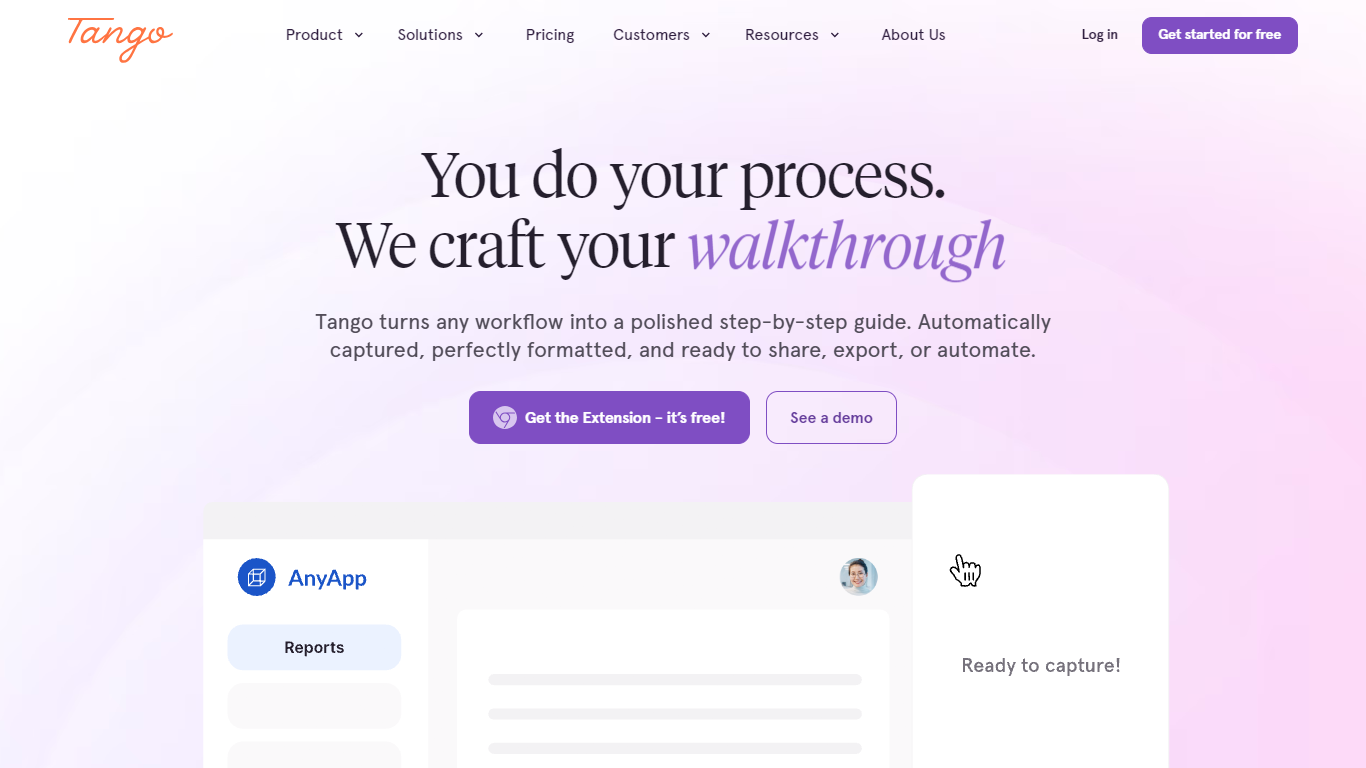
Tango is process documentation software that captures any web workflow through a browser extension and turns it into a polished step-by-step guide, walkthrough, or automation. You perform the process once; Tango formats screenshots, adds instructions, and lets you share links, embeds, PDFs, or in-app pins without writing documentation by hand. The extension works across CRM, ERP, HRIS, and thousands of web apps with no API integrations required.
Screen-recording tools produce videos nobody rewatch. Tango outputs structured guides teammates can follow inside the software, plus Guide Me overlays and real-time automations that click, type, and navigate repetitive steps while humans supervise. Enterprise adds automatic PII blur, multi-path workflows, translation into 10 languages, and 365-day audit logs, which fits ops teams standardizing quote-to-cash or CRM procedures instead of chasing ad-hoc Loom links.
IT, enablement, and operations teams use Tango to cut training assembly time and preserve tribal knowledge when people leave. Jasco Manufacturing reported a 90% error reduction in quote-to-cash after adopting Tango guides. Free workspaces support up to 10 users with five shared workflows; Pro and Enterprise tiers add desktop capture, branded exports, SSO, and pinned in-app guidance.
Browser extension captures workflows across CRM, ERP, HRIS, and web apps without API setup
Free plan includes 5 shared workflows and up to 10 users per workspace with link and embed sharing
Pro adds unlimited workflows, desktop capture, voice transcription, and PDF, Markdown, and HTML export
Guide Me pins deliver on-screen walkthroughs; automations handle clicking, typing, and form filling
Enterprise includes automatic PII detection, multi-path workflows, translation into 10 languages, and SSO
Turn any Tango workflow into a shareable video and embed guides in LMS, ticketing, and chat tools
Pro Team pricing starts at $15 per user per month billed annually for teams of 3 or more
Captures guides while you work with no manual screenshot assembly.
Works across CRM, ERP, and HRIS tools without API integrations.
Free tier supports 10 users and five shared workflows with no credit card.
Enterprise adds in-app pins, automations, PII redaction, and SSO.
Free plan caps shared workflows at five and lacks desktop capture.
Pro requires a paid seat for every user beyond the free workspace limit.
Enterprise pricing is custom and needs a sales conversation.
What does Tango do?
Tango records steps as you work in the browser and builds formatted how-to guides, walkthroughs, or automations automatically. Tango lets teams share links, embeds, or exports instead of manually screenshotting procedures.
Is Tango free?
Yes. Tango's Free plan costs $0 with 5 shared workflows, browser capture, link sharing, and up to 10 users per workspace. The Chrome extension install takes about three minutes with no credit card required.
How much does Tango Pro cost?
Tango Pro Team is $15 per user per month billed annually for 3 or more users, or $20 monthly. Pro Personal is $22 per user annually for 1 to 2 users, or $26 monthly. Each additional Pro seat requires a paid license.
Which software does Tango support?
Tango's browser extension works across CRM, ERP, and HRIS systems plus thousands of web-based tools without integrations. Tango also offers Salesforce-specific guidance and embeds into knowledge bases and LMS platforms.
What is Tango Guide Me?
Guide Me is Tango's in-app guidance that pins step-by-step walkthroughs inside software so teammates follow on-screen highlights. Enterprise plans add pins, automations, and 365-day version history with audit logs.
Does Tango offer enterprise security?
Yes. Tango Enterprise adds automatic PII redaction, SSO, SCIM, workspace analytics, DPAs, and 365-day audit logs. IT teams can deploy the Tango extension centrally through Microsoft Active Directory or Google Identity Services.