Top 12 AI tools for Lawyers in 2026
Casehopper
What is Casehopper?
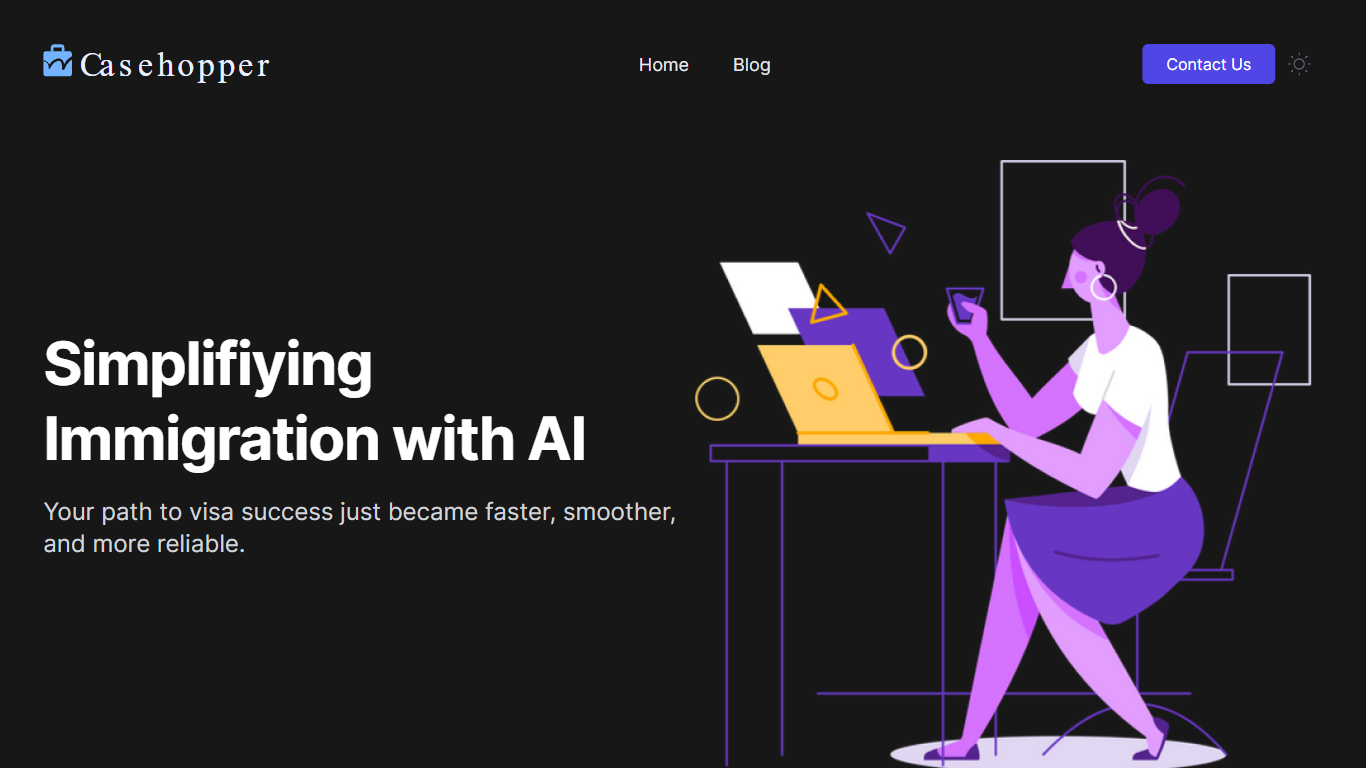
Casehopper is an innovative AI Immigration Software designed to simplify and expedite the process of immigration and visa application. It delivers a comprehensive and user-friendly experience by leveraging advanced AI and automation technologies. The software specializes in matching individuals with experienced immigration attorneys based on their specific visa requirements and goals. Casehopper equips users with expert guidance to discover the most suitable visa option, facilitating an informed decision-making process. It harnesses efficiency through technology, offering intelligent data intake, automated form-filling, and tailored application generation. This suite of features guarantees a customized and efficient visa application process, aiming to obtain your visa in record time. Testimonials featured on the website attest to the substantial time savings and smooth experiences of users like Tom Blomfield, Founder at Monzo, and Samuel Ekpe, Founder and CEO at Grupa, validating Casehopper as a trusted solution in the immigration landscape.
Personalized Matching: Matches individuals with attorneys specializing in their visa requirements.
Expert Guidance: Provides personalized assistance to identify the most suitable visa.
Specialized Immigration Attorney Connect: Pairs users with dedicated attorneys experienced in specific visa types.
Technology-Driven Efficiency: Streamlines the visa application process with state-of-the-art AI.
Data Management and Application Customization: Offers intelligent data intake form-filling and tailored visa application packages.
Cofinance
Why use Cofinance? and how does it work?
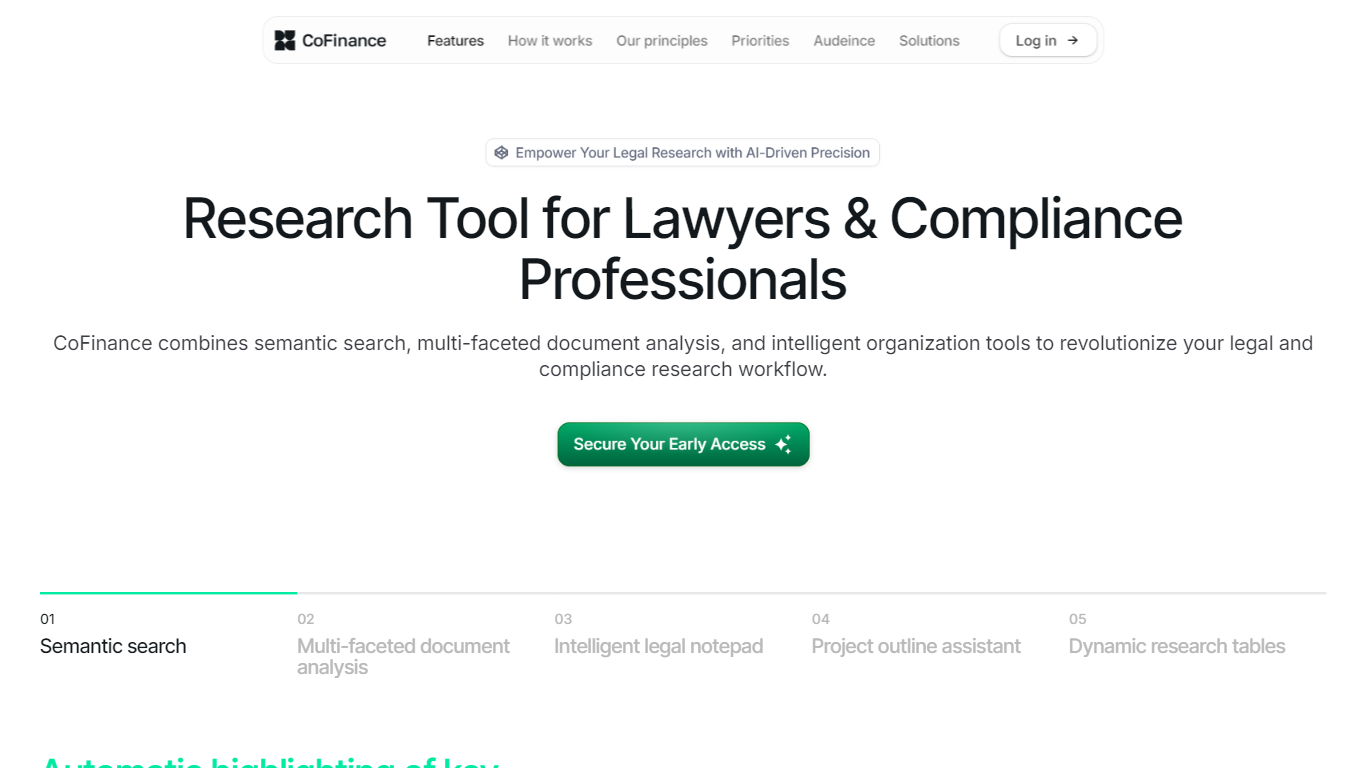
CoFinance is an innovative Legal Intelligence Platform that combines powerful AI-driven semantic search with advanced document analysis tools, designed for modern legal professionals. Serving as your central hub for regulatory investigations, CoFinance offers a seamless experience from initial research to comprehensive analysis. Legal professionals can effortlessly navigate complex regulatory landscapes, gain deep insights from legal documents, and produce thorough, actionable analyses. Say goodbye to time-consuming manual research and hello to efficient, intelligent legal analysis.
CoFinance provides an Intelligent Legal Notepad that assists with real-time suggestions and automatic categorization of notes, enhancing the efficiency of your research process. The Project Outline Assistant helps structure your legal research with AI-generated outline suggestions and customizable templates, ensuring thoroughness in every project.
With dynamic research tables, CoFinance simplifies the comparison and contrast of legal information across multiple jurisdictions, allowing for effective multi-jurisdictional analysis and tracking of legal changes over time. Whether you are a compliance officer, lawyer, or involved in regulatory roles, CoFinance is your trusted partner in navigating complex legal landscapes.
Semantic Search: Unleash the power of AI-driven semantic search to find exactly what you need, understanding the context and nuances of legal language for pinpoint accuracy.
Multi-faceted Document Analysis: Break down complex legal documents into easily digestible components, providing comprehensive insights with automatic extraction of key definitions, dates, and entities.
Intelligent Legal Notepad: Enhance your note-taking with real-time suggestions and automatic categorization, integrating seamlessly with document analysis results.
Project Outline Assistant: Structure your legal research effortlessly with AI-generated outline suggestions and customizable templates for different types of legal projects.
Dynamic Research Tables: Easily compare and contrast legal information across multiple jurisdictions, offering customizable columns and real-time updates for effective legal analysis.
Sendforsign
Why choose Sendforsign? and how does it work?
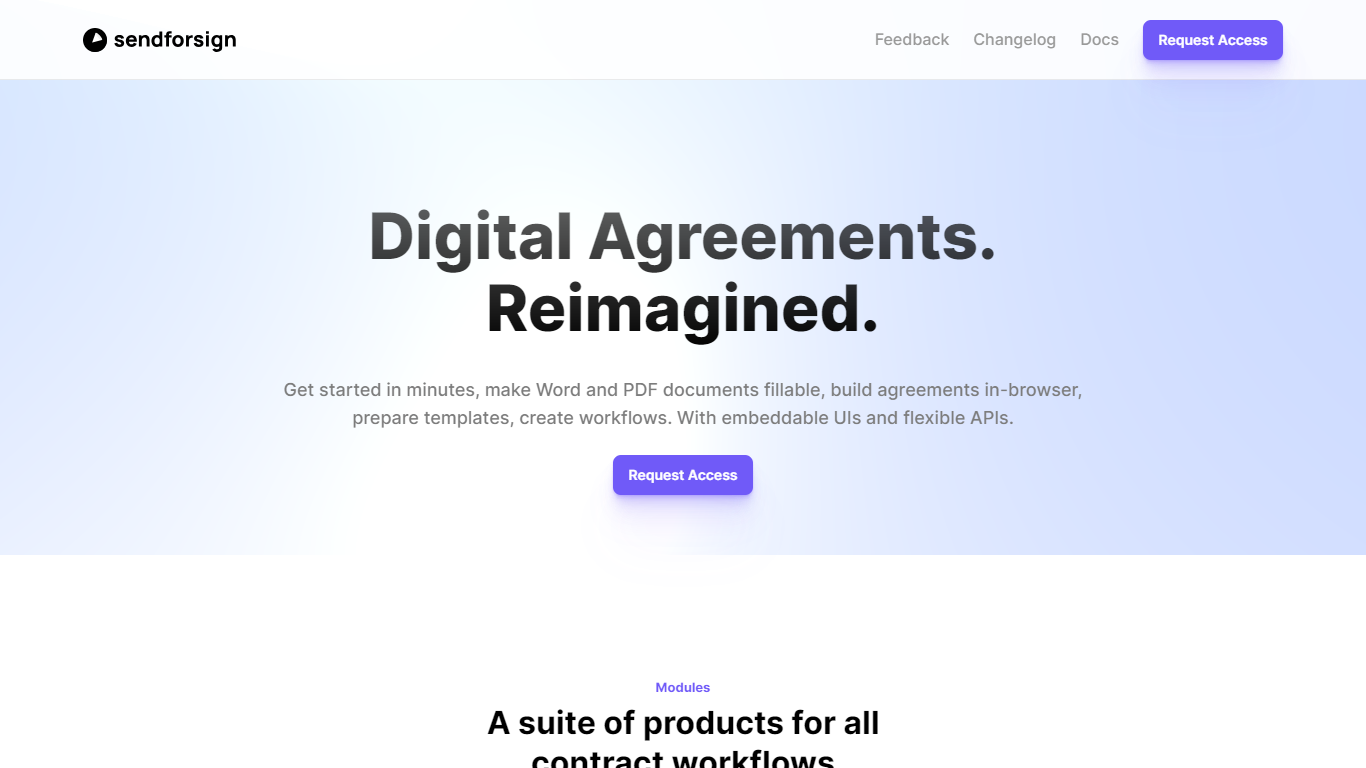
Sendforsign is contract infrastructure built for SaaS products and platforms that need e-signatures inside their own apps. Teams use it to roll out contract workflows to clients without sending users to a separate signing portal.
The product pairs embeddable React components with a REST API and an MCP-style AI endpoint, so developers can create templates, send documents, and track signatures from backend code or conversational agents. Homepage stats cite 500+ active teams, 1K+ contracts signed daily, and users in 70+ countries.
Sendforsign targets legal ops teams, platform builders, and developers who want branded signing flows, audit trails, and automation hooks instead of generic iframe embeds.
Contract templates with fields, roles, and multi-signer PDF workflows
Contract builder with approvals, webhooks, and n8n or Make automation
Audit trail with timestamping and downloadable signature certificates
Unified AI + API endpoint at aiapi.sendforsign.com for MCP-style requests
Pre-built React components for contract and template editing
REST API at api.sendforsign.com with client, contract, and recipient resources
DeskConnect
What does DeskConnect do?
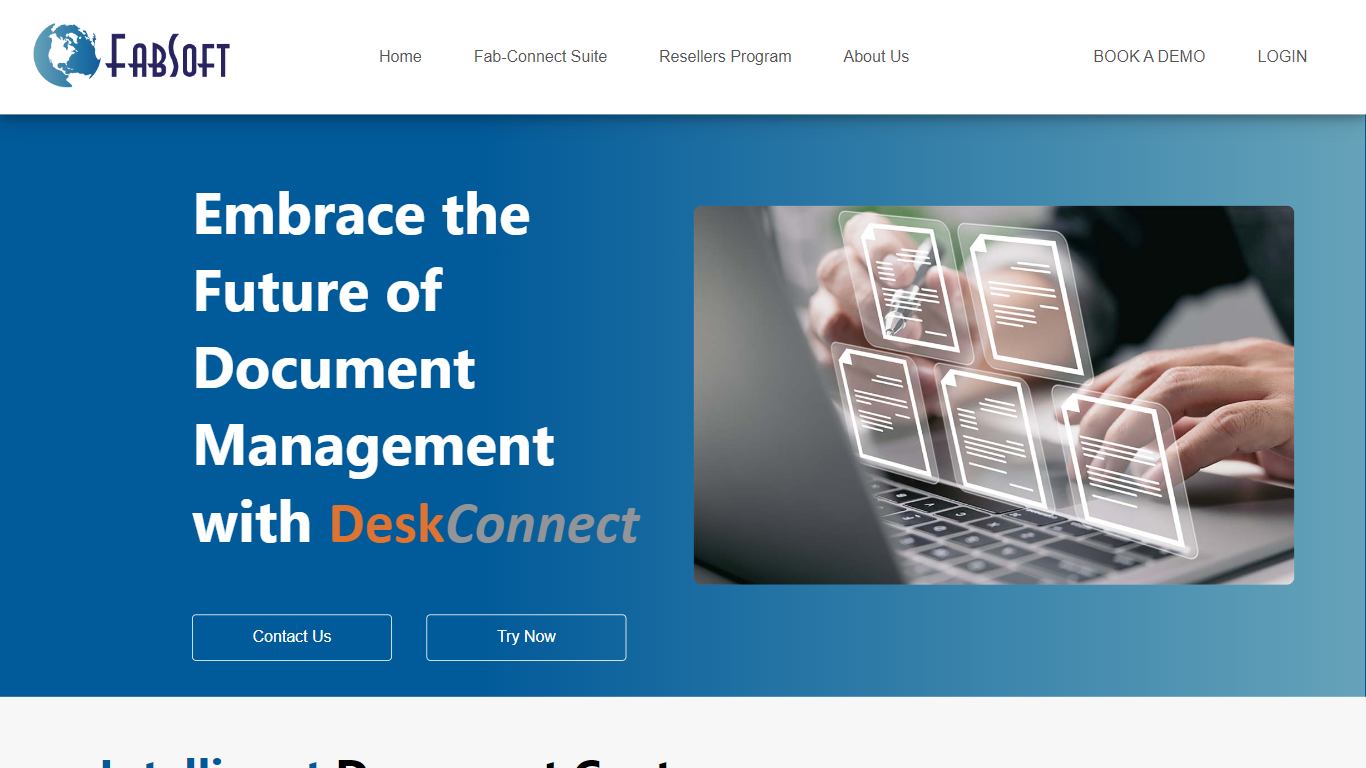
DeskConnect is FabSoft's desktop intelligent document capture platform for teams that process invoices, forms, contracts, and other recurring paperwork. It uses AI classification, OCR, and workflow routing to pull documents from email, folders, printers, scanners, and browsers, then send extracted data to the systems you already use.
The product follows a four-step flow: capture, classify, extract, and distribute. Capture gathers files from everyday sources without forcing users into a separate portal. Classification learns document types over time so recurring formats land in the right workflow automatically.
Extraction relies on machine learning-backed OCR to pull key fields from invoices, applications, purchase orders, and similar records. Distribution connects to SharePoint, OneDrive, Google Drive, Dropbox, and major ERP platforms so approved files and data reach downstream apps without manual re-entry.
FabSoft positions DeskConnect for finance, HR, operations, and legal teams that need audit-ready trails and fewer handoffs. Security messaging highlights SOC 2 Type II, HIPAA readiness, GDPR alignment, AES-256 encryption, and on-premises deployment options where documents must stay inside your environment.
Pricing on the FabSoft site lists DeskConnect at $29 per month with a 30-day free trial, no credit card required, and a 1GB free-forever tier for lighter usage. The listing's stored download link may redirect through FabSoft tracking infrastructure even though marketing and product details live on fabsoft.com.
Capture documents from email, folders, printers, scanners, and browsers in one desktop workflow
Classify document types with AI that improves accuracy as it learns your formats
Extract key fields from invoices, forms, and contracts using ML-backed OCR
Route processed files to SharePoint, cloud drives, and ERP destinations automatically
Run with enterprise security options including SOC 2, HIPAA, and on-premises deployment
Hotseat AI
What does Hotseat AI do?
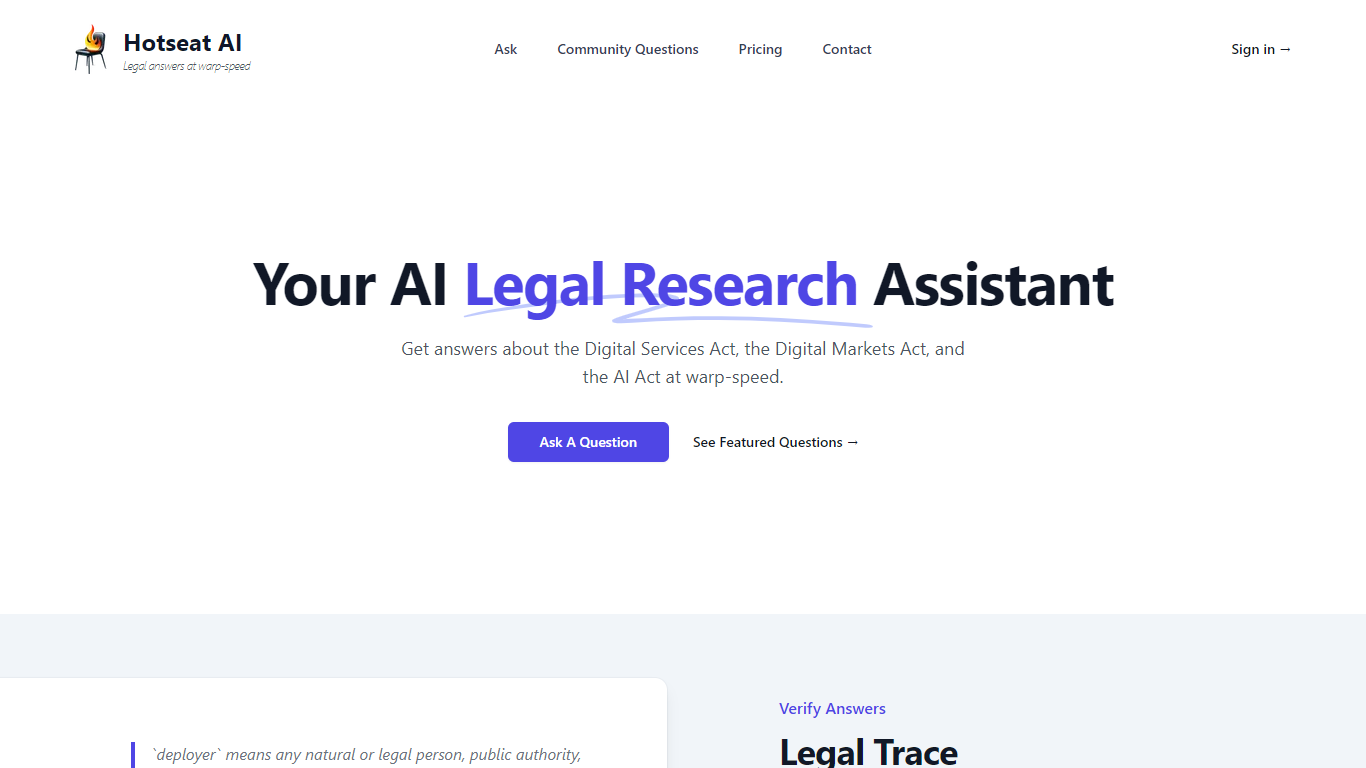
Hotseat AI offers cutting-edge legal research assistance, providing rapid answers to complex legal questions about contemporary digital regulations. Catering to a variety of users, Hotseat AI specializes in clarifying queries related to the Digital Services Act, the Digital Markets Act, and the AI Act. The platform distinguishes itself by generating comprehensive answers with complete legal traceability, which includes citations of specific articles, paragraphs, and recitals from relevant documents to ensure transparent and verifiable logic.
Whether you're a professional dealing with the intricacies of EU digital law or need guidance on how to handle specific software or data-processing scenarios, Hotseat AI is your go-to assistant. With its ability to suggest question refinements for more accurate results and provide executive summaries for quick insights, Hotseat AI bridges the gap between legal expertise and innovative artificial intelligence technology.
Legal Research Assistant: Get rapid legal answers specifically related to EU digital laws including the Digital Services Act, the Digital Markets Act, and the AI Act.
Legal Trace: Receive detailed responses with a legal trace, citing precise legal documentation for verification and transparency.
Question Refinement: Improve the quality of your queries with Hotseat AI's question analysis and refinement suggestions.
Executive Summaries: Alongside complete answers, obtain concise summaries for an at-a-glance understanding of the content.
Featured Questions: Access a repository of previously asked and answered questions as a resource for common inquiries.
ContractIQ
How does ContractIQ work?
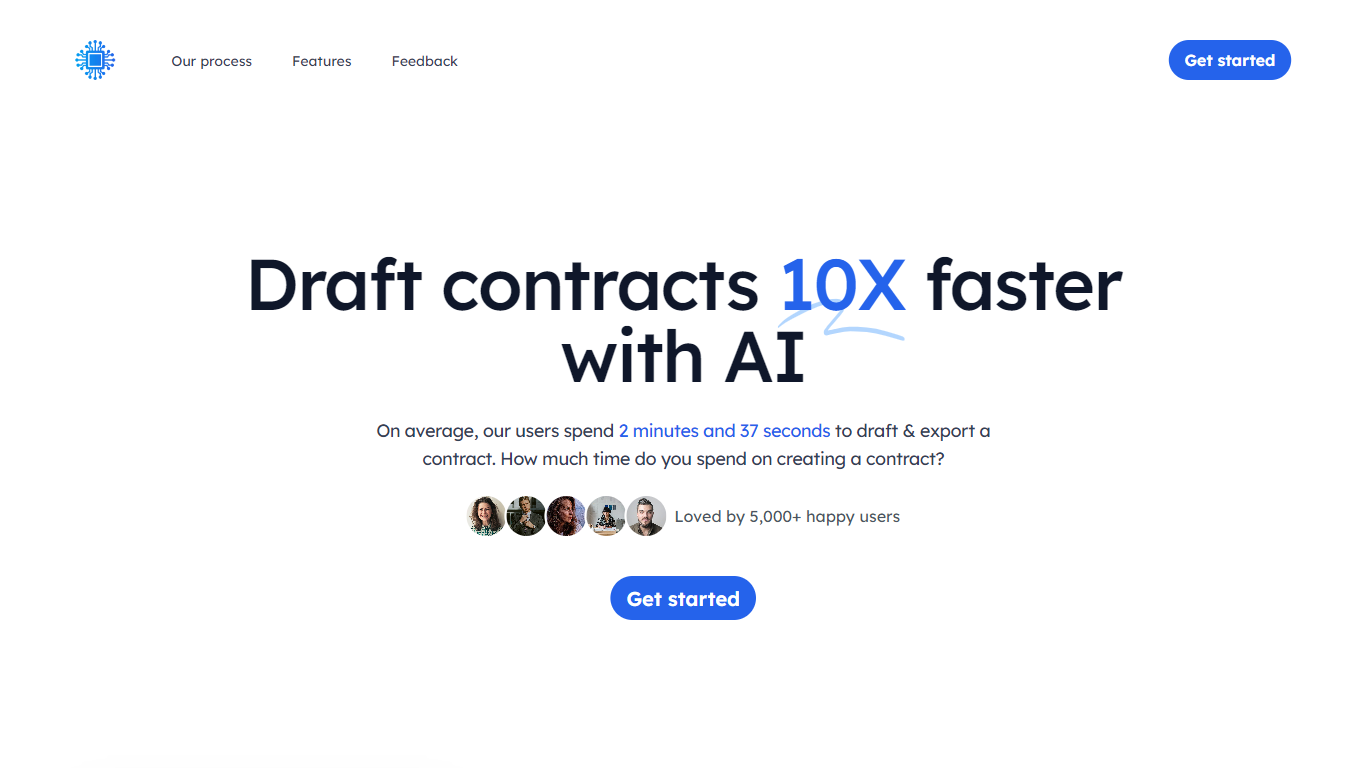
Speed up your contract creation process with ContractIQ. Powered by AI, our platform lets users draft accurate contracts with unparalleled efficiency. Say goodbye to time-consuming manual inputs and embrace rapid, reliable contract generation tailored to your needs.
Effortless Contract Creation From selection to export, craft precise contracts in three simple steps.
-
Choose Your Contract Type Begin by selecting the ideal contract template that fits your needs. Whether it's a service agreement, NDA, or lease, we've got you covered.
-
Add Relevant Information Easily input critical details like parties involved, specific clauses, terms, and more. Our platform guides you through, ensuring every element is addressed.
-
Edit & Export Once generated, review and make any necessary tweaks. When perfected, export your contract and you`re ready to proceed.
ContractIQ doesn`t just understand contracts. It has been trained on Wikipedia, books and the Internet, so that it can reference facts about the world.
Tailored contract templates adapt to your industry, ensuring relevancy and precision.
Effortlessly modify contracts with intuitive tools, ensuring every document aligns with your needs.
From PDFs to Word docs, choose from a range of export formats compatible with any platform.
Contentsquare Conversation Intelligence (formerly Loris)
Why choose Contentsquare Conversation Intelligence (formerly Loris)?
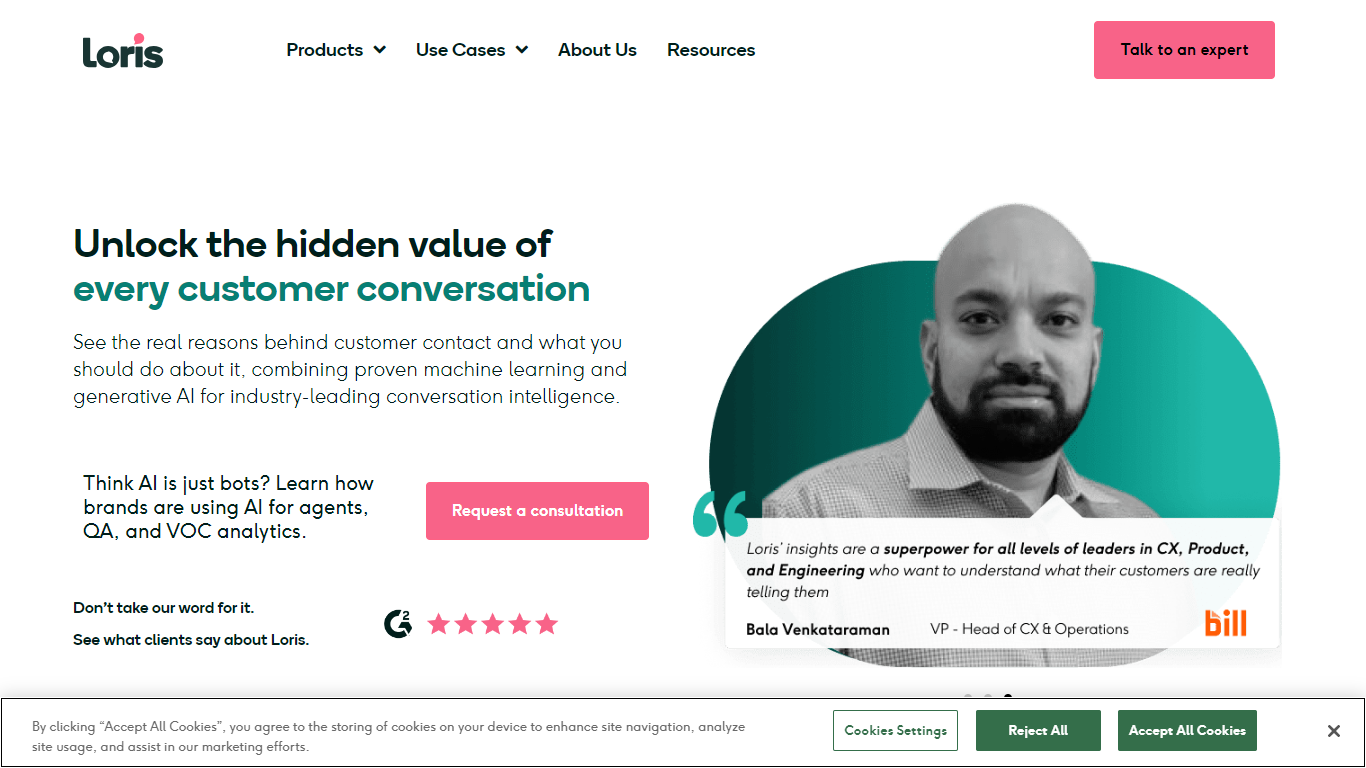
Loris is now Contentsquare Conversation Intelligence, following Contentsquare's acquisition of Loris in October 2025. The platform analyzes voice, chat, and email support conversations to reveal why customers reach out, how sentiment shifts, and how agents or AI bots perform.
Three core modules cover the workflow: Conversation Insights surfaces root causes and emerging issues across every interaction; Quality Assurance replaces manual QA with automatic evaluation of policy adherence and resolution quality; AI Agent Analytics tracks containment, transfers, abandonment, and sentiment for automated support bots.
The product connects to major contact center platforms including Zendesk, Salesforce, Intercom, Amazon Connect, and Gladly. Existing Loris customers log in through the dedicated portal while loris.ai redirects to the Contentsquare product page. Contentsquare positions Conversation Intelligence alongside its digital experience analytics to link support conversations with on-site behavior.
Conversation Insights analyzes every voice, chat, and email interaction to surface root causes, sentiment trends, and emerging contact drivers
Quality Assurance automatically evaluates all conversations for policy adherence, resolution quality, and links QA scores to repeat contacts and escalations
AI Agent Analytics tracks containment, transfers, abandonment, and sentiment for AI support bots so teams can refine prompts and escalation rules
Integrates with Zendesk, Salesforce, Intercom, Amazon Connect, Five9, Gladly, Kustomer, and other contact center platforms
Combines with Contentsquare digital journey analytics to connect support conversations with on-site behavior from click to resolution
Legora (formerly Leya)
What is Legora (formerly Leya)? and how does it work?
Legora is collaborative AI built for lawyers at firms and in-house teams. It runs on the Legora aOS, an agentic operating system that connects legal research, document work, communication, and client delivery in one place. Lawyers keep judgment on high-stakes decisions while the platform handles repetitive review, drafting, and research.
The product suite includes Legora Agent for end-to-end legal work, Legal Research with jurisdiction-aware sourcing, Tabular Review for large document sets, and Monitors for regulatory change tracking. Lawyers can work through Word and Outlook add-ins, a web editor, mobile app, and a client-facing Portal.
Legora serves practice areas from M&A and litigation to tax, banking, and insurance. Workflow tools encode firm playbooks and precedent so institutional knowledge carries into every matter. Enterprise security features include ethical walls, audit trails, and certifications such as SOC 2 Type II, ISO 27001, ISO 42001, GDPR, and HIPAA.
The company reports 980+ customers across 30+ markets. Access is sold through demo-based enterprise sales rather than self-serve signup.
Legora Agent plans, executes, reviews, and delivers complex legal work end-to-end while lawyers retain judgment on key decisions
Jurisdiction-aware legal research ranks sources by authority and links every finding to verified primary law on-platform
Tabular Review turns large document sets into structured tables with extracted terms, risks, and linked citations in minutes
Word and Outlook add-ins let lawyers redline, draft, and manage email-driven work without leaving familiar tools
Monitors scans global regulation on your chosen topics and surfaces relevant changes before they impact your business
CreateDraft
What does CreateDraft do?
CreateDraft is a browser-based legal drafting assistant built around contract templates, a rich text editor, and a guided wizard. You pick from 373 agreement types (NDAs, employment contracts, lease agreements, and more), set jurisdiction and language, then generate and edit the draft in one workspace. Guests get 5,000 words to try it; signing up unlocks unlimited credits with no credit card required.
Most AI writing tools treat legal work like generic copy. CreateDraft centers the workflow on structured agreements: the Draft Wizard walks through title, section outlines, and full draft in three steps, with jurisdiction and language selectors before generation. You can also open any template straight in the TinyMCE editor, switch between models like GPT 5 and GPT 4o, and export to MS Word, HTML, or plain text.
It fits solo attorneys, in-house counsel, legal assistants, and small firms that need a first draft fast without opening a blank document. Use it to spin up NDAs, employment offers, service agreements, or partnership terms, then proofread and translate inside the same editor.
Choose from 373 legal templates covering NDAs, employment agreements, lease contracts, and more
Guest users can draft up to 5,000 words before creating an account
Draft Wizard runs a three-step flow: title, section outlines, then full draft
Select jurisdiction and one of 50+ output languages before generating text
Switch between GPT 5, GPT 4.1, GPT 4o, GPT o1, and GPT o3 inside the editor
Export finished drafts as plain text, HTML, a text file, or an MS Word document
Screens
How does Screens work?
Screens offers an advanced AI-powered contract review platform that makes understanding and analyzing legal documents more efficient and user-friendly. Designed by expert attorneys, Screens allows users to choose from pre-programmed AI reviews or to customize their own for any type of contract. This AI tool identifies key aspects and potential issues within contracts, streamlining the review process for both legal professionals and businesses. It features community-driven screens by top legal minds, enabling users to tap into collective expertise.
Affordability, accuracy, and trustworthiness are central to Screens' service, offering an intelligent solution for all your contract review needs. Additionally, it offers document storage with powerful search capabilities and emphasizes strict data security and privacy policies. Whether you're looking to analyze a single contract or manage a database of documents, Screens provides a trusted, accurate, and budget-friendly AI contract review assistant.
👩⚖️ Expert-Crafted AIs: Attorneys program AIs to mimic expert contract reviews, ensuring accuracy.
🛠️ Community and Custom Screens: Use community-created screens or build your own for tailored contract analysis.
🔍 Audit Feature: Verify AI-highlighted contract sections for added confidence and transparency.
🔒 Data Privacy and Security: Privacy by design with enterprise-grade security measures to protect your data.
💼 Flexible Pricing Tiers: Free workspace option and premium Pro Workspace for advanced features and support.
AI Judge
Why use AI Judge?
Discover the future of dispute resolution with AI Judge, an innovative platform that leverages artificial intelligence to provide unbiased verdicts for contending parties. AI Judge streamlines the dispute resolution process by allowing individuals to submit their cases online where the sophisticated AI system analyzes the presented arguments. This cutting-edge technology evaluates facts, evidence, and legal principles to generate a verdict designed to offer a fair resolution.
With optional human review for added confidence, AI Judge serves as a useful tool for parties seeking an objective perspective on their conflicts. Although the verdicts are not legally binding, AI Judge offers a unique, tech-driven alternative complementing traditional legal approaches. Users can customize their case analysis by selecting legislation, dispute type, formality level, verdict length, and mediation mode to tailor the verdict to their needs.
Verdicts are accessible via unique URLs that can be shared, but users should be cautious as anyone with the link can view the verdict. The platform emphasizes user responsibility to provide accurate information and warns against submitting sensitive or confidential data due to third-party processing by OpenAI. Verdicts are stored for one year and can be deleted upon request.
AI Judge does not provide legal advice and disclaims liability for decisions made based on its verdicts.
📝 Case Submission: Parties submit detailed dispute accounts online for fair consideration.
⚖️ Customizable Analysis: Choose legislation, dispute type, formality, verdict length, and mediation focus.
🤖 AI-Powered Verdicts: Receive objective decisions based on evidence and legal reasoning.
🔗 Shareable Verdicts: Get unique URLs to share verdicts easily with involved parties.
🔒 Data Privacy Controls: Verdicts stored securely for one year with options for deletion.
LawBotica
What does LawBotica do?
LawBotica turns sprawling litigation and regulatory file sets into structured, explainable outputs for attorneys and compliance teams. Upload medical records, depositions, policies, or audit files and get citation-backed summaries, timelines, and cross-document insights instead of manual page-by-page review.
Where most legal AI tools summarize one file at a time, LawBotica is built around cross-document analysis across entire matters or compliance programs. It surfaces contradictions, treatment gaps, missing policy metadata, and narrative risks with every output linked back to source text, plus a separate managed Litigation Support Services line for firms that want expert-reviewed deliverables without running the platform themselves.
LawBotica targets plaintiff and defense litigation teams, corporate compliance officers, general counsel, and internal audit leaders who need defensible outputs under tight deadlines. Deployment options range from SaaS to hybrid, private cloud, and on-premise, backed by SOC 2 Type II certification and HIPAA-compliant infrastructure.
Starter Litigation Support plan includes up to 20 medical records and 50 litigation documents per month
Builds citation-backed timelines and chronologies from discovery materials automatically
Every summary links back to source text with explainable reasoning you can validate
Chat across entire document sets to get sourced answers in seconds
Flags missing policy approvals, outdated versions, and cross-document compliance gaps
SOC 2 Type II certified with HIPAA-compliant deployments and flexible cloud or on-prem options
Litigation Support Services plans start at $1,500 per month with 1 to 5 business day turnaround