
Last updated 07-15-2026
Category:
Reviews:
Join thousands of AI enthusiasts in the World of AI!
Tenorshare AI Diagrimo
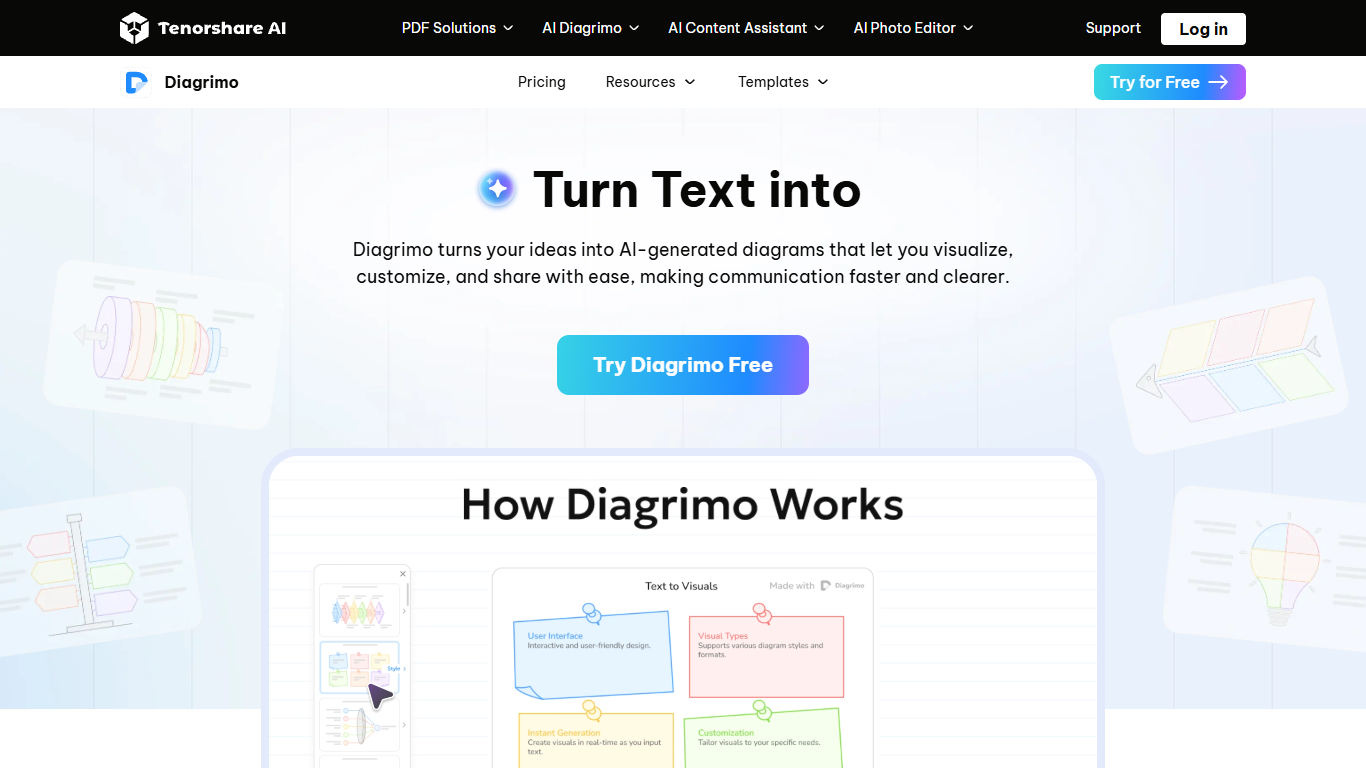
Tenorshare AI Diagrimo is a browser-based workspace that turns plain text into diagrams, charts, and infographics. You start with notes or a topic, and the tool generates structured visuals you can edit, export, or share without opening a separate design app.
The editor pairs an AI writing assistant with one-click visualization. You can polish copy, fix grammar, translate text, and then highlight a paragraph to convert it into fishbone diagrams, flowcharts, pyramids, funnels, and other layout styles. Customization covers colors, shapes, lines, and text so the output fits presentations, reports, or teaching materials.
Diagrimo targets teams and solo creators who need fast visual communication for presentations, blogs, education, social posts, and business reports. Exports include PNG, PDF, PPT, SVG, and JPG, and you can share work through links or email invitations.
Highlights any text block and converts it into diagrams, charts, or infographics in one click
Built-in AI assistant can polish, simplify, continue, translate, and fix grammar on your draft
Supports fishbone, flowchart, pyramid, funnel, step, and bullseye diagram styles from templates
Customize colors, shapes, lines, layouts, and text on every generated visual
Export to PDF, PNG, PPT, SVG, or JPG and share via link or email invitation
Combines AI writing help and diagram generation in one browser workspace.
Free tier includes daily credits so you can test core visualization without paying.
Exports multiple formats including PDF, PNG, PPT, and SVG for presentations.
Requires a Tenorshare account login to access the online editor.
Free plan credits reset daily, which can limit heavy same-day usage.
No dedicated desktop or mobile app; the product runs in the browser only.
Is Tenorshare AI Diagrimo free to use?
Yes. Diagrimo offers a Free plan with a daily allowance of credits for regular use. Paid Plus plans add more monthly credits, watermark-free exports, premium templates, and extended page history.
What diagram types can Diagrimo create?
Diagrimo can generate fishbone, flowchart, pyramid, funnel, step, and bullseye diagrams, along with charts and infographics. You select text and use the visualize action to pick a style from the template library.
How much does Diagrimo Plus cost?
Plus costs $9.99 per month with a 7-day trial at $0, or $6.99 per month when billed annually. Plus includes 10,000 AI credits per month and unlimited exports to PPT, SVG, JPG, and PDF.
What export formats does Diagrimo support?
You can download individual diagrams as PNG images and export full documents as PDF in A4 format. Plus users get unlimited exports to PPT, SVG, JPG, and PDF without watermarks.
Can I collaborate with others in Diagrimo?
Yes. Diagrimo lets you share documents through email invitations or copyable links. Team collaboration features are listed as upcoming improvements on the product site.