
Last updated 07-25-2026
Category:
Reviews:
Join thousands of AI enthusiasts in the World of AI!
Tintd
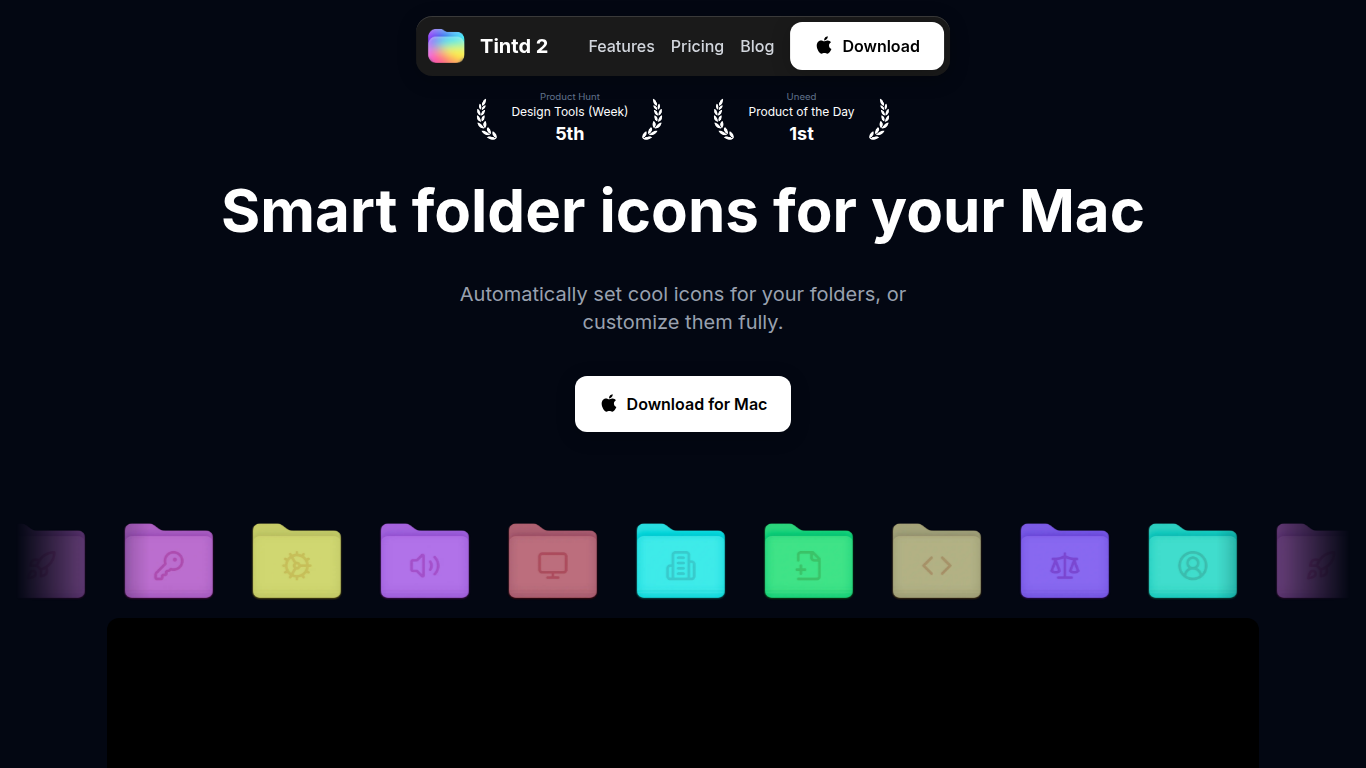
Tintd is a macOS utility that sets custom icons and colors for Finder folders. The app integrates into the Finder right-click menu so any folder can be styled in one click. Smart Icon analyzes a folder's name against a library of 11,000+ icons and emojis and picks one that fits automatically, like a camera for a Photos folder or a music note for Music. Smart Color coordinates colors with neighboring folders so the result looks intentional rather than random.
Folder Watcher monitors selected locations and applies matching icons to new folders as soon as they appear, with no manual step. Batch editing lets users randomize colors, apply one icon across many folders, or use Smart Icon on dozens at once. All icon and color suggestions run locally on the device; folder names never leave the Mac and Tintd does not call any external service.
The app comes with a library of over 11,000 icons and emojis, supports importing custom images as folder icons, and keeps a reusable history of every icon created. It supports 11 languages and works with mixed-language folder naming. The app is available as a one-time purchase through the Mac App Store, and all future updates are included. The company behind it is Oniri Inc, a Delaware-registered company.
[object Object]
[object Object]
[object Object]
[object Object]
[object Object]
[object Object]
[object Object]
[object Object]
One-time purchase with no subscription required
All processing runs offline, no data leaves the device
Smart Icon saves time by auto-matching icons to folder names
Folder Watcher automates icon assignment for new folders
Batch editing handles large sets of folders at once
Finder right-click integration keeps it out of the way until needed
macOS only, no Windows or Linux support
Folder Watcher requires Full Disk Access permission
Icon customizations do not sync across Macs via iCloud
DR 22 indicates moderate search presence for the domain
Does Tintd send my folder names or data to any server?
No. All icon and color suggestions run entirely on your Mac. Folder names never leave the device, and Tintd does not call any external AI or cloud service.
Can Tintd automatically set icons for new folders?
Yes. Folder Watcher monitors the locations you choose and applies matching icons to new folders the moment they are created. It requires Full Disk Access, which macOS prompts you to grant.
Can I customize multiple folders at once?
Yes. Batch editing lets you apply one icon to many folders, randomize colors across a selection, or use Smart Icon to give each folder its own fitting icon at the same time.
Can I revert to the default macOS folder icon?
Yes. Any customized folder can be reset to the standard macOS Finder icon with one click.
Does Tintd work with custom images?
Yes. You can import your own images and use them as folder icons in addition to the built-in library.
What is the pricing model?
Tintd is a one-time purchase through the Mac App Store. There is no subscription and all future updates are included.
Do folder icon customizations sync across Macs via iCloud?
No. Icon customizations are stored locally on each device. You would need to set them up separately on each Mac.