
Last updated 07-27-2026
Category:
Reviews:
Join thousands of AI enthusiasts in the World of AI!
Tracksy
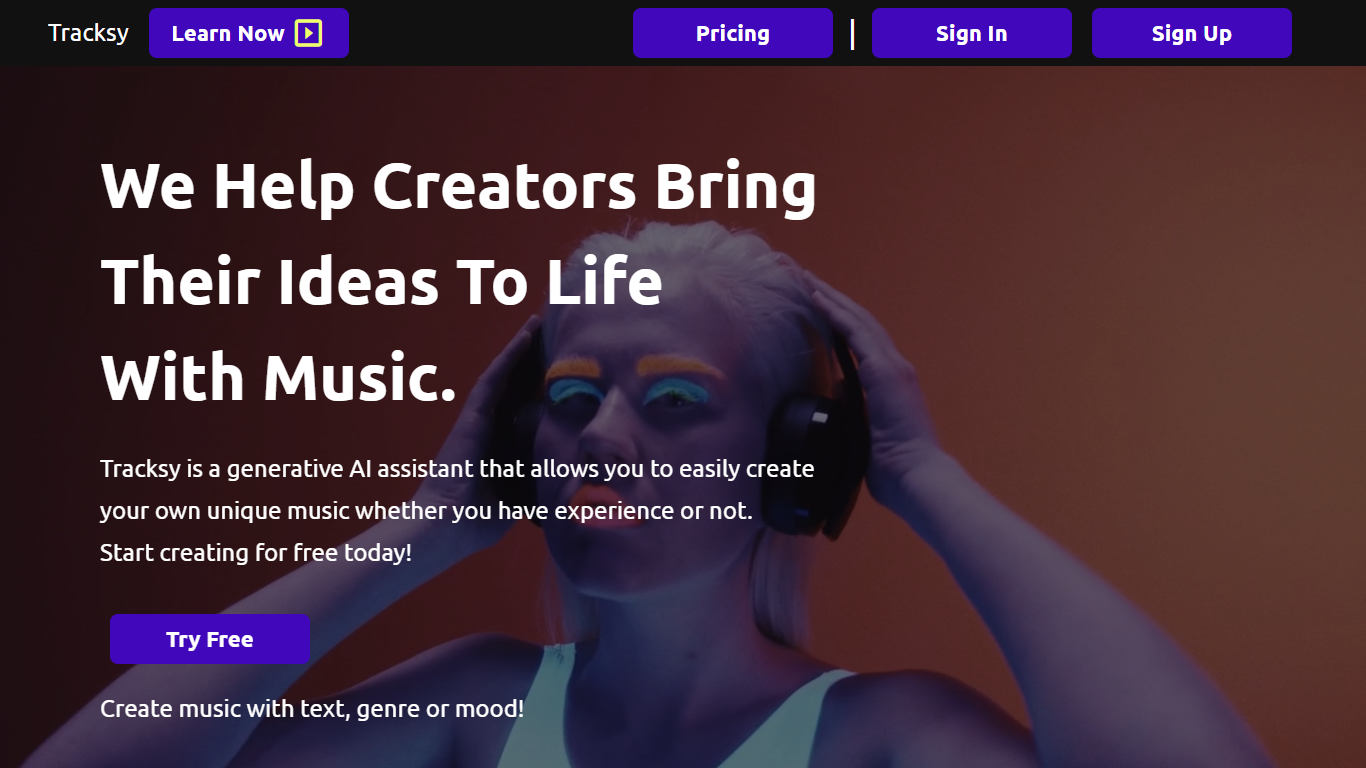
Tracksy is an AI-powered music assistant that enables creators to produce original music quickly and easily. It offers two main tools: Tracksy Create, which generates music from text descriptions or presets, and Tracksy Revamp, which enhances user-uploaded music stems into fully arranged tracks. Users can create tracks by typing text, selecting genres, or setting moods, making music creation accessible without prior musical knowledge.
What sets Tracksy apart is its dual approach combining text-based music generation with the ability to upload and revamp existing music stems. This unique feature allows users to either start from scratch or enhance their own recordings, providing flexibility not commonly found in similar AI music tools. Additionally, Tracksy emphasizes ethical music creation by training AI models only on licensed material and ensuring users retain ownership of their creations.
Tracksy supports a wide range of genres and moods, with flexible track lengths up to 3 minutes and adjustable arrangement intensity. Paid plans unlock commercial rights, higher quality downloads including WAV format, longer track durations, and more creation credits. The platform integrates easily into creative workflows, offering track sharing, library management, and customer support. It is designed for musicians, content creators, filmmakers, podcasters, and anyone needing custom music for projects.
Tracksy is practical for overcoming creative blocks, speeding up production, and generating royalty-free music tailored to specific needs. Its combination of intuitive AI tools and ethical practices makes it a valuable resource for both amateur and professional users.
🎵 Text To Music: Generate unique tracks by describing your desired sound in simple text.
🎚️ Tracksy Revamp: Upload your own music stems up to 8 bars to create fully mixed and arranged songs.
🎼 Genre & Mood Selection: Choose from diverse genres and moods to fit any project style.
⏱️ Flexible Track Lengths: Create music from short clips up to 3 minutes long.
💾 Library & Sharing: Save your creations, manage your tracks, and share them easily online.
💿 Download Quality: Free plan offers MP3 at 128Kbps with watermark; paid plans offer MP3 at 320Kbps and WAV without watermark.
💰 Commercial Rights: Paid plans enable monetization and full commercial use including streaming platforms.
Enables music creation without any musical background using intuitive AI tools.
Offers both text-based music generation and music stem revamping for versatility.
Paid plans provide commercial rights and high-quality downloads suitable for professional use.
Supports a wide range of genres, moods, and arrangement intensities for customization.
Tracksy ensures ethical AI training and user ownership of created music.
Free plan limits track duration to 30 seconds and includes watermarked, lower-quality downloads.
Music created with the Tracksy Create tool cannot be released on streaming platforms.
Some advanced features like Tracksy Revamp require paid subscriptions.
How do I create music with Tracksy?
To create music with Tracksy, sign up and use the Tracksy Create tool to generate music by entering text descriptions or selecting genres and moods. Alternatively, use Tracksy Revamp to upload your own music stems for enhancement into fully arranged tracks.
Can I monetize music created with Tracksy?
Yes, you can monetize music created with Tracksy if you subscribe to one of the paid plans. Free users may use music non-commercially but cannot monetize it.
Do I own the music I create on Tracksy?
With Tracksy, you own the tracks created using the Tracksy Revamp tool on paid plans. Tracks generated by the Tracksy Create tool are owned by Tracksy, but full buyouts are available upon request.
Is attribution required when using Tracksy music?
Attribution is required for free users of Tracksy and appreciated but not required for paid subscribers. Attribution should be given as “Music Co-Created with www.tracksy.ai”.
Can I upload my own music to enhance it?
Yes, Tracksy's Revamp tool allows you to upload music stems up to 8 bars long to create fully mixed and arranged tracks incorporating your original music.
What formats and quality are available for downloads?
Tracksy offers MP3 downloads at 128Kbps with watermark for free users. Paid plans provide high-quality MP3 at 320Kbps and WAV formats without watermark.
Can I use Tracksy music on streaming platforms like Spotify?
Music created with Tracksy Create cannot be released on streaming platforms. However, music produced using Tracksy Revamp can be distributed on streaming services.