
Last updated 08-31-2026
Category:
Reviews:
Join thousands of AI enthusiasts in the World of AI!
Triplo AI
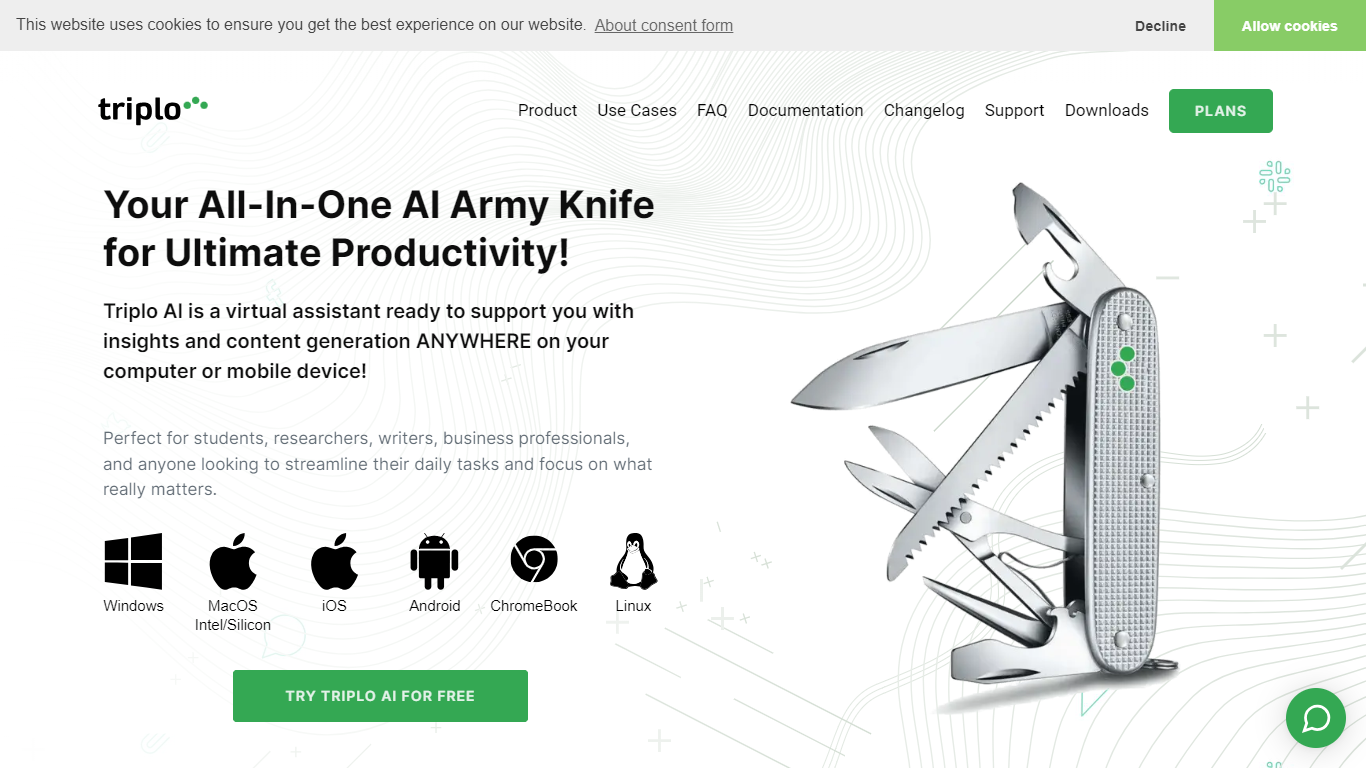
Press a hotkey or type a shortcut in any app and Triplo AI opens without leaving your workflow. This productivity assistant runs at the OS level on Windows, macOS, Linux, Android, iOS, and Chrome OS, so you can ask questions, draft text, translate content, or run saved prompts from email, documents, chat, or social tools.
Browser chatbots make you alt-tab away from your work. Triplo AI stays in whatever window you already have open and pulls context from screen text, URLs, YouTube links, API data, or knowledge bases you build from material you trust. You choose the prompt and the source; the hosted or BYOK models do the generation.
Writers, researchers, support staff, and business professionals who juggle multiple apps throughout the day get the most from the setup. Native desktop and mobile apps, 300+ SmartPrompts, voice commands, and up to 2 million tokens per device on paid plans cover drafting, research, translation, and grammar work without per-app integrations.
Summon help from any app with a universal hotkey or custom text trigger
Choose from 300+ built-in SmartPrompts or save your own reusable prompt sets
Drop URLs, YouTube links, screen text, or API data straight into a prompt
Build multiple knowledge bases so answers draw on content you actually trust
Talk instead of type with voice commands and spoken responses on supported devices
Plug in your own OpenAI or OpenRouter keys when you want unlimited model calls
Each paid device gets up to 2 million tokens per month on included hosted models
Works across desktop and mobile apps without per-app integrations.
Supports bring-your-own-key for OpenAI and OpenRouter when you want unlimited usage.
Knowledge bases let you ground answers in curated content you control.
Native apps span Windows, macOS, Linux, Android, iOS, and Chrome OS.
Paid subscription is required after the 7-day trial; no permanent free tier is listed on the pricing page.
Documentation, downloads, and support live on separate subdomains from the main marketing site.
The wide feature set across prompts, automations, and training can take time to learn.
Does Triplo AI offer a free trial?
Yes. Triplo AI offers a 7-day free trial. You submit a form on triplo.ai/trial with your name, email, and operating system, then receive setup instructions by email.
What platforms does Triplo AI support?
Triplo AI runs on Windows, macOS, Linux, Android, iOS, and Chrome OS. Native apps are available for desktop and mobile, and the assistant works over any other application on your device.
Can I use my own API keys with Triplo AI?
Yes. Triplo AI supports bring-your-own-key (BYOK) for OpenAI and OpenRouter. When you connect your own keys, you can make unlimited calls through those providers alongside the hosted models.
How does Triplo AI work without app integrations?
Triplo AI activates through the Triplo Bar universal hotkey or a customizable text trigger in any text field. You type or speak a command, and results appear in the interface or clipboard without needing a dedicated integration per app.
What AI models does Triplo AI include?
Triplo AI offers a wide range of hosted models, including GPT 4o Mini on paid plans, plus options such as Google Gemini Pro, Llama 3, Mistral variants, and Dolphin Mixtral. You can also connect OpenAI or OpenRouter keys to access additional models.
Is Triplo AI secure?
Triplo AI states that communications use encryption, prompts and content are not stored on its servers without explicit consent, and licensing data is not shared with third parties. Users can decline cookies and opt out of marketing communications.
What support does Triplo AI provide?
Triplo AI offers support by email through support.triplo.ai. The site also links to documentation, downloads, a changelog, and an FAQ section on the main homepage.