
Last updated 07-29-2026
Category:
Reviews:
Join thousands of AI enthusiasts in the World of AI!
Trupeer
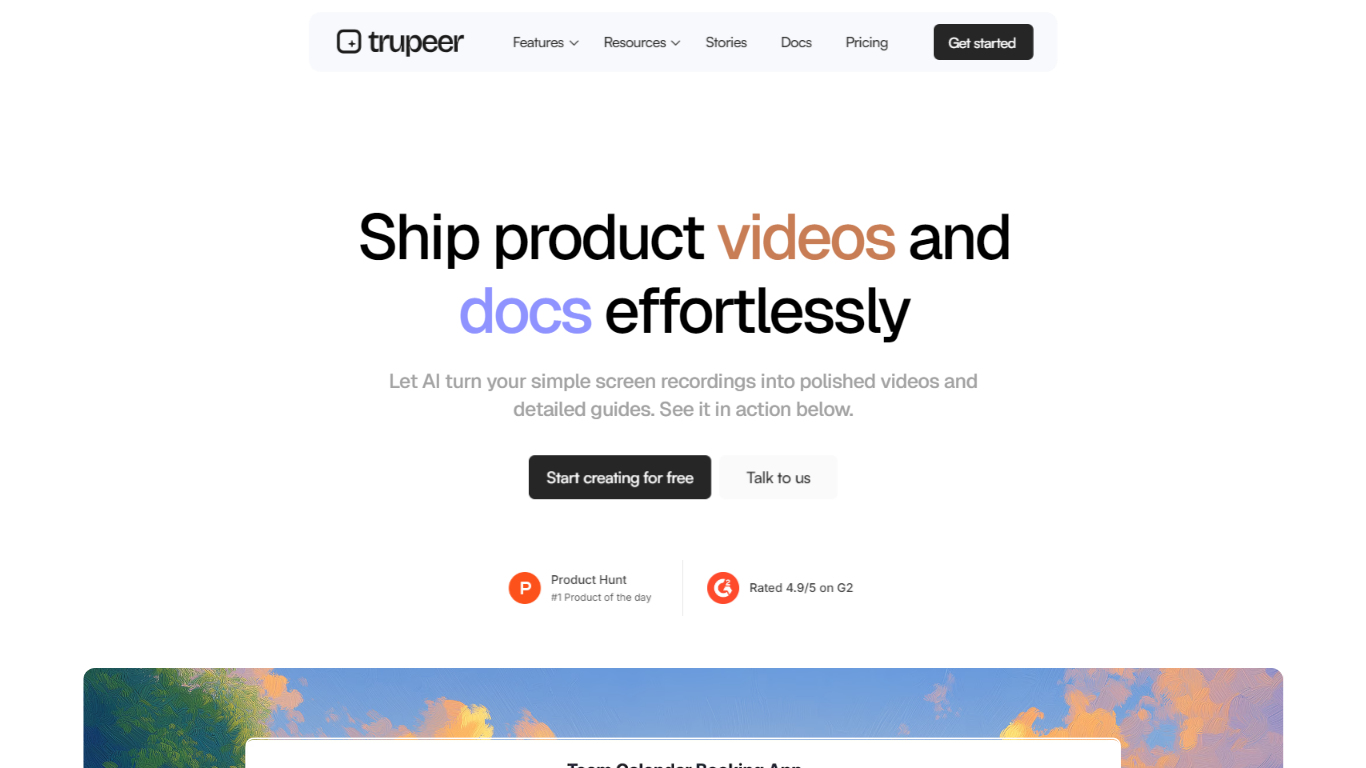
One screen recording in Trupeer can become a polished video, a step-by-step guide, translated documentation, and a searchable knowledge base your team can query. You capture workflows through the Chrome extension or by uploading existing footage, and the platform turns that session into multiple finished assets. It fits productivity teams that want living product knowledge instead of clips scattered across shared drives. Video and documentation output is available in 120+ languages.
Where Loom stops at sharing a raw clip, Trupeer keeps working on the same capture. It auto-adds zooms, voiceovers, cleaned scripts, and chapters for video, then builds SOP-style documents with screenshots you can embed in Zendesk, Notion, or Intercom. The optional knowledge base add-on layers AI video search with timestamped answers, so one walkthrough feeds both human viewers and internal agents. You are trading async simplicity for bundled production and knowledge packaging.
Customer success, product marketing, sales enablement, and L&D teams use Trupeer for training walkthroughs, pre-sales demos, launch explainers, and IT rollouts without hiring an editor. The free tier includes 10 AI video minutes and five guides over 10 days, while paid plans start at $40 per month on annual billing. Enterprise buyers get SAML SSO, custom domains, and SOC II plus ISO 27001 compliance on Trupeer's trust page.
One recording yields video, step-by-step docs, translations, and an optional AI-searchable knowledge base
Free plan includes 10 AI video minutes, 5 guides, and recordings up to 8 minutes long
Pro plan costs $40 per month on annual billing with 20 AI video minutes and 12-minute recordings
120+ accents and voice styles for generated voiceovers, plus 20+ AI avatars
Documentation exports embed into Zendesk, Intercom, and Notion from the docs workflow
Knowledge Base with AI Search add-on includes 1,000 AI searches and video timestamp answers
Scale plan includes a 3-editor team workspace and 100 AI video minutes per month
One recording produces video, docs, and translations without juggling separate tools
Free tier includes 10 AI video minutes so teams can test workflows before subscribing
Enterprise plans list SAML SSO plus ISO 27001 and SOC II compliance
Chrome extension captures browser workflows without a separate desktop recorder
Knowledge base add-on returns timestamped video answers from AI search
AI video minutes reset monthly and unused credits do not roll over
Branded share pages and team workspaces require Scale at $199 per month (annual billing) or higher
Knowledge base hosting and AI search are paid add-ons starting at $120 per month
Free plan recordings are capped at 8 minutes
Is Trupeer free to use?
Trupeer offers a free plan at $0 for 10 days with 10 AI video minutes, 5 AI guides, 3 video exports, and recordings up to 8 minutes. Paid plans start at $40 per month on annual billing for the Pro tier.
How much does Trupeer Pro cost?
Trupeer Pro is $40 per month on annual billing, or $49 per month on monthly billing. The plan includes 20 AI video minutes, unlimited AI guides, unlimited video exports, and recordings up to 12 minutes.
What does Trupeer create from one recording?
Trupeer turns one screen recording into a polished video, a step-by-step guide, translated documentation, and optionally a branded knowledge base with AI video search. All outputs come from the same capture session.
Does Trupeer integrate with Zendesk?
Yes. Trupeer documentation can be exported as PDFs or embedded directly into Zendesk, Intercom, and Notion from the documentation workflow on trupeer.ai.
How many languages does Trupeer support?
Trupeer supports videos and docs in 120+ languages through its translation feature. The video workflow also lists 120+ accents and voice styles for generated voiceovers.
What is the Trupeer Chrome extension for?
The Trupeer Chrome extension records screen workflows directly in the browser. You can also upload an existing recording instead of capturing live, then generate video and guide outputs from either source.
Does Trupeer offer enterprise SSO?
Yes. Trupeer Enterprise includes SAML SSO along with custom seats, custom brand templates, advanced analytics, and custom domain hosting. Enterprise plans also list ISO 27001, GDPR, and SOC II compliance.