
Last updated 07-29-2026
Category:
Reviews:
Join thousands of AI enthusiasts in the World of AI!
TypoTab
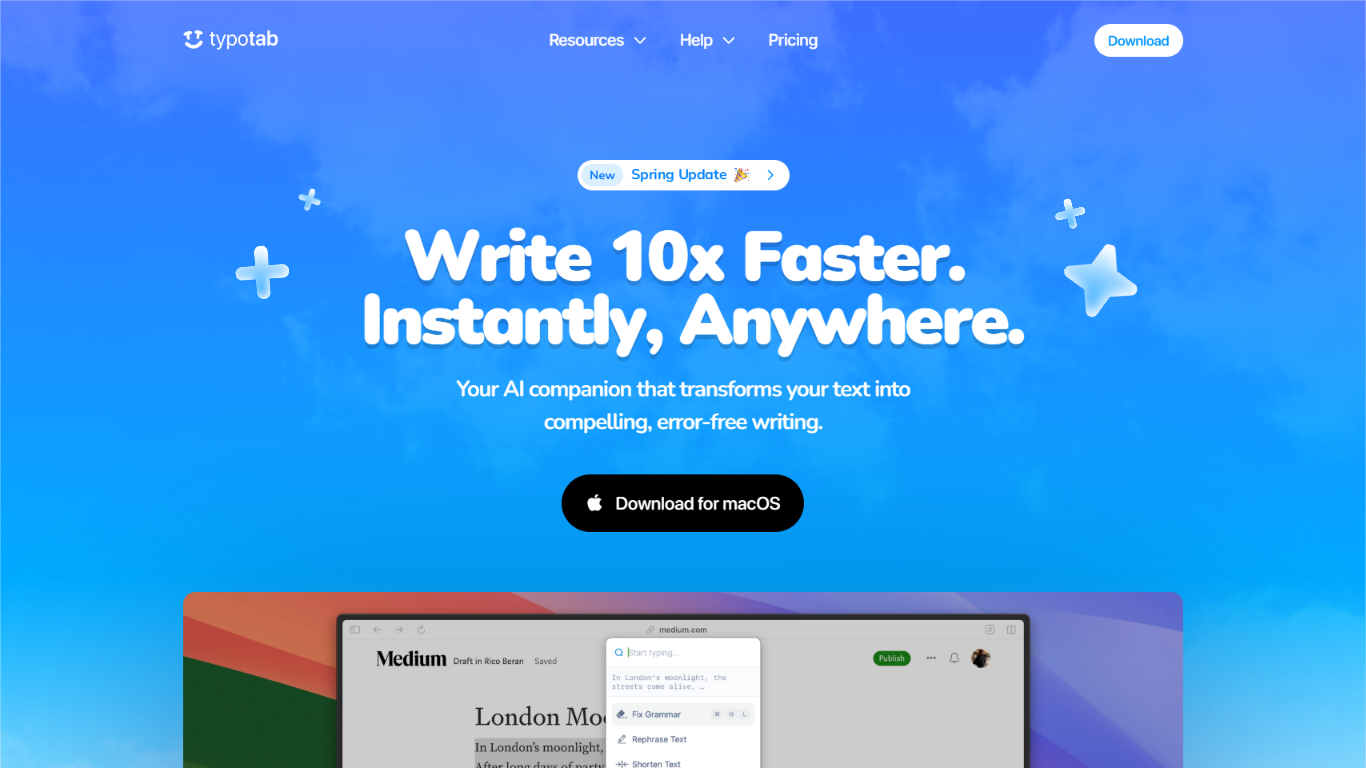
TypoTab is a macOS menu bar productivity tool that rewrites text inside whatever app you already have open. Select words in Slack, Google Docs, Notion, or VS Code, trigger a keyboard shortcut, and pick an action like fix grammar, rephrase, or shorten. Requests run through OpenAI's API, but the app never opens a separate chat window.
Most writing assistants want you inside their editor or a browser extension. TypoTab stays hidden in the menu bar with hotkey access, custom actions, and saved prompts. You trade Grammarly-style plagiarism checks and Chrome plugins for unlimited AI rewrites on one Mac at a flat subscription price.
Students turning rough notes into essays, founders drafting cold emails, and remote workers polishing Slack messages get the most from it. The Spring 2025 update added daily streaks, rank tracking, and an Enhance Prompt button that expands short instructions before they run.
Paid plans list unlimited usage on a single device, with monthly billing at ?6 or yearly billing at ?4 per month. Windows support is waitlist-only; the downloadable build is a macOS .dmg distributed through GitHub releases.
Works system-wide on macOS via menu bar hotkeys in Slack, Notion, Gmail, and VS Code
Unlimited AI rewrites on paid plans with a 1-device license limit
Built-in actions include Fix Grammar, Shorten Text, Rephrase, and Essay Writer
Custom shortcuts and saved prompts you can tailor to repeatable writing tasks
Monthly plan is ?6; yearly plan drops to ?4 per month with 33% annual savings
Privacy policy states TypoTab collects no usage data and routes text through OpenAI's API
System-wide macOS integration without switching apps or installing browser extensions
Unlimited AI usage on paid plans with no per-word caps listed on the pricing page
Privacy policy states TypoTab collects no in-app usage data or analytics
Custom hotkeys and saved prompts support repeatable writing workflows
Yearly plan at ?4 per month undercuts Grammarly Pro pricing listed on comparison pages
macOS only; Windows remains waitlist-only with no downloadable build
Single-device license limits each subscription to one Mac
No plagiarism detection compared with Grammarly and similar writing assistants
Requires OpenAI API processing, so users must meet ChatGPT age restrictions in the terms
What is TypoTab and how does it work?
TypoTab is a macOS menu bar app that rewrites selected text in any application. You highlight text, press a keyboard shortcut, and choose an action like Fix Grammar, Rephrase, or Essay Writer. The app sends the selection through OpenAI's API and returns edited text without opening a separate chat window.
How much does TypoTab cost?
TypoTab charges ?6 per month on the monthly plan or ?4 per month on the yearly plan billed annually. Both paid tiers include all TypoTab features, unlimited use, and a 1-device license limit. The yearly plan also includes 24/7 support and priority feature requests.
Does TypoTab work on Windows?
TypoTab does not offer a Windows download yet. The Windows page is a waitlist signup, while the download page distributes a macOS .dmg file through GitHub releases. macOS is the only supported desktop platform at launch.
Does TypoTab collect my writing data?
TypoTab's privacy policy says the app collects no usage data from inside the application. Text processing runs through OpenAI's API, and TypoTab states it does not access that data. License purchases through Lemon Squeezy collect name, email, and basic device details.
What apps does TypoTab work with?
TypoTab works across macOS apps without a dedicated integration per program. The homepage lists Google Docs, Microsoft Word, Gmail, Slack, Notion, Discord, VS Code, LinkedIn, and Safari among supported contexts. Any app where you can select and replace text is fair game.
Does TypoTab offer plagiarism detection?
TypoTab does not include plagiarism detection. Its Grammarly comparison page lists plagiarism checks as a Grammarly feature TypoTab lacks. TypoTab instead focuses on grammar fixes, rephrasing, shortening, and custom prompt actions from the menu bar.
What is TypoTab's refund policy?
TypoTab offers a 7-day money-back guarantee according to its terms of service. You can request a refund within seven days of purchase if the app does not meet your needs. Subscriptions are sold through Lemon Squeezy, which also handles payment processing.