
Last updated 07-03-2026
Category:
Reviews:
Join thousands of AI enthusiasts in the World of AI!
Video Subtitles
VideoSubtitles is an innovative AI-powered application designed to streamline the process of generating subtitles for your videos. This advanced tool harnesses the power of artificial intelligence to transcribe audio content in real-time, providing accurate text representations of spoken words. Beyond transcription, VideoSubtitles boasts the capability of translating the subtitles into English, supporting over 50 languages to overcome language barriers efficiently.
The app is not only powerful but user-friendly, allowing easy editing of subtitles where users can adjust timing, text, and formatting to ensure they align perfectly with the video content. Subtitles can be exported in .vtt, .srt, or .txt formats, catering to various platform requirements. VideoSubtitles offers a range of subscription plans suitable for different user needs, all with a goal to enhance video accessibility and offer time-saving convenience in audio and video transcription.
Automatic audio transcription that captures spoken words from uploaded video and audio files.
Subtitle translation into English with support for more than 50 languages.
Built-in editor to adjust subtitle timing, text, and formatting before export.
Export subtitles in .vtt, .srt, or .txt formats for different publishing platforms.
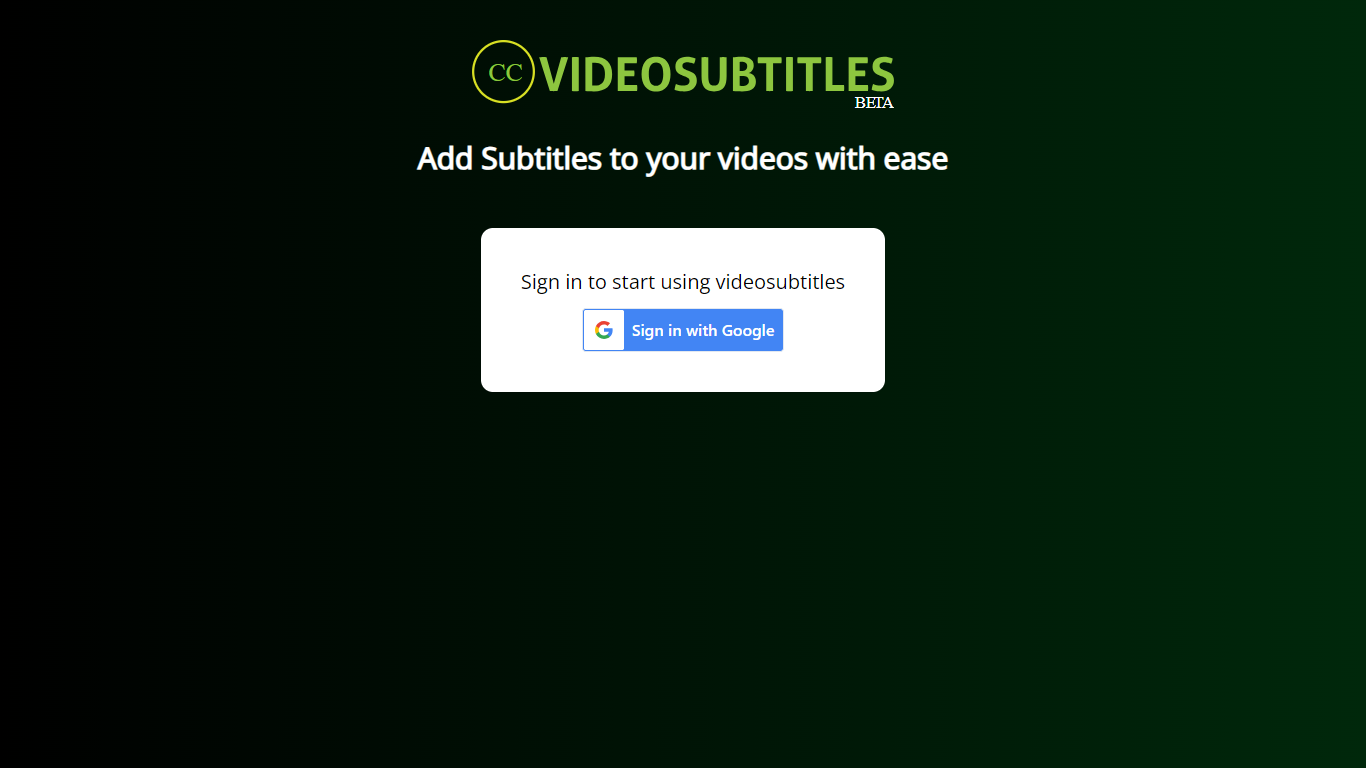
Google sign-in to access the subtitle workspace at app.videosubtitles.io.
Google sign-in gets you into the subtitle workspace without a separate password.
Focused web app for adding subtitles and transcribing video audio.
Exports subtitles in common formats like .srt and .vtt.
The public videosubtitles.io homepage no longer loads a marketing site.
Pricing and full feature details are behind Google sign-in.
Requires a Google account to use the web app.
What is VideoSubtitles?
VideoSubtitles is a user-friendly app that uses AI algorithms for the automatic transcription of video audio, capable of translating transcriptions into English subtitles.
How does it work?
Upload your file to the app and wait for it to process the transcription and translation, after which you can edit and download the subtitles in multiple formats.
What are the benefits of using VideoSubtitles?
It can transcribe and translate videos, allows easy editing, and is straightforward to use, saving time and improving video accessibility.
What are the limitations of VideoSubtitles?
It may struggle with noisy backgrounds or languages not listed as supported, and no transcription tool is 100% accurate, especially with poor audio quality or strong accents.
Can I transcribe my video in the original language?
You can transcribe in the original language by not selecting the translate option before uploading your video, which is default set to translate content into English.
Where do I access VideoSubtitles?
The web app is at app.videosubtitles.io. Sign in with Google to start. The videosubtitles.io marketing site currently shows a Framer placeholder page.