
Last updated 07-23-2026
Category:
Reviews:
Join thousands of AI enthusiasts in the World of AI!
Vidwud AI
Vidwud AI is an all-in-one online studio for creating video, images, and audio from a single dashboard. The platform bundles image-to-video, text-to-video, AI image generation, video effects, photo animation, music generation, and presentation tools so you can move from an idea to finished media without switching apps.
The video side supports dozens of third-party models, including Kling, Google Veo, Hailuo, Seedance, Wan, Vidu, and Pixverse, with options for synchronized audio, multi-shot output, and resolutions up to 1080p on paid plans. Story to video walks a brief through script, storyboard, shot list, and final render, while separate tools handle face swap, talking photos, clothes changing, and trending video effects.
Vidwud targets creators, marketers, educators, and small teams who want browser-based production without a full editing suite. Free users get daily generation tries on core tools, and paid credit subscriptions unlock faster processing, HD output, watermark-free exports, and larger upload limits.
Turn still images or text prompts into short videos with multiple model tiers from Basic through Ultimate
Access third-party video models such as Kling, Google Veo, Hailuo, Seedance, Wan, Vidu, and Pixverse in one workspace
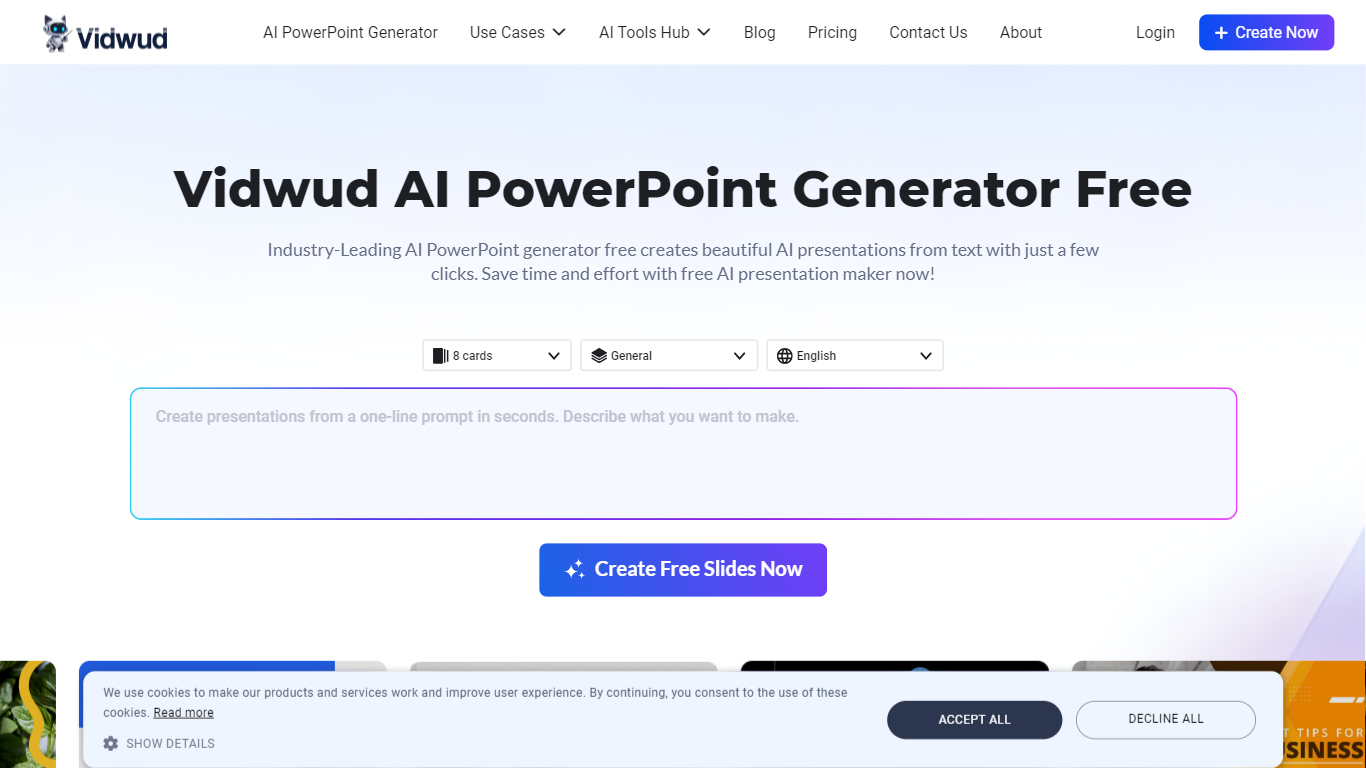
Generate presentations from text with themed AI PowerPoint layouts for marketing, sales, education, and business use
Apply trending AI video effects and templates, including kissing, aging, dance, and cinematic style presets
Build full story-to-video projects with AI script writing, storyboards, shot lists, voiceovers, and character casting
Swap faces in photos and videos, animate talking photos, change outfits, and create AI music from the same hub
Bundles video, image, audio, and presentation tools in one browser workspace.
Supports many third-party video models without leaving the platform.
Free tier includes daily tries on popular generators before you subscribe.
Credit costs add up quickly on higher-quality video models and longer clips.
Free accounts are capped at 100 MB uploads and 500 MB storage.
Some advanced options, such as 1080p output, require a paid subscription.
Is Vidwud AI free to use?
Yes. Vidwud offers a free tier with daily tries on tools such as image to video, text to video, AI image generation, and video effects. Paid credit subscriptions add faster processing, HD output, watermark-free exports, and higher upload limits.
How does Vidwud credit pricing work?
Vidwud uses credits for generations. Paid plans include 80 credits per month at $12.99, 480 credits every six months at $24.99, or 960 credits per year at $29.99. Credits roll over while your subscription stays active.
Can I use Vidwud videos for commercial projects?
Yes. Vidwud states that videos created with its image-to-video tool are free for commercial use.
What video models does Vidwud support?
Vidwud lets you switch among many video models, including its own Vidwud tiers plus options such as Kling, Google Veo, Hailuo, Seedance, Wan, Vidu, Pixverse, and Luma Ray, depending on the tool and plan.
How do I contact Vidwud support?
You can email [email protected] or submit a request through the contact form on vidwud.com. The site says responses typically arrive within 72 hours.