
Last updated 07-22-2026
Category:
Reviews:
Join thousands of AI enthusiasts in the World of AI!
Voe 4 AI
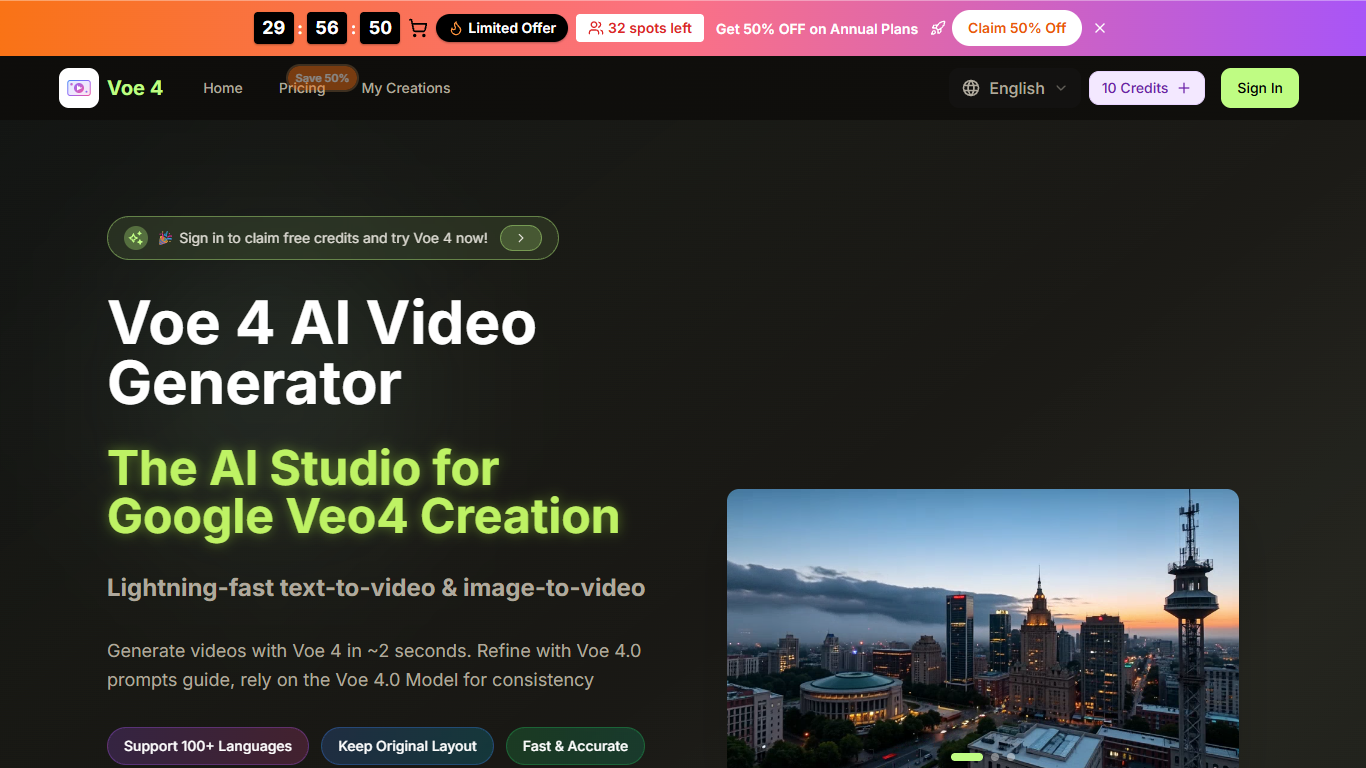
Voe 4 AI is a browser-based studio for creating short videos from text prompts or uploaded images. You describe a scene, pick aspect ratio and duration, and Voe 4 generates clips in seconds. It is aimed at creators, marketers, and small teams who need social or campaign videos without a full editing suite.
The generator exposes controls for aspect ratio (16:9 through 1:1), 720p or 1080p output, and 5 or 10 second clips. Text-to-video and image-to-video modes sit beside a prompt helper and style options. Paid annual plans also unlock multiple video models, including Voe 4.0, Seedream, Veo 3, Sora 2, Seedance, and Wan 2.5.
Voe 4 adds native audio with synced dialogue, ambience, and effects so you spend less time in separate audio tools. Multi-model access lets you switch engines without leaving the workflow, and paid tiers include a video enhancer, background remover, and commercial usage rights.
The product runs in the browser on desktop or mobile. New users can sign in to claim free credits before upgrading to subscription or one-time credit packs.
Text-to-video and image-to-video modes with prompts up to 800 characters
Aspect ratios from 16:9 to 1:1 plus 720p or 1080p output at 5 or 10 seconds
Native audio generation with synced dialogue, ambience, and effects
Switch between Voe 4.0, Seedream, Veo 3, Sora 2, Seedance, and Wan 2.5 on paid annual plans
Built-in video enhancer and background remover on subscription tiers
Commercial usage rights included with all paid plans
Offers free credits on sign-in so you can test generation before paying
Supports both text-to-video and image-to-video in one browser studio
Includes native audio generation alongside video output
Paid annual plans unlock multiple video models and commercial rights
Exports 720p or 1080p clips with common social aspect ratios
Monthly subscription credits do not roll over to the next billing cycle
Some premium models and perks are limited to annual plans only
Clip length is capped at 10 seconds per generation
Is Voe 4 AI free to try?
Yes. Voe 4 AI lets you sign in to claim free credits and test the generator before upgrading. Paid subscription and one-time credit packs are available on the pricing page for heavier use.
How do Voe 4 AI credits work?
Voe 4 AI uses a credit system where 10 credits generate one high-quality video. Subscription plans refill credits each billing cycle, while one-time credit packs never expire.
What video settings does Voe 4 AI support?
Voe 4 AI supports text-to-video and image-to-video creation with aspect ratios including 16:9, 9:16, 4:3, 3:4, 21:9, and 1:1. You can export 720p or 1080p clips at 5 or 10 seconds.
Can I use Voe 4 AI videos commercially?
Yes. All paid Voe 4 AI plans include commercial usage rights for business, ads, and monetization. Free trial outputs may carry usage restrictions.
Does Voe 4 AI work on mobile?
Yes. Voe 4 AI is browser-based and works on smartphone browsers with an adaptive layout. There is no dedicated mobile app listed on the site.
How do I cancel a Voe 4 AI subscription?
You can cancel a Voe 4 AI subscription at any time and keep plan benefits until the current billing period ends. Contact [email protected] for cancellation help.