
Last updated 07-03-2026
Category:
Reviews:
Join thousands of AI enthusiasts in the World of AI!
VoiceTaking
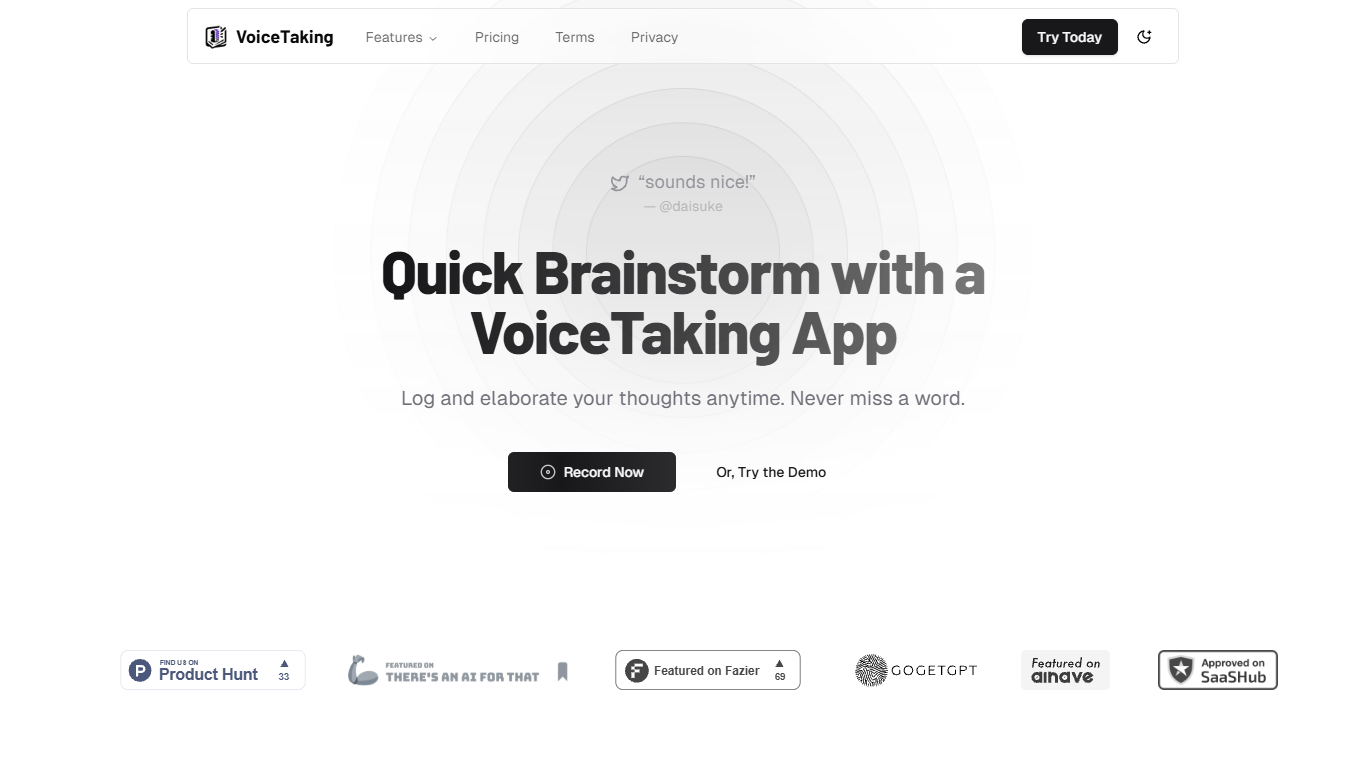
VoiceTaking is a voice-first note-taking app built around quick capture and AI-assisted writing. You record thoughts as voice notes, get automatic transcription, and work with the text inside a block editor that supports summarize, elaborate, and inline AI commands.
The product targets both solo users who want to log ideas on the go and teams that need async collaboration around voice documents. Team workspaces let members share daily scrums, meeting minutes, and brainstorms without sitting in live calls.
Automation workflows add smart labels and triggers: when someone adds a voice note to a tagged document, predefined actions run in sequence. That setup fits recurring formats like standup summaries or structured meeting outputs.
VoiceTaking is developed by Appledore Dev in Jakarta, Indonesia. The homepage offers a hands-on demo recorder and dashboard access without requiring a credit card upfront.
Record voice notes in the browser with microphone selection and a timed demo recorder on the homepage
Transcribe recordings and uploaded audio into editable text documents
Summarize, elaborate, and edit with a slash-command AI writing assistant inside the editor
Organize documents with smart labels that trigger automation workflows on new voice notes
Invite team members to shared workspaces for async collaboration on voice documents
Upgrade to Pro for 30 hours of monthly transcription, unlimited notes, and unlimited AI assistance
Combines voice capture, transcription, and AI writing in one document workflow.
Team workspaces and automation labels support recurring meeting formats without live calls.
Free signup with no credit card required on the marketing site.
Pro plan caps transcription at 30 hours per month.
No dedicated mobile apps listed; the product runs in the browser.
Discounted Pro pricing on the site may change without a fixed list price history.
Is VoiceTaking free to use?
Yes. You can sign up without a credit card on the marketing site. Pro plans with expanded transcription and AI limits are listed on the pricing page.
How much does VoiceTaking Pro cost?
The pricing page lists Pro at $10 per month and Pro Annual at $68 per year, both shown with promotional discounts from higher list prices.
What is included in VoiceTaking Pro?
Pro includes 30 hours of transcription per month, unlimited notes, unlimited AI assistance, and 24/7 support according to the pricing page.
Can I cancel my VoiceTaking subscription?
Yes. You can cancel anytime from the Settings page. Access continues through the end of your current billing period.
Does VoiceTaking support teams?
Yes. Team workspaces let you invite members and share voice documents for async collaboration, including daily scrums and meeting minutes.
How do automation workflows work?
You set smart labels on documents in the automation settings. When a voice note is added to a tagged document, configured actions run in the order of the labels applied.