
Last updated 07-24-2026
Category:
Reviews:
Join thousands of AI enthusiasts in the World of AI!
Widgets
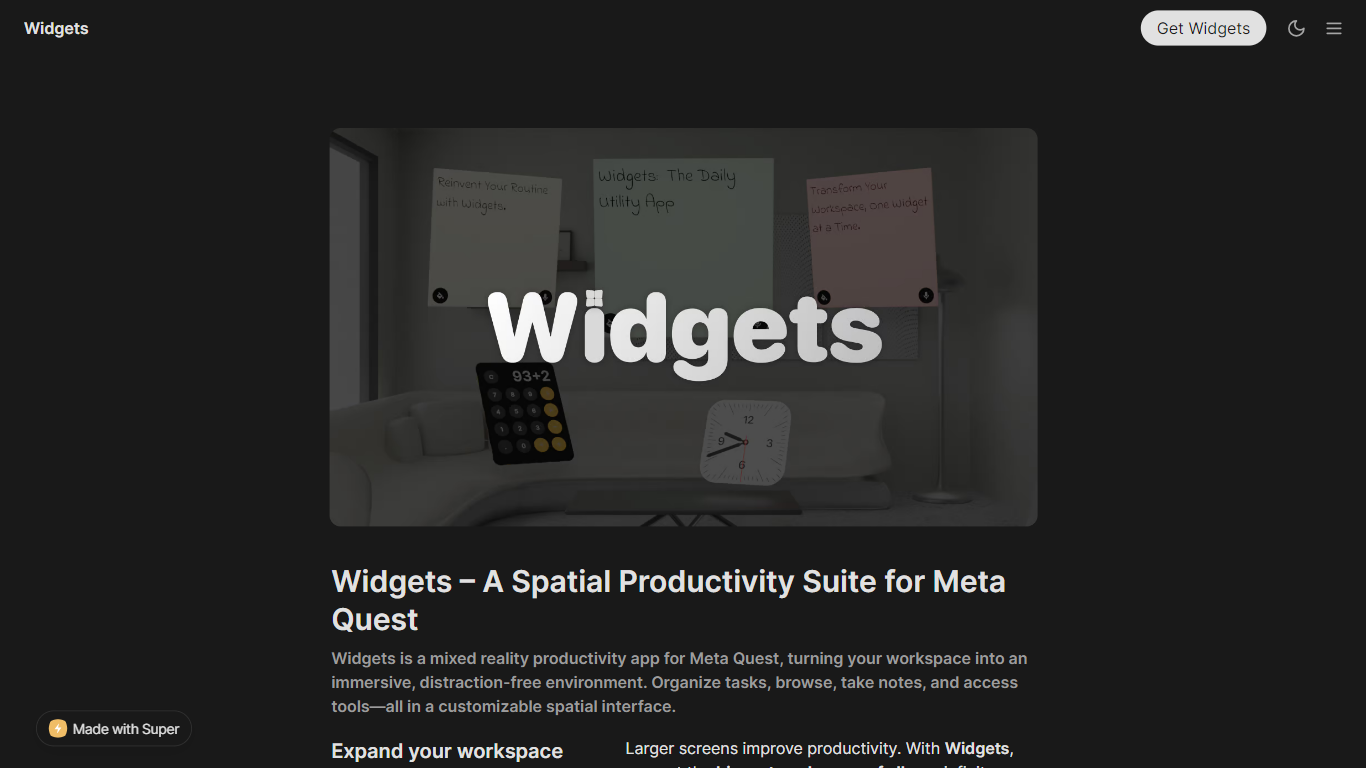
Widgets is a mixed reality productivity suite built for Meta Quest headsets. It turns your physical room into a spatial workspace where notes, tools, and browser windows float around you instead of stacking on a single flat monitor.
The app is designed around visual organization in 3D. You place sticky notes, clocks, calculators, and browser panels where they make sense to you, then work inside passthrough mixed reality or switch to immersive virtual environments when you want fewer real-world distractions.
Widgets fits remote workers, students, and anyone who already uses a Quest headset for more than gaming. If context switching between tabs and apps breaks your focus, the spatial layout gives you a larger canvas and a calmer place to plan, research, and study.
Pin sticky notes, clocks, and calculators anywhere in your mixed reality room
Browse with a Chromium-based browser that handles video, audio, and unlimited windows
Ask Prisma AI for answers and ideas, backed by Google's Gemini models
Stream your PC screen in real time through the Widgets Link companion
Resize and rearrange as many virtual screens as you need
Type with a virtual keyboard, speech-to-text, or your Quest controllers and hands
Pick passthrough for your real desk or drop into a calm virtual environment
Supports Meta Quest 2, 3, 3s, and Pro with hand tracking or controllers
Chromium browser plays video and audio with no cap on open windows
Passthrough mixed reality lets you blend virtual widgets with your physical desk
Active development with a public roadmap and Discord community
Only available on Meta Quest headsets, not desktop or mobile
Bluetooth keyboard support is listed as coming soon on the Widgets site
Several PC Connect features, including multi-workspace support, are still marked coming soon
Download is handled through the Meta Quest store rather than directly from the Widgets site
What headsets does Widgets support?
Widgets runs on Meta Quest 2 and is recommended for Meta Quest 3, Meta Quest 3s, and Meta Quest Pro. The Widgets site lists hand tracking and touch controller support across these headsets.
What widgets come built into Widgets?
Widgets includes sticky notes, a clock, a calculator, a web browser, Prisma AI, and PC Connect. Each widget can be placed and resized anywhere in your spatial workspace.
How does the AI assistant in Widgets work?
Widgets includes Prisma AI for general assistance, powered by Gemini. Context awareness is listed as coming soon on the Widgets site.
Can you browse the internet inside Widgets?
Yes. Widgets includes a Chromium-based browser with video and audio playback, direct touch support, and no limit on how many browser windows you can open at once.
What is Widgets Link?
Widgets Link is a companion project for streaming your PC screen into Widgets in real time. The Widgets site links to the open-source Widgets-Link-Stream repository on GitHub.
How do you interact with Widgets?
Widgets supports hand tracking and Quest touch controllers. You can enter text through a virtual keyboard or speech-to-text powered by Wit AI, with Bluetooth keyboard support listed as coming soon.
Where do you download Widgets?
Widgets is distributed as a Meta Quest experience called Widgets: The Daily Utility App. The Widgets site links to the Meta Quest store listing for download.