
Last updated 08-12-2026
Category:
Reviews:
Join thousands of AI enthusiasts in the World of AI!
Y2Doc
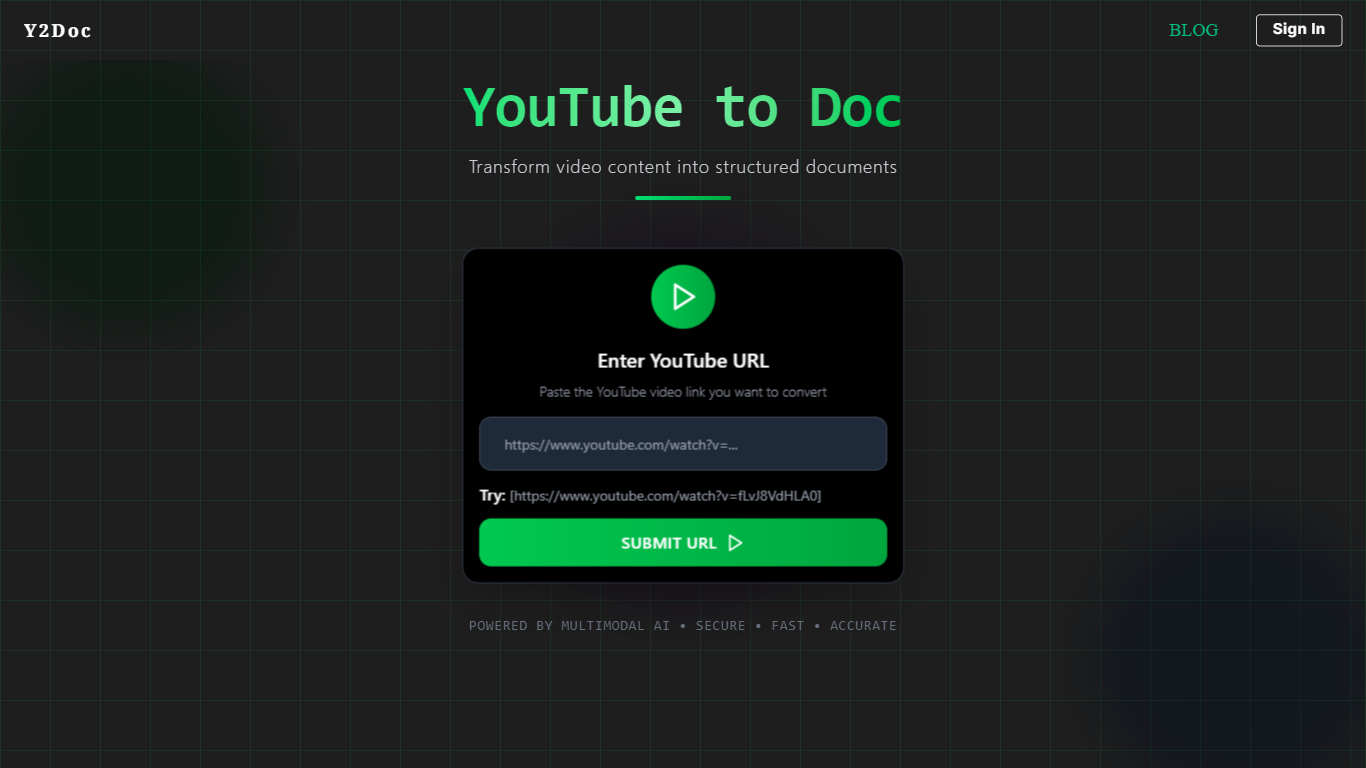
Y2Doc turns a YouTube URL into structured study notes, PDFs, Markdown files, or DOCX documents in one paste. You submit a public video link, and the service builds headings, summaries, and optional quizzes from the transcript and on-screen context.
Most transcript tools dump raw caption text. Y2Doc formats output into structured documents and also offers video downloads, MP3 audio extraction, and timestamped full transcripts on the results page. Free users can convert without signing up, while paid plans lift daily limits and extend the 60-minute video cap.
Students, researchers, and professionals use Y2Doc to turn lectures, podcasts, and conference talks into readable files they can skim offline. Conversions typically finish in under 30 seconds for videos up to 30 minutes, and the FAQ lists support for English videos with captions.
Converts public YouTube URLs to Structured Doc, PDF, Markdown, and DOCX
Generates summaries, quizzes, and structured notes from video content
No registration required for basic free conversions on the homepage
Extracts full timestamped transcripts from caption data
Downloads original video files and MP3 or WAV audio extracts
Free plan covers videos up to 60 minutes long
Most conversions finish in under 30 seconds for videos up to 30 minutes
No signup needed to test basic YouTube to document conversions.
Exports four document formats plus video and audio downloads from one URL.
Structured output beats raw transcript dumps for lecture review.
Privacy policy states documents are not stored or shared with third parties.
Private and unlisted YouTube videos cannot be processed.
Output quality depends on caption accuracy from the source video.
English is the primary language; other languages depend on available captions.
Free tier caps daily conversions and video length at 60 minutes.
Is Y2Doc free to use?
Y2Doc offers free basic YouTube to document conversions without registration or a credit card. Y2Doc limits daily conversions on the free plan, and signing in increases your quota.
What formats can Y2Doc export?
Y2Doc exports Structured Doc, PDF, Markdown, and DOCX files. Y2Doc also lets you download the source video or extract MP3 audio from the same conversion flow.
How long can a Y2Doc video be?
Y2Doc free users can convert videos up to 60 minutes long. Y2Doc paid plans support longer videos and batch processing per the FAQ limits section.
Does Y2Doc need a YouTube account?
Y2Doc only processes public YouTube videos with accessible captions. Y2Doc cannot convert private or unlisted links because its system cannot fetch those videos.
How fast is a Y2Doc conversion?
Y2Doc finishes most conversions in under 30 seconds for videos up to 30 minutes. Y2Doc may take one to two minutes for longer or more complex videos depending on server load.
Is Y2Doc safe for my data?
Y2Doc states it does not store generated documents or share personal data with third parties. Y2Doc processes metadata and transcript data without permanently keeping copies of YouTube videos.