
Last updated 07-29-2026
Category:
Reviews:
Join thousands of AI enthusiasts in the World of AI!
AICosts.ai
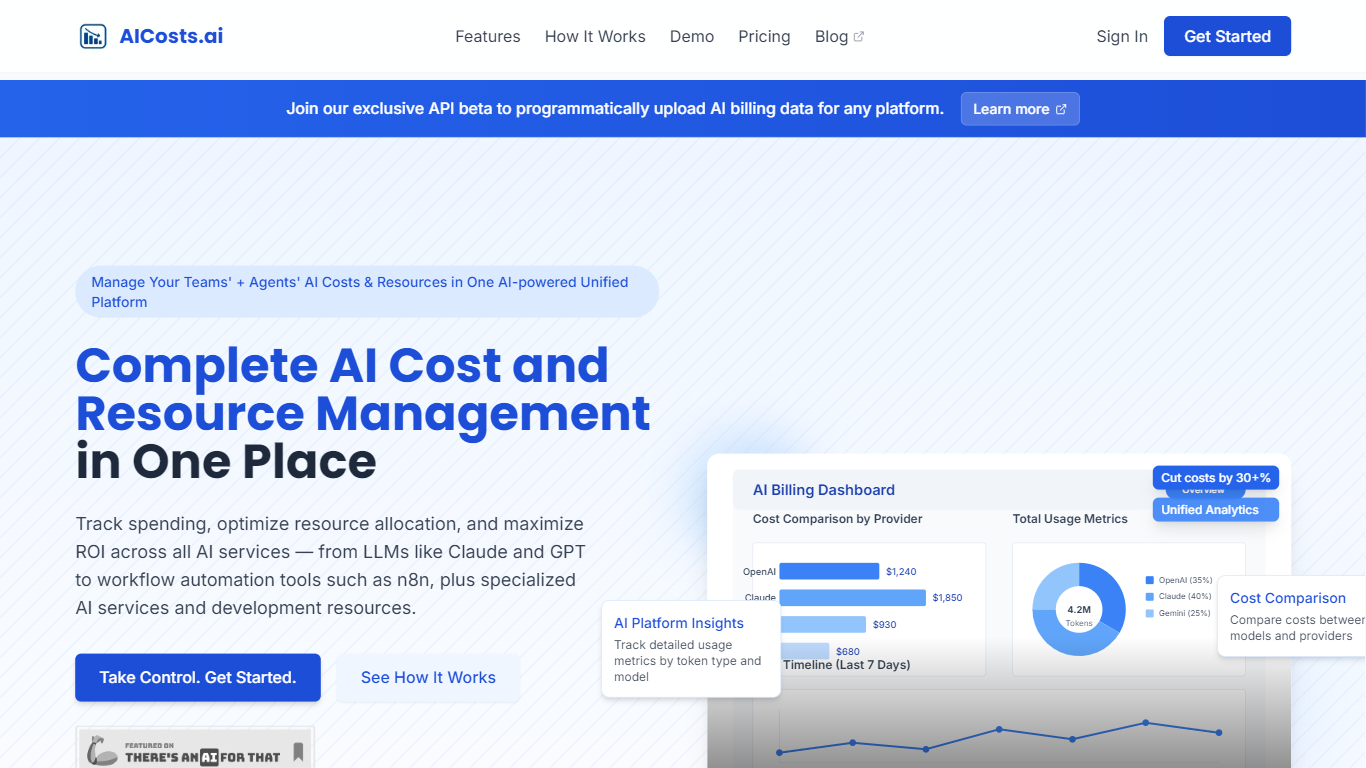
AICosts.ai is a multi-provider AI spend dashboard for teams paying LLM APIs, workflow automation tools, and niche AI vendors at the same time. You upload billing files as PDF, CSV, or JSON and the service parses them into daily spend with platform, model, and unit-type breakdowns at app.aicosts.ai. The homepage states it never connects to your provider accounts or sees prompts when you use the upload workflow.
Most cost trackers pull live usage through read-only API keys tied to inference. AICosts.ai leads with invoice uploads so finance can reconcile billed amounts without handing over production credentials, and the Professional plan adds a developer API for automated event pushes. That upload-first path also covers workflow platforms like Make, Zapier, and n8n when API metering alone misses agent spend.
Finance teams, platform engineers, and indie devs on three or more vendors use it to skip weekly billing-portal hunts. Budget emails fire once when rolling 30-day spend crosses 50%, 80%, and 100% thresholds, with monthly dedupe to limit noise. Starter tracks up to 3 providers with 30-day retention; Professional opens all 50+ listed platforms with 90-day retention.
Parses billing PDF, CSV, and JSON uploads from 50+ listed providers into one normalized dashboard
Starter tracks 3 providers with 30-day retention; Professional unlocks all 50+ platforms with 90-day retention
Daily spend rolls up by platform and model with token, operation, and character unit breakdowns
Budget emails fire once at 50%, 80%, and 100% of a rolling 30-day target, deduped monthly
CSV and JSON export for any date range and platform set from app.aicosts.ai
Professional tier adds a developer API to push billing events alongside manual invoice uploads
Covers LLM APIs plus workflow platforms like Make, Zapier, and n8n in one normalized spend view.
Upload-first workflow lets teams reconcile invoices without handing over inference API keys.
Budget alerts at 50%, 80%, and 100% thresholds are deduped monthly to reduce alert fatigue.
Full CSV and JSON export with cancel-anytime subscriptions stated on the marketing site.
Starter limits tracking to 3 providers, which multi-vendor teams may exceed quickly.
Upload workflow requires collecting billing files from each vendor unless you use the Professional API.
Browser-only access through app.aicosts.ai with no listed native mobile app.
Enterprise pricing requires a sales conversation rather than self-serve checkout.
How much does AICosts.ai cost?
AICosts.ai Starter is $19.99 per month and Professional is $49.99 per month, each with a 7-day free trial. Enterprise pricing is custom and scoped to your provider count and retention needs on a call with the team.
Does AICosts.ai offer a free trial?
Yes. AICosts.ai includes a 7-day free trial on Starter and Professional before monthly billing begins. Enterprise plans are scoped through [email protected] rather than self-serve checkout.
How many AI providers does AICosts.ai support?
AICosts.ai lists 50+ supported providers on its homepage, including OpenAI, Anthropic, AWS Bedrock, Google Vertex, Make, Zapier, and n8n. Starter tracks up to 3 providers; Professional and Enterprise cover the full catalog.
Does AICosts.ai see my prompts or completions?
On the upload workflow, AICosts.ai parses billing files you provide and states it never sees prompts or completions. Terms also describe optional read-only billing API keys stored with AES-256-CBC encryption outside your inference path.
What file formats can I upload to AICosts.ai?
AICosts.ai accepts PDF, CSV, and JSON billing files per provider. The Professional plan also supports pushing events through the developer API in addition to manual invoice uploads.
How do AICosts.ai budget alerts work?
AICosts.ai emails you once when rolling 30-day spend crosses 50%, 80%, and 100% of a budget scoped to all providers or a single platform. Alerts are deduped monthly so repeat warnings do not flood your inbox.
Can I export data from AICosts.ai?
Yes. AICosts.ai lets you export unified spend data as CSV or JSON for any date range and platform set from the app.aicosts.ai dashboard.