
Last updated 10-23-2025
Category:
Reviews:
Join thousands of AI enthusiasts in the World of AI!
animeBuilder
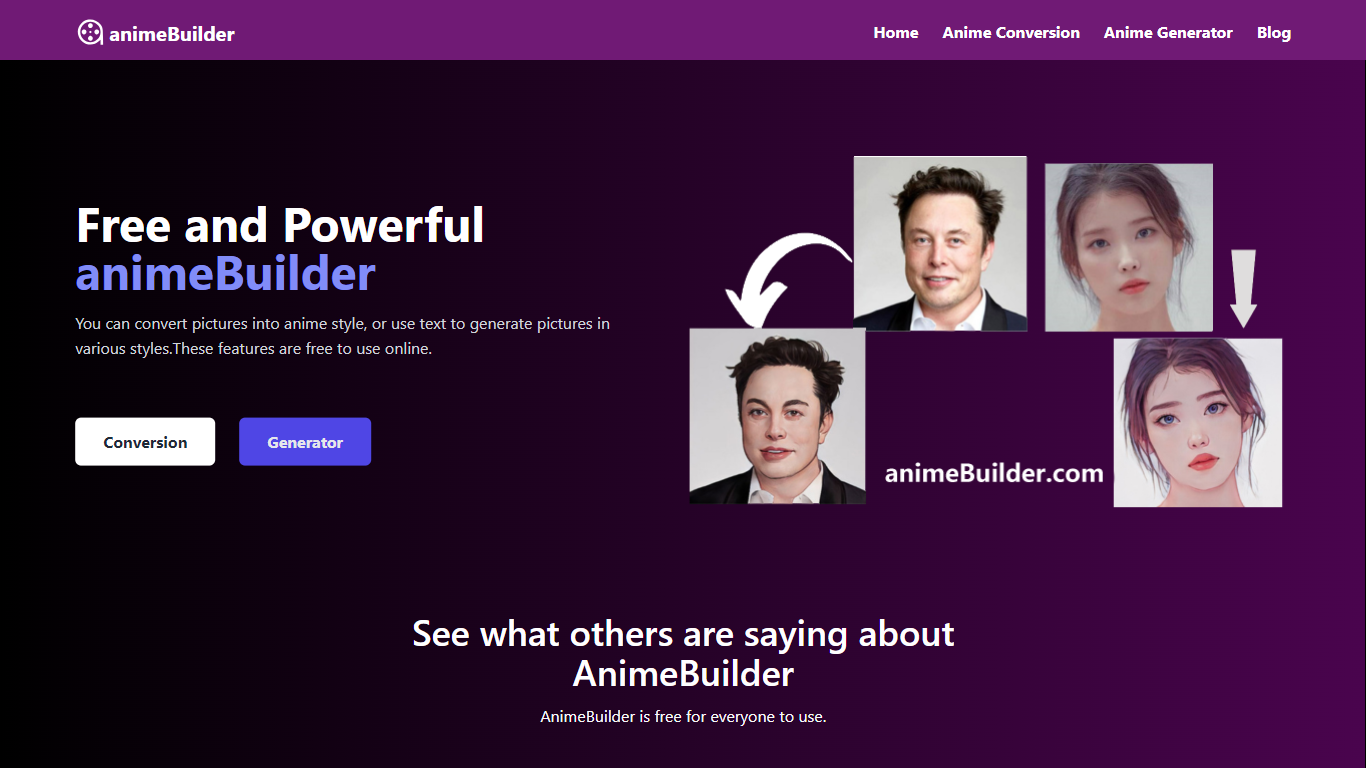
Discover the wonders of animeBuilder, a unique and free online platform that offers an Anime-Style Converter and Text-to-Art Generator. Whether you're an anime designer, product designer, or simply someone who loves anime, animeBuilder is the perfect tool for you to convert existing pictures into anime style easily and efficiently. Not only does it allow for image conversion, but it also lets you generate artistic images from text, unlocking a world of creativity.
Using animeBuilder is incredibly simple and accessible. No need to create an account or download any app; open the page and start using it. The convenience of animeBuilder is matched by the power of AI-driven features that provide limitless possibilities for generating various styles of anime artwork. Plus, security is a top priority, as animeBuilder does not store any user data, ensuring your creations and information remain safe and private.
As animeBuilder continues to grow and evolve, users can look forward to enhanced services and features, making it an even more essential tool for anime enthusiasts and creators who want to bring their ideas to life in an anime style. So why wait? Dive into the realm of animeBuilder and start expressing your creativity today!
Easy to Use: Just open the page and start using without the need for registration or downloading an app.
AI-Powered: Utilize AI tools to create various styles and visualize unlimited possibilities in anime art.
Powerful Features: Convert images into anime style or transform text ideas into diverse anime styles.
Datacenter Security: No storage of user information, which assures that your data won't be leaked.
Safe and Private: Personal information isn't required for use, maintaining your privacy throughout your creative process.
What is animeBuilder?
animeBuilder is a free online tool that allows users to convert pictures into anime style and generate images from text with an artistic anime style.
How do I use animeBuilder?
You can use animeBuilder by simply opening the website, with no need to register or download any app.
Is animeBuilder powered by AI?
animeBuilder is powered by AI, enabling it to generate various styles of anime art and provide limitless possibilities for creativity.
Does animeBuilder store any of my personal data?
No, animeBuilder does not store any user data, ensuring the security of your information.
Is animeBuilder free and safe to use?
Yes, anyone can use animeBuilder for free without providing personal information.