Jspreadsheet vs Columns AI (formerly Columns)
In the contest of Jspreadsheet vs Columns AI (formerly Columns), which AI Excel tool is the champion? We evaluate pricing, alternatives, upvotes, features, reviews, and more.
If you had to choose between Jspreadsheet and Columns AI (formerly Columns), which one would you go for?
When we examine Jspreadsheet and Columns AI (formerly Columns), both of which are AI-enabled excel tools, what unique characteristics do we discover? Both tools have received the same number of upvotes from aitools.fyi users. The power is in your hands! Cast your vote and have a say in deciding the winner.
Don't agree with the result? Cast your vote and be a part of the decision-making process!
Jspreadsheet

What is Jspreadsheet?
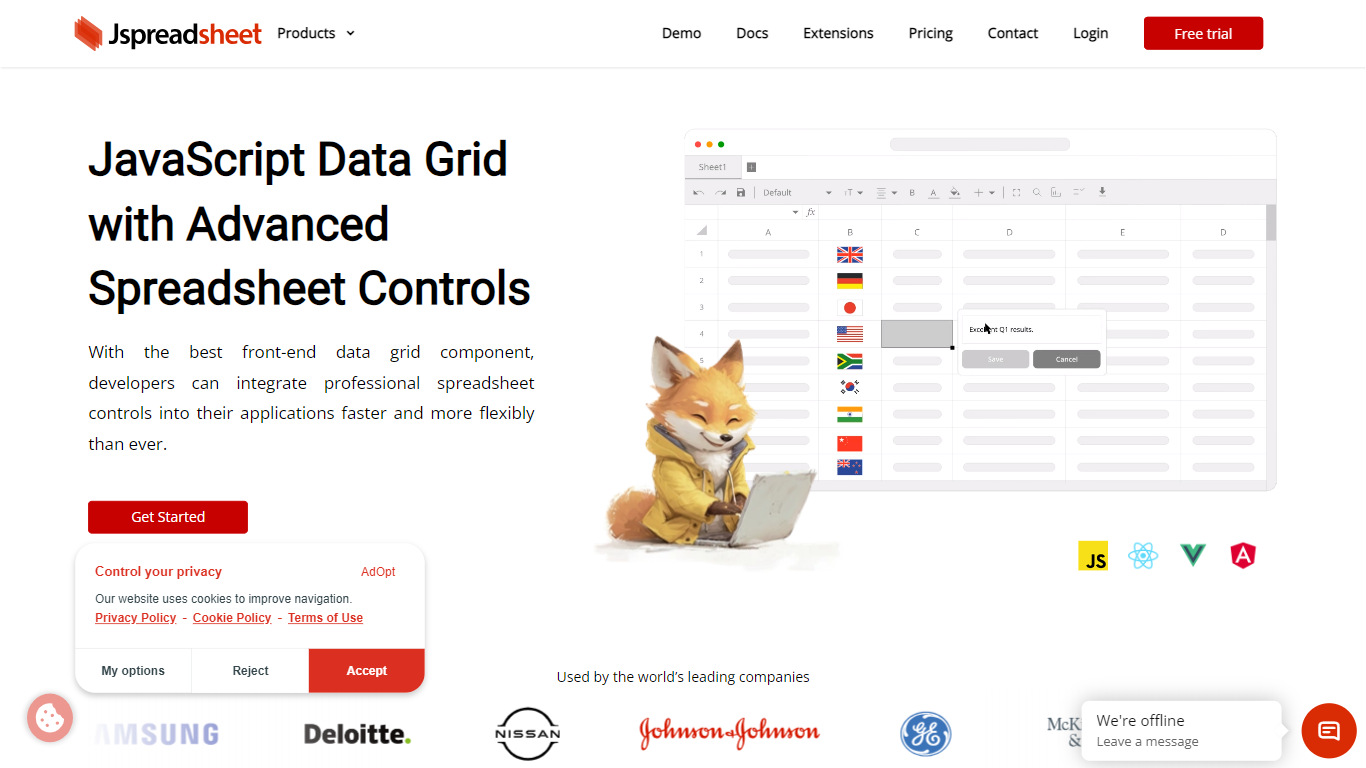
Jspreadsheet is a JavaScript spreadsheet component you drop into web apps when users expect Excel behavior, not just a sortable table. It ships as a front-end library for vanilla JavaScript, React, Vue, or Angular, with 500+ Excel-compatible formulas, import and export for 16+ file formats, and optional AI functions wired into cells. Because the code runs in your application, data stays on your infrastructure under your security model.
Most data grid libraries optimize for read-heavy tables with filtering and pagination. Jspreadsheet targets the opposite workload: modeling, bulk edits, and reporting where the fill handle, absolute references, and paste-from-Excel round-trips are what users test in the first minute. Google Sheets and Excel bake AI into their clouds; Jspreadsheet ships code so you choose the model endpoint, including a local one with no outbound traffic.
It fits teams building SaaS products, internal tools, financial dashboards, and data entry screens that still revolve around spreadsheets. Customer logos on the site include Samsung, Deloitte, and Johnson & Johnson. Jspreadsheet Server adds an optional Node.js backend for live multi-user editing, version history, and document persistence when a browser-only component is not enough.
Columns AI (formerly Columns)
What is Columns AI (formerly Columns)?
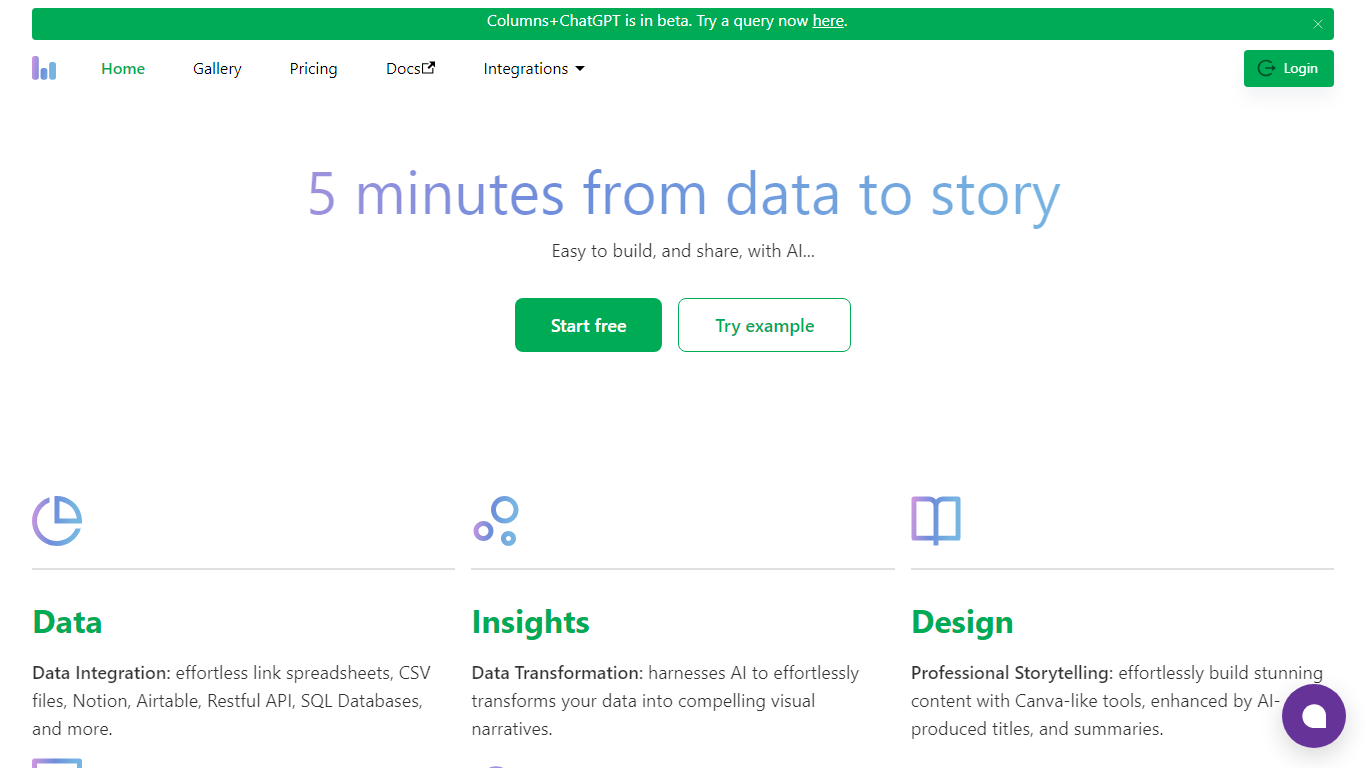
Columns AI takes messy files and live data sources through ingestion, automation, and chart publishing without making you stitch together separate tools. Drive ingests CSV, Excel, PDF, and images with OCR, Flow connects warehouses and apps with plain-language transformations, and Graph publishes brand-matched visuals you can embed or export.
Most BI tools assume your data is already clean and your team knows SQL. Columns splits the problem into three steps on purpose: structure files in Drive, automate sync and transforms in Flow, then ship client-ready charts from Graph without opening a separate design tool. You pay per row processed, and the Basic plan has no monthly base fee.
The site lists 12,000+ users across business operators, consultants, marketing and RevOps teams, analysts, and freelancers. Founder Shawn Cao previously built data infrastructure at Microsoft, Facebook, and Pinterest.
Jspreadsheet Upvotes
Columns AI (formerly Columns) Upvotes
Jspreadsheet Top Features
500+ Excel-compatible formulas with a dependency-graph calculation engine
Import and export 16+ formats including .xlsx, .csv, and .ods with formatting preserved
React, Vue, Angular, and vanilla JavaScript packages with TypeScript definitions
Enterprise from $249 per month; Ultimate adds ChatGPT, Server, and PDF export extensions
30-day production trial with no credit card; free for development use
Virtualized rendering that stays responsive on hundred-thousand-row pastes
Columns AI (formerly Columns) Top Features
Columns Drive accepts CSV, Excel, PDF, PNG, and JPG and runs OCR plus auto-cleaning before data reaches Flow
Columns Flow connects Google Sheets, Airtable, Notion, Postgres, Snowflake, HubSpot, QuickBooks, and Gusto
Basic plan charges $0 per month plus $0.05 per 1,000 rows across Drive, Flow, and Graph
Columns Graph exports live links, iframe embeds, PNG, SVG, CSV, and presentation decks from one chart
Columns Drive has a Gmail add-on in Google Workspace Marketplace for turning email attachments into spreadsheet rows
Scheduled Flow runs keep downstream Graph visuals synced without manual refreshes
Jspreadsheet Category
- Excel
Columns AI (formerly Columns) Category
- Excel
Jspreadsheet Pricing Type
- Paid
Columns AI (formerly Columns) Pricing Type
- Freemium