SheetXAI vs Columns AI (formerly Columns)
In the battle of SheetXAI vs Columns AI (formerly Columns), which AI Excel tool comes out on top? We compare reviews, pricing, alternatives, upvotes, features, and more.
Between SheetXAI and Columns AI (formerly Columns), which one is superior?
Upon comparing SheetXAI with Columns AI (formerly Columns), which are both AI-powered excel tools, Neither tool takes the lead, as they both have the same upvote count. Your vote matters! Help us decide the winner among aitools.fyi users by casting your vote.
Not your cup of tea? Upvote your preferred tool and stir things up!
SheetXAI
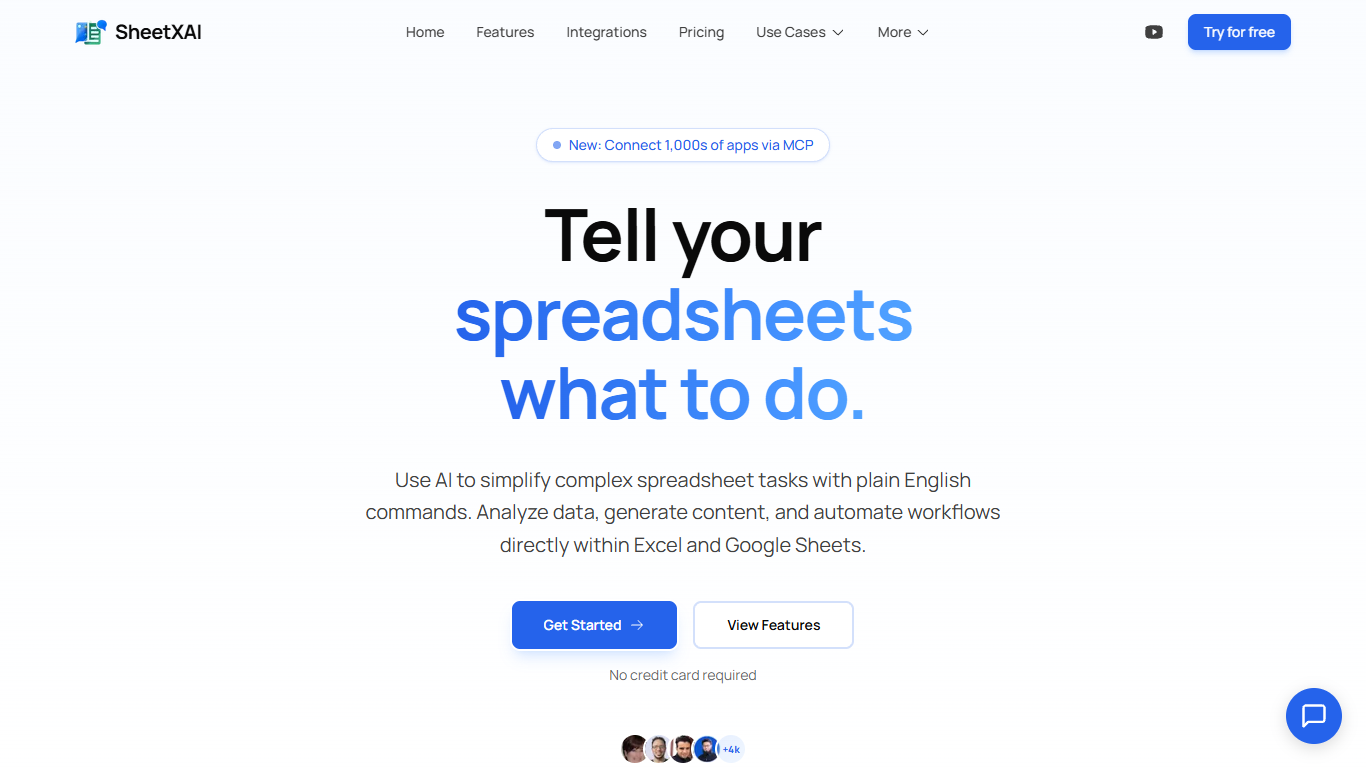

What is SheetXAI?
SheetXAI adds a plain-English assistant inside Excel and Google Sheets so you can sort columns, build formulas, extract invoice data, and generate content without memorizing VLOOKUP syntax. Highlight a range, describe what you want, and the add-in runs light or heavy AI operations across entire tabs in one charge.
Built-in spreadsheet copilots often stop at single-cell suggestions. SheetXAI also connects to 500-plus apps like Shopify, Stripe, HubSpot, and Jira, pulls PDFs and images into structured tables through OCR, and prices work in flat-fee operations rather than per-row analysis, which matters when you are cleaning thousands of leads or rewriting hundreds of product descriptions.
Operations teams, sales analysts, solo creators, and AppSumo buyers use it for deduping email lists, merging multi-tab reports, highlighting campaign trends, and bulk-generating SEO copy. A 7-day free trial is available on every paid tier, and a BYOK plan lets you bring your own API keys for $15 per month.
Columns AI (formerly Columns)
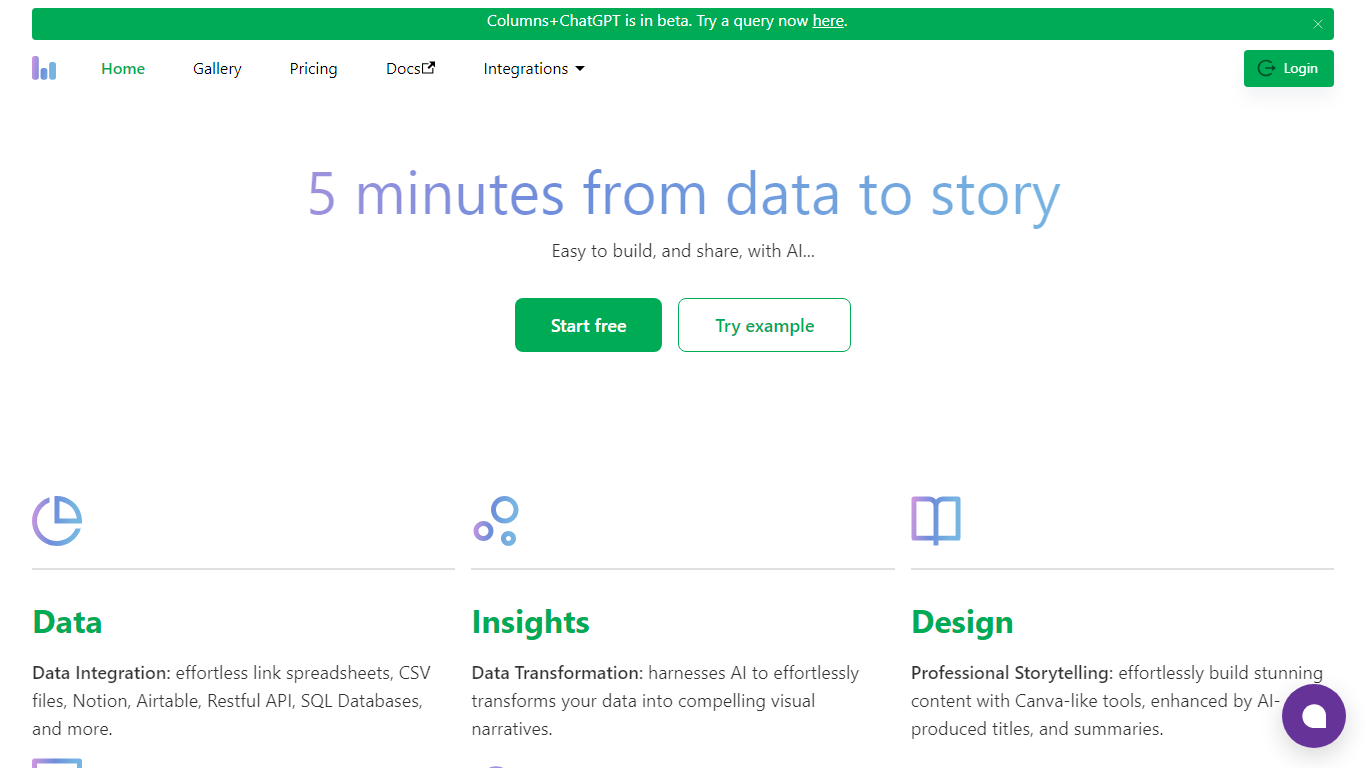
What is Columns AI (formerly Columns)?
Columns AI is an end-to-end data platform that connects messy files and live sources, automates transformations, and turns the results into charts and dashboards you can share. It is built around three products: Drive for ingesting and structuring files, Flow for no-code data pipelines, and Graph for branded visualizations.
The platform targets teams that need reliable data workflows without standing up a full engineering stack. You can connect Google Sheets, Airtable, Notion, Excel, databases, Snowflake, HubSpot, QuickBooks, Gusto, and HTTP APIs, then describe transformations in plain language instead of writing SQL.
Columns AI fits business operators, consultants, marketing and RevOps teams, analysts, and freelancers who need to move from raw inputs to client-ready visuals. Founder Shawn Cao previously built large-scale data infrastructure at Microsoft, Facebook, and Pinterest.
SheetXAI Upvotes
Columns AI (formerly Columns) Upvotes
SheetXAI Top Features
Runs light operations at about 10 credits and heavy analysis at about 50 credits per action
Extracts structured tables from PDFs, images, and scanned invoices with OCR
Connects to 500-plus apps including Shopify, Stripe, HubSpot, and Jira through OAuth
Professional plan includes 5,000 monthly credits, roughly 500 light operations or 2,500 content rows
Flat-fee operations can touch large ranges without per-row analysis charges
Available on Google Workspace and Microsoft AppSource with a 7-day free trial on paid plans
Columns AI (formerly Columns) Top Features
Columns Drive turns CSV, Excel, PDF, and image uploads into structured, analysis-ready data with OCR and auto-cleaning
Columns Flow connects warehouses, APIs, and files, then builds transformation logic from plain-language prompts
Columns Graph creates brand-matched charts you can share via live links, embeds, PNG, SVG, CSV, or slide decks
Scheduled sync keeps downstream graphs and reports updated without manual exports
Alert rules notify you via Slack, email, or webhook when thresholds, spikes, or drops occur
Integrations include Google Sheets, Airtable, Notion, Postgres, Snowflake, HubSpot, QuickBooks, and Gusto
SheetXAI Category
- Excel
Columns AI (formerly Columns) Category
- Excel
SheetXAI Pricing Type
- Freemium
Columns AI (formerly Columns) Pricing Type
- Freemium