
Last updated 08-12-2026
Category:
Reviews:
Join thousands of AI enthusiasts in the World of AI!
DeepWiki
DeepWiki turns public GitHub repositories into browsable, chat-ready documentation. You pick a repo like microsoft/vscode or langchain-ai/langchain, and DeepWiki builds a structured wiki with architecture notes, diagrams, and links back to source files. The homepage tagline is "AI documentation you can talk to, for every repo," and it is built on Cognition's Devin indexing stack.
Unlike generic code search or a static README, DeepWiki auto-generates sectioned pages such as architecture overviews, subsystem tables, and navigation menus tied to real file paths in the repo. Each wiki shows a last-indexed date and lets you share or edit the generated pages. That focus on repo-specific structure is the trade-off: it is built for understanding one codebase deeply, not for open-web Q&A.
Developers onboarding to large open-source projects, teams evaluating libraries, and researchers comparing implementations are the core audience. The site already hosts hundreds of popular repos ranked by GitHub stars, and you can add your own repo from the homepage. No pricing page is published for public browsing; access starts by selecting or submitting a repository URL.
Indexes public GitHub repos into structured wikis with architecture sections and source links
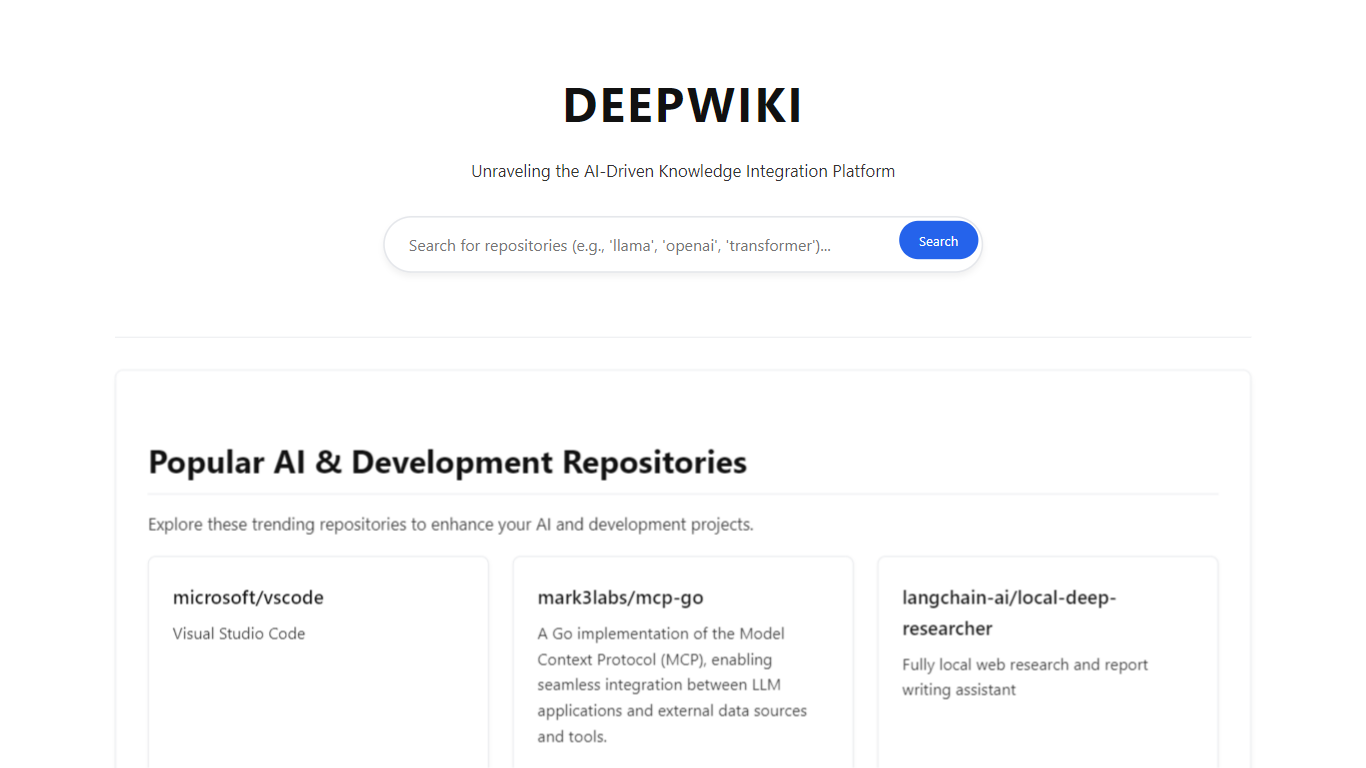
Homepage lists hundreds of repos ranked by star count, from VS Code to LangChain
Each wiki shows a last-indexed date and supports Share and Edit Wiki actions
Built on Cognition's Devin stack with the tagline "Index your code with Devin"
Repo pages include diagrams, subsystem tables, and file-path citations
Turns large GitHub repos into navigable wikis with architecture sections and file citations
No account needed to browse wikis for popular open-source projects
Shows last-indexed dates so readers know how fresh the analysis is
Supports adding your own public repository from the homepage
Focused on GitHub repositories, not general web or document research
No public pricing page for private or enterprise indexing options
Generated wikis depend on indexing quality and may lag behind the latest commits
What is DeepWiki used for?
DeepWiki generates AI documentation you can browse and talk to for GitHub repositories. It builds sectioned wikis with architecture overviews, diagrams, and links to source files so developers can understand a codebase faster.
How do I add a repo to DeepWiki?
On deepwiki.org, click Add repo on the homepage and submit a public GitHub repository. DeepWiki indexes the codebase and publishes a wiki with navigation, architecture notes, and source citations.
Is DeepWiki free to browse?
DeepWiki lets you open wikis for popular public repositories at no charge from the homepage. The site does not publish a separate paid plan page for public browsing.
Who makes DeepWiki?
DeepWiki is tied to Cognition's Devin product. The site branding says "Index your code with Devin," and generated pages reference Devin-powered indexing.
What repos are on DeepWiki?
DeepWiki hosts wikis for major open-source projects such as microsoft/vscode, huggingface/transformers, and langchain-ai/langchain. The homepage ranks repositories by GitHub star count.
Can I share a DeepWiki page?
Yes. DeepWiki repository pages include Share controls alongside Edit Wiki, so you can pass a link to teammates reviewing the same codebase.