
Last updated 09-01-2026
Category:
Reviews:
Join thousands of AI enthusiasts in the World of AI!
Flowscript
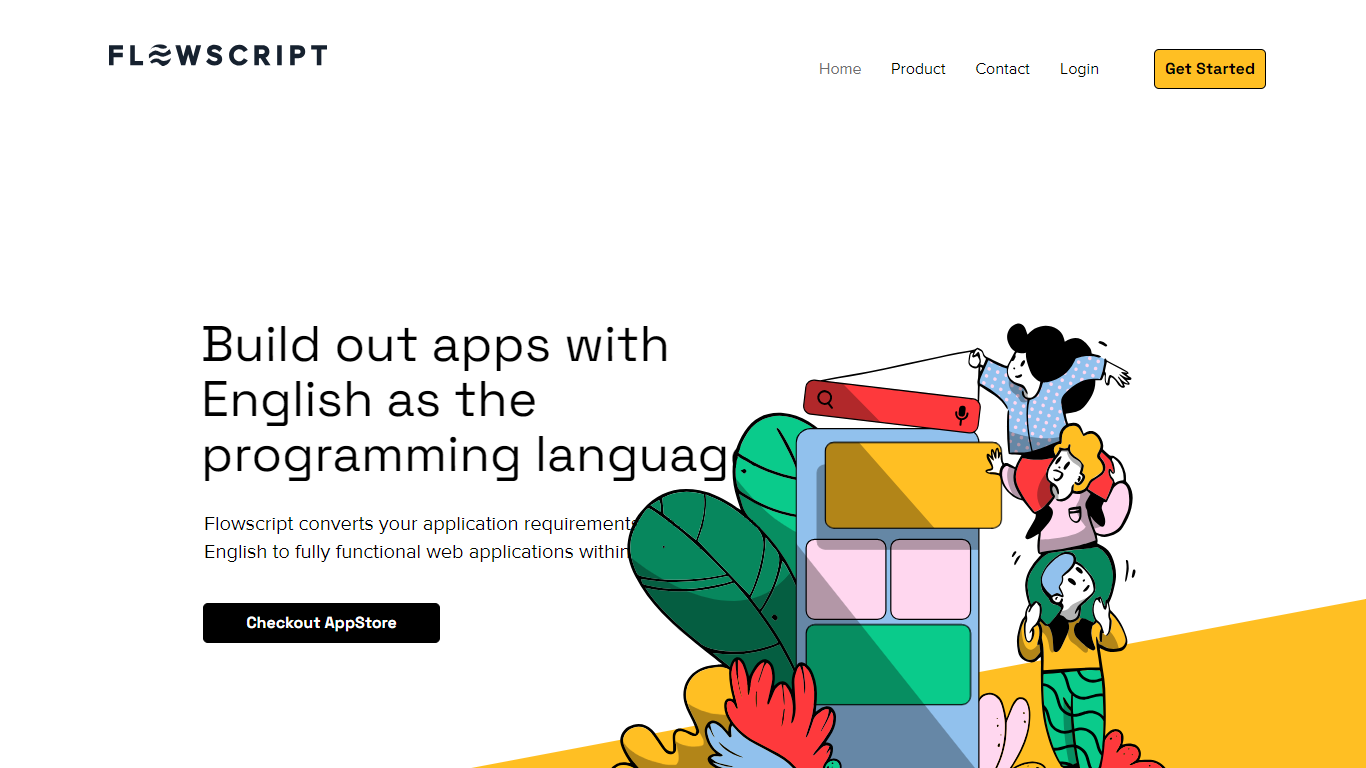
Flowscript turns plain English requirements into working web applications. You describe what you need, and the platform generates apps with business rules, data security, and multi-step workflows in minutes instead of weeks.
Where most no-code builders give you drag-and-drop screens, Flowscript treats your written requirements as the source of truth. The requirements document stays linked to the live application, so specs and the deployed product mirror each other instead of drifting apart over time.
The platform uses OpenAI to build workflows from natural language specs, so complex task flows can be defined without traditional code. Flowscript includes relational data tables, dynamic form generation for files and nested data, and a public portal for customer-facing interactions. Data can be stored in the cloud or on-premise depending on deployment needs.
Teams at Lean Innovation Labs, Quanteon Solutions, and InAppBi use Flowscript to map internal processes into apps without hiring dedicated developers for every workflow.
Describe requirements in plain English and get a working web app in minutes
OpenAI builds task workflows on the fly from your written specs
Relational data tables with business rules and validation built in
Your requirements doc mirrors the live app state at all times
Dynamic forms handle files, nested fields, and other complex inputs
Store application data in the cloud or on-premise deployments
Public portal lets anonymous users and customers interact with your app
Plain English requirements replace traditional coding for many internal app builds.
Requirements documentation stays synchronized with the deployed application.
Supports both cloud and on-premise data storage options.
Includes a public portal for customer-facing interactions.
No public pricing page on the marketing site; plan details require the app store portal.
The apps.flowscript.ai portal subdomain does not resolve in public DNS, though the homepage still links to it for sign-in and the app store.
The marketing site is mostly a single landing page with limited standalone documentation.
Do I need to know how to code to use Flowscript?
No. Flowscript is built so you can define application requirements in plain English and generate working web apps without writing traditional code. The platform handles workflows, data tables, and forms from your written specs.
Does Flowscript publish pricing on its website?
Flowscript does not list plan prices on flowscript.ai. The homepage points to apps.flowscript.ai/flowscript/appstore for browsing and launching apps, but the apps subdomain does not resolve in public DNS.
Where can Flowscript store application data?
Flowscript supports storing data in the cloud or on-premise. The marketing site lists flexible deployment options so teams can choose where application data lives.
What does Flowscript use to generate workflows?
Flowscript uses OpenAI to build workflows from requirements you write in plain English. That lets you define complex task flows without manually coding each step.
How do I get started with Flowscript?
Visit flowscript.ai and click Get Started or Checkout AppStore. Those buttons link to apps.flowscript.ai/flowscript/appstore. Existing users can sign in at apps.flowscript.ai/flowscript/sign-in, though the apps subdomain does not resolve in public DNS.
Who is Flowscript designed for?
Flowscript targets teams that want to build internal workflow apps without long development cycles. Customer testimonials on the site come from innovation labs, consulting firms, and analytics companies building process apps from written requirements.