
Last updated 03-23-2026
Category:
Reviews:
Join thousands of AI enthusiasts in the World of AI!
FragCut
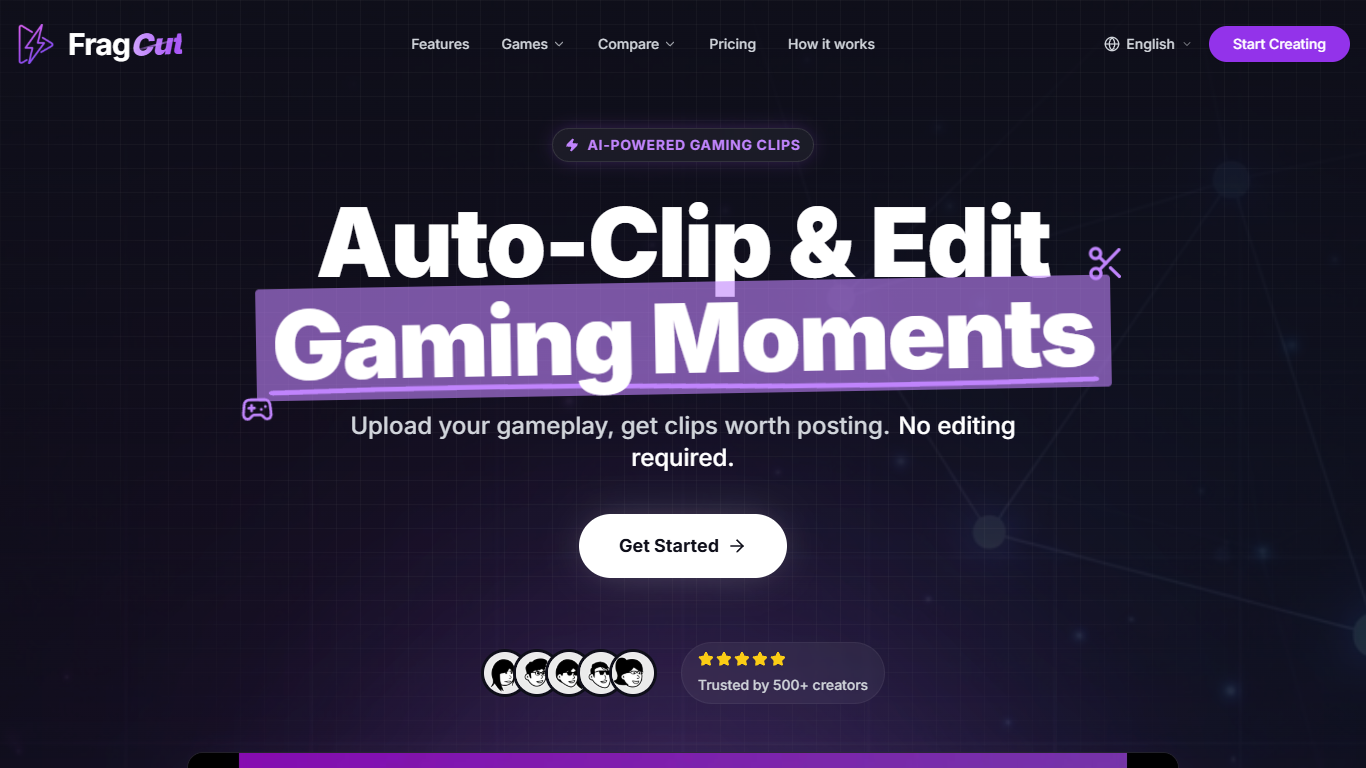
FragCut is an AI-powered tool designed to automatically generate gaming clips from long video recordings. It targets streamers and content creators who want to quickly produce shareable highlights without spending hours editing. The core functionality centers on AI highlight detection that identifies key moments such as kills, aces, clutches, and funny interactions from gameplay videos. FragCut supports popular games including FPS and shooter titles, as well as Minecraft and Fortnite, adapting its detection to game-specific highlights.
The platform converts landscape footage into vertical 9:16 format optimized for TikTok, Instagram Reels, and YouTube Shorts, making it easy to create social media-ready content. It also generates speech-to-text subtitles burned into clips, catering to viewers who watch videos muted. Users can stitch multiple clips into montages with drag-and-drop reordering and fine-tune clip start and end times with frame-level precision directly in the browser.
FragCut’s AI detects specialized gameplay moments such as headshot sequences, team wipes, clutch rounds, and funny fails, providing multiple clips per video to maximize content output. The tool supports uploads of various video formats and Twitch VOD URLs up to 4 hours in length. Processing times typically range from 15 to 30 minutes depending on video length.
The platform is designed for creators of all sizes, from casual streamers to full-time content producers, helping them save time and maintain consistent posting schedules. It offers commercial usage rights, allowing monetization of generated clips without attribution. FragCut’s dashboard centralizes clip management, enabling batch production and narrative control over the final videos.
Technically, FragCut leverages AI models trained on thousands of gameplay videos to recognize game-specific events and convert them into vertical clips. The system integrates subtitle generation and video editing features in a cloud-based web app, accessible without software installation. Support is provided via email with response times varying by subscription tier.
Overall, FragCut stands out by combining automated highlight detection with social media formatting and easy editing tools, streamlining the content creation process for gaming videos. Its focus on speed, accuracy, and platform-ready output makes it a practical solution for gamers looking to grow their audience efficiently.
🎯 AI Highlight Detection finds kills, clutches, and funny moments automatically
📱 Converts videos to vertical 9:16 format for TikTok and Reels
🔤 Auto subtitles burned into clips for muted viewing
🎬 Montage Maker lets you stitch and reorder clips quickly
⏱ Fine-tune editor adjusts clip start and end times precisely
Saves hours by automating clip detection and editing
Supports multiple popular games with tailored highlight detection
Produces social media-ready vertical videos with subtitles
Allows batch clip creation and montage assembly in one dashboard
Commercial usage rights included for monetization
Clips may not be perfect every time, requiring manual review
Processing time can be up to 30 minutes depending on video length
How does FragCut create gaming clips automatically?
FragCut uses AI to analyze your gameplay videos and detect key moments like kills, clutches, and funny interactions, then generates clips ready for social sharing.
What video formats and lengths does FragCut support?
You can upload common video formats such as MP4, MOV, WebM, and MKV, with support for videos up to 4 hours long, including Twitch VOD URLs.
Can I edit the clips FragCut generates?
Yes, FragCut provides a fine-tune editor that lets you adjust clip start and end times with frame-level precision and preview changes in your browser.
Does FragCut add subtitles to clips?
FragCut generates speech-to-text subtitles and burns them into your clips, which helps viewers who watch videos without sound.
How long does it take to process and get clips back?
Processing typically takes between 15 and 30 minutes depending on video length; Twitch URL imports may take longer due to download time.
Can I use FragCut clips for commercial purposes?
Yes, both Creator and Pro plans include commercial usage rights, allowing you to monetize your clips without attribution.
Is there a way to combine multiple clips into one video?
FragCut includes a montage maker that lets you drag and reorder clips, then auto-stitch them into a single highlight compilation.