
Last updated 07-28-2026
Category:
Reviews:
Join thousands of AI enthusiasts in the World of AI!
Hexowatch
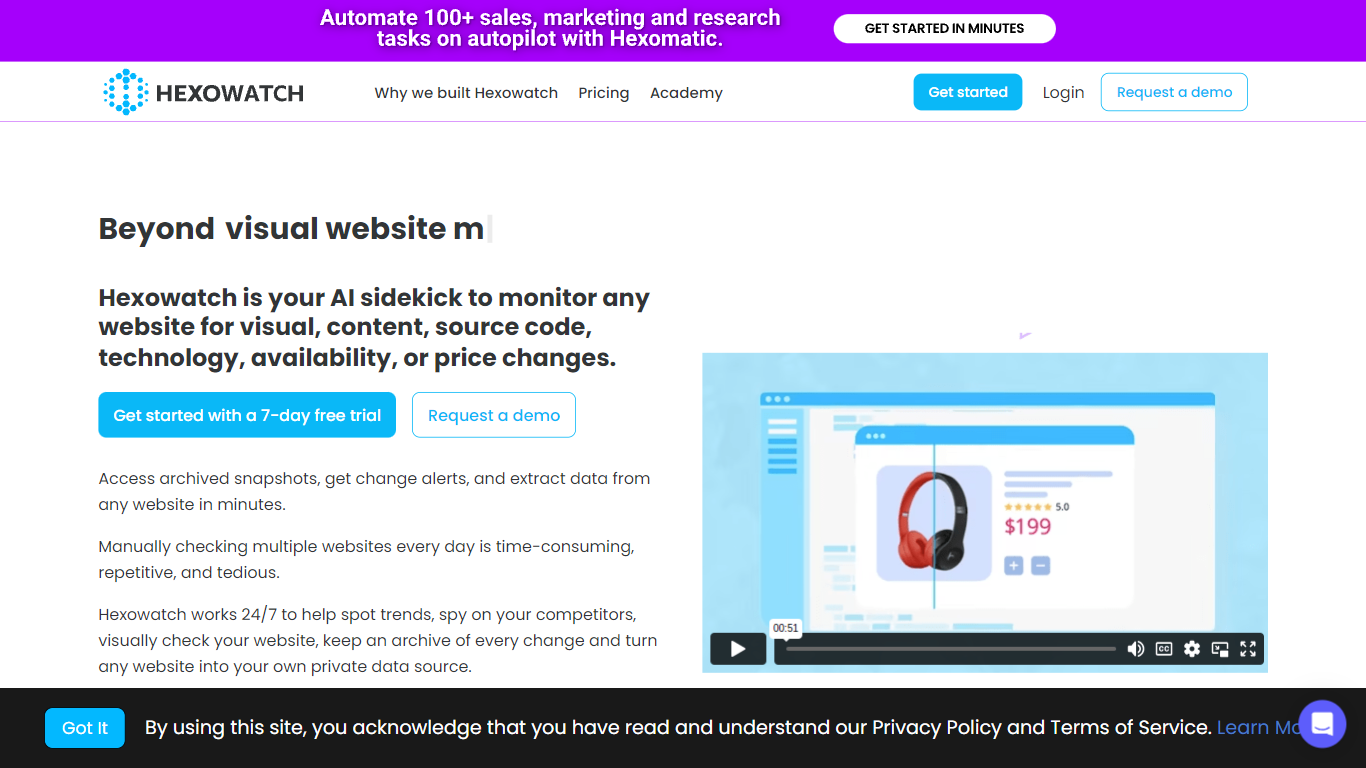
Hexowatch alerts you when a public webpage changes in ways you define. It supports 13 monitor types, from full-page visual screenshots and HTML element values to keywords, source code edits, tech stack swaps, uptime checks, WHOIS records, sitemaps, API responses, backlinks, and RSS feeds. Every detection saves an archived snapshot you can compare later. The workflow is fully automated once you set a URL and alert rules.
Most uptime tools only confirm a URL still loads. Hexowatch is built around catching targeted edits on a live page. You can watch a price field, flag when a keyword appears, or get notified when a competitor publishes a new sitemap entry. That focus on granular change detection sets it apart from simple ping monitors and basic HTML diff trackers.
The product comes from Hexact, the company behind Hexomatic, and runs entirely in the browser with no extension or proxy setup. Hexowatch says more than 150,000 businesses use it for competitor tracking, compliance archiving, inventory restock alerts, and SEO backlink checks. eCommerce teams, agencies, and compliance officers are the most common buyers.
Plans scale by check volume and alert frequency. Pro starts at $24.17 per month on annual billing with 4,500 monthly checks and 15-minute intervals, while Business+ adds API access and 25,000 checks at $99 per month.
13 monitoring modes spanning visual diffs, HTML fields, keywords, source code, tech stack, and WHOIS records
Pro plan includes 4,500 checks per month with intervals as fast as every 15 minutes
Business tier adds server location selection and third-party integrations from $45.83 per month
Every detected change stores an archived snapshot for compliance and legal review
Sitemap monitor scans entire sites for newly published or removed pages on a 3 to 6 hour cycle
13 monitoring modes cover visual, content, price, tech stack, WHOIS, and more in one dashboard
Archives a snapshot on every detected change for compliance review
Business plans add server location choice and integrations from $45.83 per month
No browser extension or proxy setup required to start monitoring
No free plan on the pricing page; Pro starts at $24.17 per month billed annually
Fastest check interval depends on plan tier, down to 5 minutes on Business
API and webhook access requires the $99 per month Business+ plan
Premium residential proxy bandwidth is a separate add-on starting at $999 per month
How many monitoring types does Hexowatch offer?
Hexowatch includes 13 monitoring types, covering visual screenshots, HTML element changes, keywords, source code, content, technology stack shifts, availability, WHOIS records, sitemaps, APIs, backlinks, RSS feeds, and an AI auto-pilot mode. Each type targets a different kind of page change.
What does the Hexowatch Pro plan include?
Hexowatch Pro costs $24.17 per month billed annually at $290 per year. The plan includes 4,500 monitoring checks per month with check intervals as frequent as every 15 minutes and sitemap monitoring on a 6-hour cycle.
How is Hexowatch different from basic uptime monitors?
Hexowatch tracks visual layout shifts, specific HTML field values, keyword presence, and third-party script changes, not just whether a page returns HTTP 200. It also archives a snapshot each time a change is detected for side-by-side comparison.
Does Hexowatch require installing software?
Hexowatch runs entirely in the cloud. You pick a monitoring type, enter a URL, and receive alerts when changes are detected. No desktop software, proxy setup, or coding is required to create monitors.
Which Hexowatch plan includes API access?
Hexowatch Business+ at $99 per month includes API and webhook access on top of Business plan features. Business+ raises the monthly check quota to 25,000 and costs $999 when billed annually.
How can Hexowatch help track competitor websites?
Hexowatch can watch competitor pricing fields, product pages, and entire sitemaps for new or removed pages. Visual and content monitors catch homepage or landing page copy changes, and alerts go out when a monitored condition is met.
What support contact does Hexowatch provide?
Hexowatch lists [email protected] on its site for questions about monitoring setup, billing, and plan features. The contact form on hexowatch.com/contact is also available for account and sales inquiries.