
Last updated 07-23-2026
Category:
Reviews:
Join thousands of AI enthusiasts in the World of AI!
Interview Solver
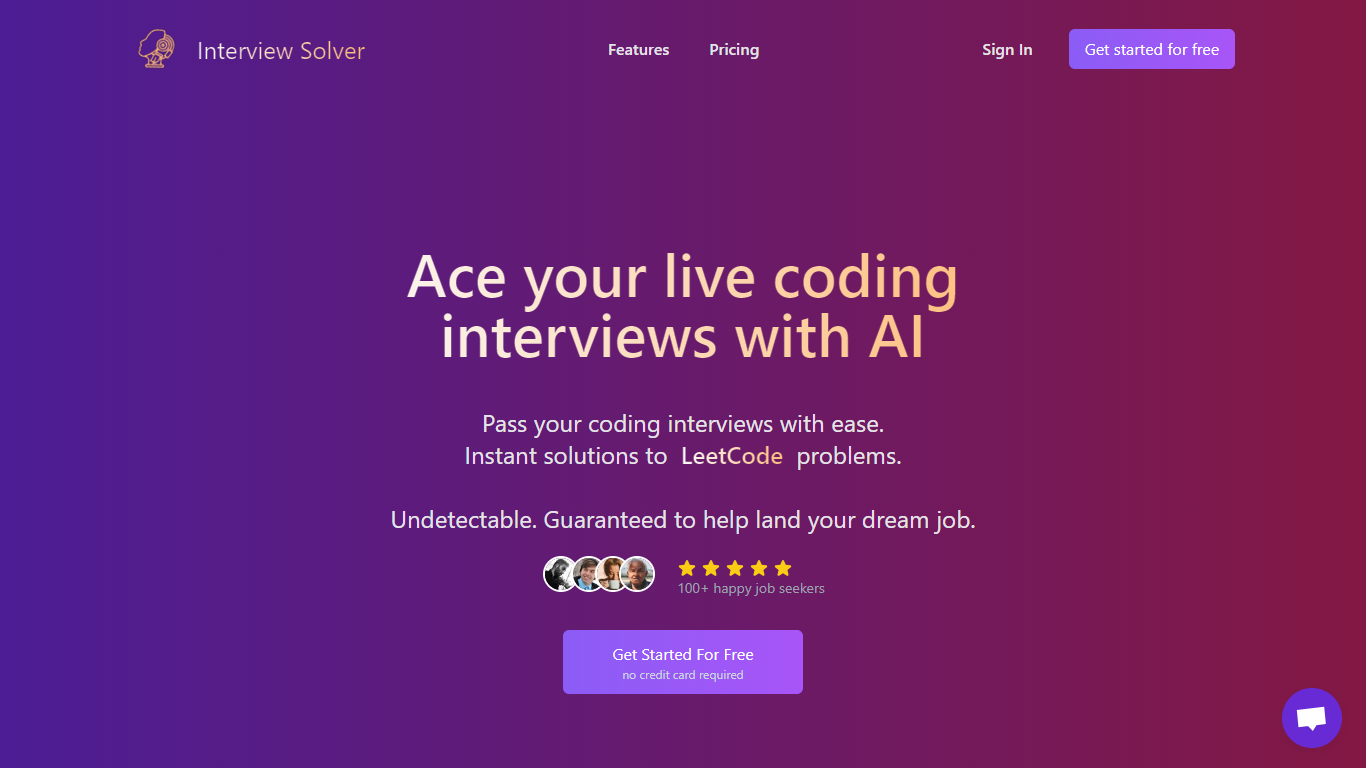
Interview Solver is a desktop interview copilot built for live coding and system design rounds. It runs on macOS and Windows, stays invisible during screen sharing, and delivers real-time LeetCode solutions, flowcharts, and syntax-highlighted code while you work through problems on HackerRank, CoderPad, or a shared IDE.
The app uses global hotkeys so you can capture a screen window, transcribe system or mic audio, or query selected text without alt-tabbing. Training data covers the full LeetCode question set, and companion mode lets a second device display answers or bring in help from someone off-camera.
Software engineers preparing for FAANG and other technical screens use it when they need backup during live interviews. Bootcamp grads and candidates returning to the job market after time away from coding rounds are a core audience, with the site citing trust from over 10,000 engineers.
Invisible overlay stays off Zoom screen shares up to v6.16 and browser recorders
Screengrabs send any window to the copilot for one-shot LeetCode solutions
Transcribes both your mic and system audio during live calls
Companion mode turns a phone or tablet into a private second screen for answers
Global hotkeys trigger captures and chat controls without moving the mouse
Upload resumes and project docs so answers reference your own background
Native macOS and Windows desktop app with global hotkeys that work across any interview window.
Free trial includes all features with no credit card, capped at 10 messages for testing.
Covers LeetCode-style coding, system design diagrams, and document-based behavioral answers in one tool.
Companion mode lets a second device display solutions or bring in remote help during interviews.
Requires downloading a desktop app; there is no browser-only version.
Free trial is limited to 10 messages before a paid subscription is needed.
Paid subscription fees are generally non-refundable per the site's refund policy.
Screen capture works best at 1920x1080 resolution or when sharing only the relevant window.
Does Interview Solver have a free trial?
Yes. Interview Solver offers a free trial when you sign up with no credit card required. The trial includes full feature access but is limited to 10 messages so you can test the setup before subscribing.
How much does Interview Solver cost?
Interview Solver's paid Monthly plan is $39 per month and includes unlimited usage with all core features. A free trial with 10 messages is available at signup with no credit card required.
What platforms does Interview Solver support?
Interview Solver is a native desktop app for macOS and Windows, downloadable from the site docs. It is not a browser extension, which the company says is required for invisible operation during screen-shared live coding interviews.
Can Interview Solver be detected during screen sharing?
Interview Solver is designed to stay invisible to screen sharing on Zoom up to version 6.16, browser-based recorders, and Activity Monitor or Task Manager. Global hotkeys are registered at the OS level so browsers cannot detect the key combinations.
Does Interview Solver work with Zoom, Teams, and Google Meet?
Yes. Interview Solver supports Zoom (up to v6.16 with full invisibility), Microsoft Teams, Google Meet, and browser-based interview platforms. Screen capture and invisible mode are built for screen-shared virtual interviews.
How do I cancel my Interview Solver subscription?
Sign in to Interview Solver, open your account page, and click Manage Subscription to open Stripe's billing portal. Turn off auto-renew to cancel. You keep access until the end of your current paid period.
What is Interview Solver's refund policy?
Interview Solver states that paid subscription fees are generally non-refundable, including unused time after cancellation. Refunds may be approved only when the product does not work on your system, with a screen recording sent to support via the site footer.