
Last updated 07-22-2026
Category:
Reviews:
Join thousands of AI enthusiasts in the World of AI!
Magic Sketchpad
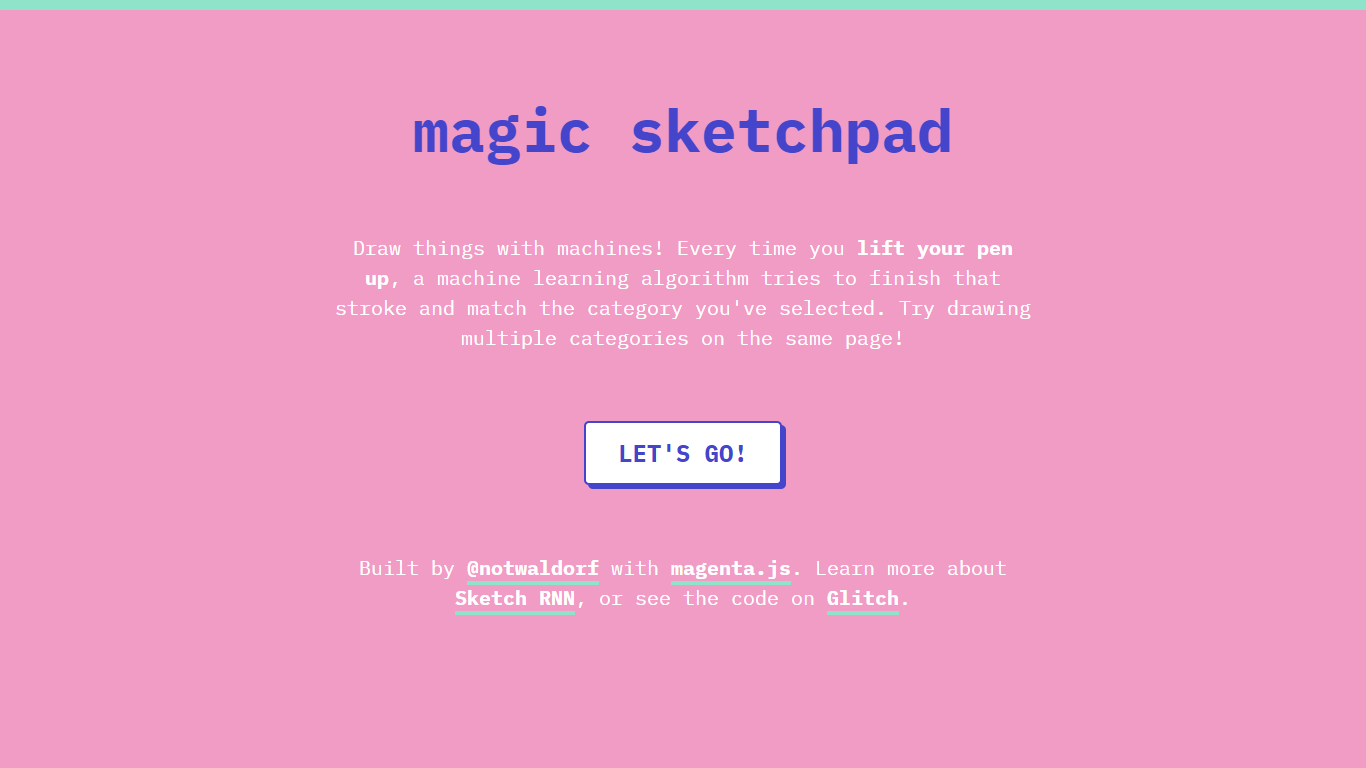
Magic Sketchpad is a free browser drawing demo where a machine learning model tries to finish each stroke after you lift your pen. Choose a category like cat, bicycle, or flower, sketch on the canvas, and watch the model continue your line in that style.
The app runs on Sketch RNN, a recurrent neural network from Google's Magenta project trained on millions of human doodles. When your pen lifts, the algorithm predicts how to complete the stroke so it matches the category you selected.
You can switch categories mid-canvas and layer different object types in one drawing. Monica Dinculescu (@notwaldorf) built it with magenta.js, and the full source code lives on Glitch.
Dozens of doodle categories to pick from before you draw
The model completes each stroke the moment you lift your pen
Mix multiple categories on the same canvas in one session
Runs on Magenta's Sketch RNN trained on millions of human sketches
Full source code is published on Glitch for anyone to fork
Completely free with no account or signup required.
Shows Sketch RNN stroke completion in real time as you draw.
Open source on Glitch, so developers can study and remix the code.
Browser-only demo with no dedicated mobile app.
Category list is fixed with no option to train custom sketch types.
Simple canvas with no save or export features mentioned on the page.
Is Magic Sketchpad free to use?
Yes. Magic Sketchpad is a free browser demo hosted on Glitch. The homepage does not mention paid plans, accounts, or subscriptions.
How does Magic Sketchpad work?
Magic Sketchpad uses Sketch RNN from Google's Magenta project. Every time you lift your pen, the model tries to finish that stroke and match the category you selected.
Can I draw multiple categories on one canvas?
Yes. Magic Sketchpad lets you draw multiple categories on the same page. Switch categories mid-session and layer different object types in one drawing.
Who built Magic Sketchpad?
Magic Sketchpad was built by Monica Dinculescu (@notwaldorf) using magenta.js. The homepage links to her Twitter profile and the Magenta project site.
Is Magic Sketchpad open source?
Yes. Magic Sketchpad publishes its code on Glitch. The homepage links directly to the editable Glitch project so anyone can view or fork the source.
Does Magic Sketchpad require an account?
No. Magic Sketchpad runs in the browser with a Let's go button on the homepage. There is no signup or login step before you start drawing.