
Last updated 07-27-2026
Category:
Reviews:
Join thousands of AI enthusiasts in the World of AI!
Mapify
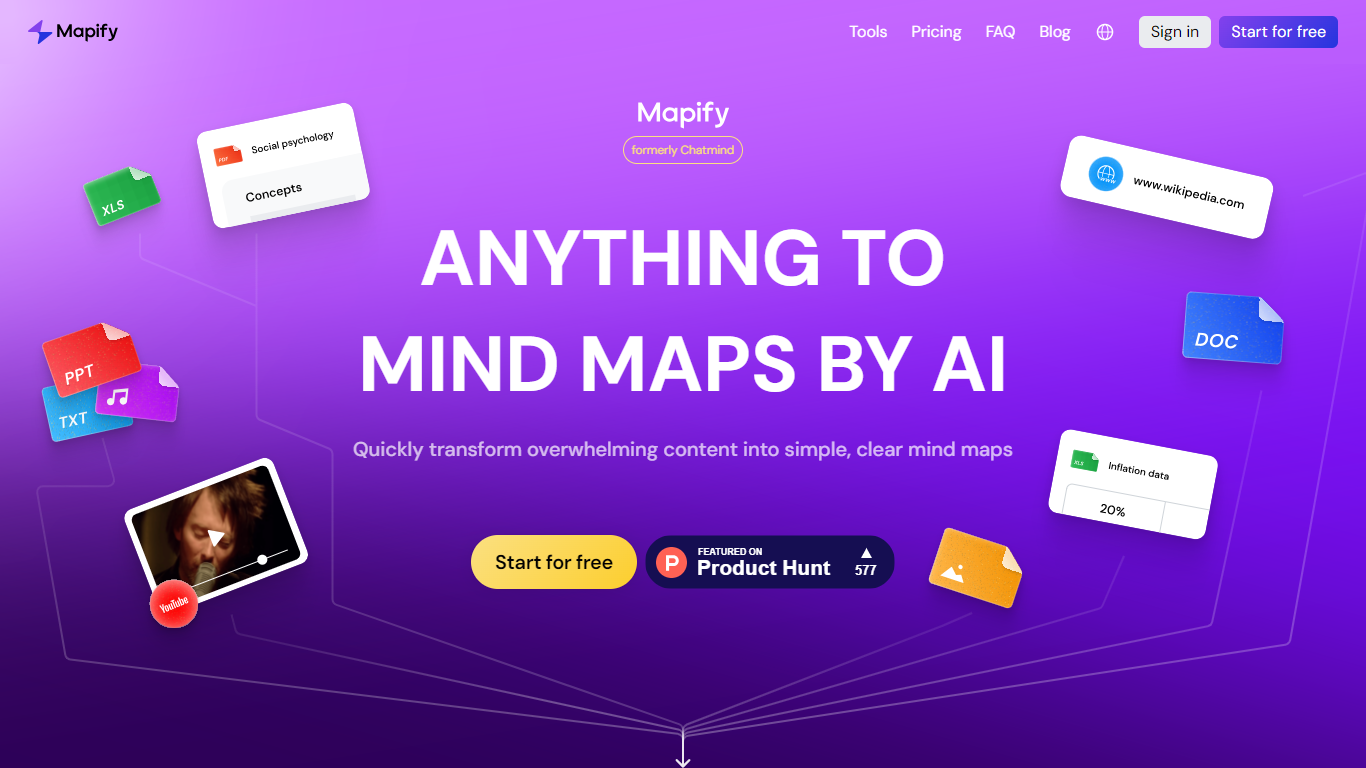
Mapify converts diverse content types such as PDFs, YouTube videos, webpages, audio, images, and text into clear, editable mind maps within seconds. It supports over 50 languages and integrates AI models like GPT and Gemini to provide accurate summarization and translation. Users can interact with their mind maps through an AI chat assistant, expand ideas, and customize layouts easily.
What sets Mapify apart is its ability to handle multiple content formats instantly and its AI chat assistant that refines and expands mind maps with simple prompts. It also offers cross-platform access via web, mobile apps, and browser extensions, keeping your work synced across devices.
Mapify offers exporting options including images, PDFs, Markdown, and slides for easy sharing and presentation. It is widely used by students, educators, researchers, and professionals to organize complex information, plan projects, and enhance learning efficiency.
The platform supports over 50 languages with automatic translation, making it accessible for global users. Its AI credit system manages usage based on the model and word count, aligning with different subscription plans.
Instantly convert PDFs, videos, and webpages into mind maps for quick understanding
AI chat assistant to refine and expand mind maps with simple prompts
Supports 50+ languages with automatic translation for global users
Export mind maps as images, PDFs, Markdown, or slides for easy sharing
Cross-platform access via web, mobile apps, and browser extension
Supports multiple content types including video, audio, and images
AI chat assistant enables interactive editing and idea expansion
Cross-platform availability with syncing across devices
Multi-language support with automatic translation
Presentation mode converts mind maps into slides quickly
AI credit system may limit heavy users without higher-tier plans
Device binding limited to three devices per account
Yearly plans do not include education discounts
How does Mapify handle different file types?
Mapify supports PDFs, Word documents, PowerPoint slides, YouTube videos, audio files, images, webpages, and plain text, converting them into structured mind maps.
Can I use Mapify on multiple devices?
Yes, Mapify allows you to bind your account to up to three personal devices and manage them via your account settings.
What languages does Mapify support?
Mapify supports over 50 languages for summarization and translation, enabling global users to work in their preferred language.
How do AI credits work in Mapify?
AI credits in Mapify are consumed based on the model used and word count during mind map generation and AI chat interactions. Credits refresh monthly and vary by subscription plan.
Is there a free trial available?
Yes, new users receive 30 free AI credits upon signing up to explore Mapify's core features without a credit card.
Does Mapify use my data to train AI models?
No, Mapify does not use customer data for AI training. Data is processed privately and solely for service delivery.
Can I export my mind maps?
Yes, Mapify lets you export mind maps as PNG images, PDFs, Markdown files, XMind files, or share them via links.