
Last updated 07-02-2026
Category:
Reviews:
Join thousands of AI enthusiasts in the World of AI!
Monologue
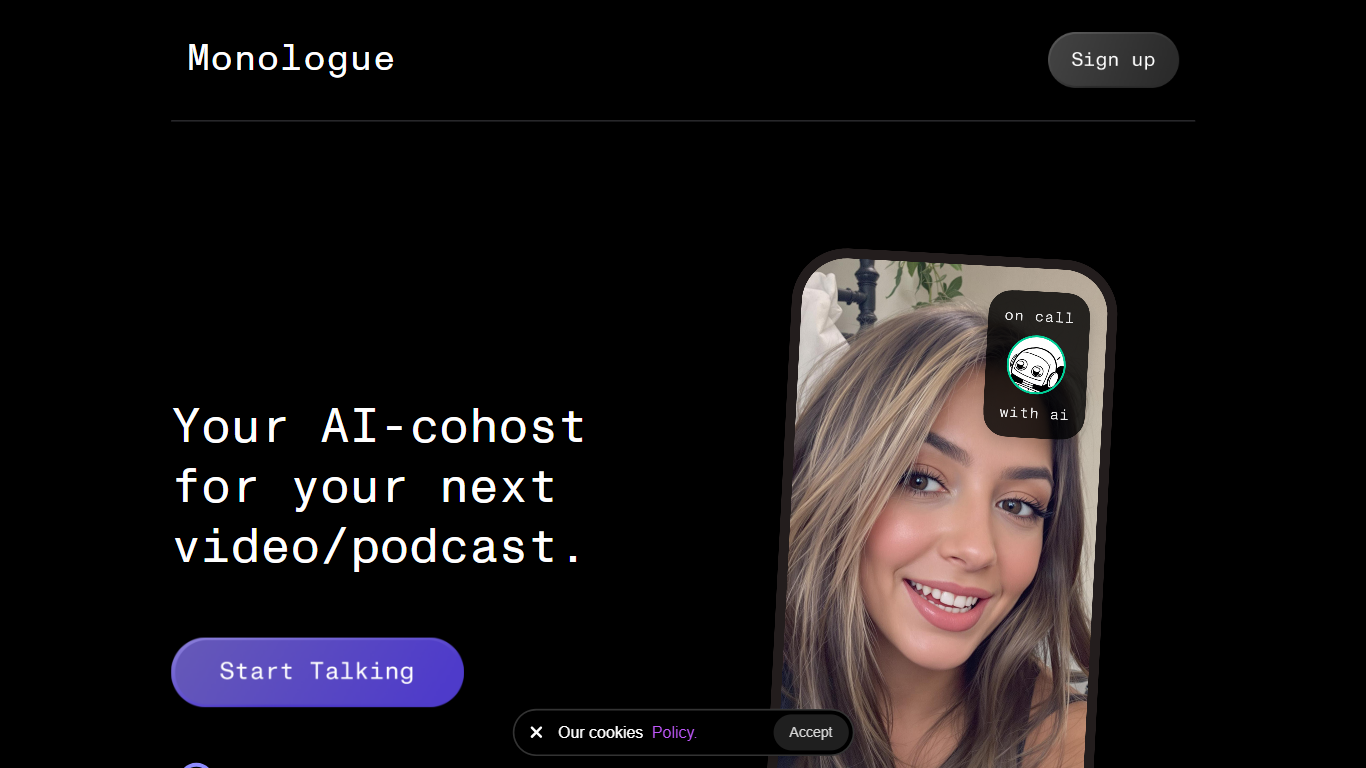
Monologue is a voice dictation app from Every that turns speech into polished text on Mac, iPhone, iPad, and Apple Watch. You trigger it with a keyboard shortcut or the Monologue keyboard, speak naturally, and cleaned-up text lands in whatever app you already use.
The standout idea is context-aware formatting. Monologue uses what is on your screen to match tone and structure for the app you are in, whether that is a quick iMessage, a formal Gmail draft, or comments in Cursor. It also removes filler words, adds punctuation, and learns your vocabulary through an auto dictionary.
Beyond dictation, Monologue Notes captures meetings and ideas with transcripts and summaries. The product supports more than 100 languages, includes offline transcription, and syncs custom modes and dictionaries across devices. Developers can also tap MCP, CLI, and API support for voice-driven workflows.
It fits writers, developers, executives, educators, and anyone who wants to draft faster without staying on the keyboard. You can subscribe to Monologue Pro directly or get it through the Every bundle alongside Cora, Spiral, and Sparkle.
Context-aware formatting that shifts tone for email, chat, docs, or code
System-wide dictation on Mac, iPhone, iPad, and Apple Watch with cross-device sync
Auto dictionary picks up your names, jargon, and product terms over time
Offline transcription when you need voice-to-text without a network connection
Monologue Notes records meetings and ideas with transcripts and summaries
Supports 100+ languages, including multilingual dictation in one session
Custom modes per app so Slack stays casual and legal docs stay formal
Context-aware formatting adapts output to the app you are typing in.
Works across Mac, iPhone, iPad, and Apple Watch with synced preferences.
Free trial includes 1,000 dictation words before you need a paid plan.
Privacy page states no server storage for audio or transcripts.
Supports offline transcription and more than 100 languages.
No Windows or Android apps are listed on the official site.
Monologue Pro requires an annual subscription at $144 per year.
Deep context formatting relies on screen visibility, which may not suit every privacy preference.
Is Monologue free to try?
Yes. Monologue offers a free trial tier with 1,000 dictation words and 10 notes included. You can download the app and start without paying upfront.
What platforms does Monologue support?
Monologue runs on Mac, iPhone, iPad, and Apple Watch. The iOS keyboard works in every app, and preferences sync between desktop and mobile.
Does Monologue work offline?
Yes. Monologue supports offline transcription on both the free trial and Monologue Pro plans, so you can dictate without an internet connection.
How does Monologue handle privacy?
Monologue says it does not save audio files or transcripts on its servers, deletes deep-context screenshots immediately, and keeps custom modes and dictionaries on your device.
How much does Monologue Pro cost?
Monologue Pro is priced at $144 per year on monologue.to and includes unlimited dictation words and unlimited notes.
Can I get Monologue through an Every subscription?
Yes. Every offers a bundle that includes Monologue along with Cora, Spiral, Sparkle, and the Every newsletter for $30 per month.
How many languages does Monologue support?
Monologue supports more than 100 languages for dictation, including Spanish, English, Japanese, Korean, Arabic, Hindi, and many others listed on its homepage.