
Last updated 07-01-2026
Category:
Reviews:
Join thousands of AI enthusiasts in the World of AI!
Morph Studio
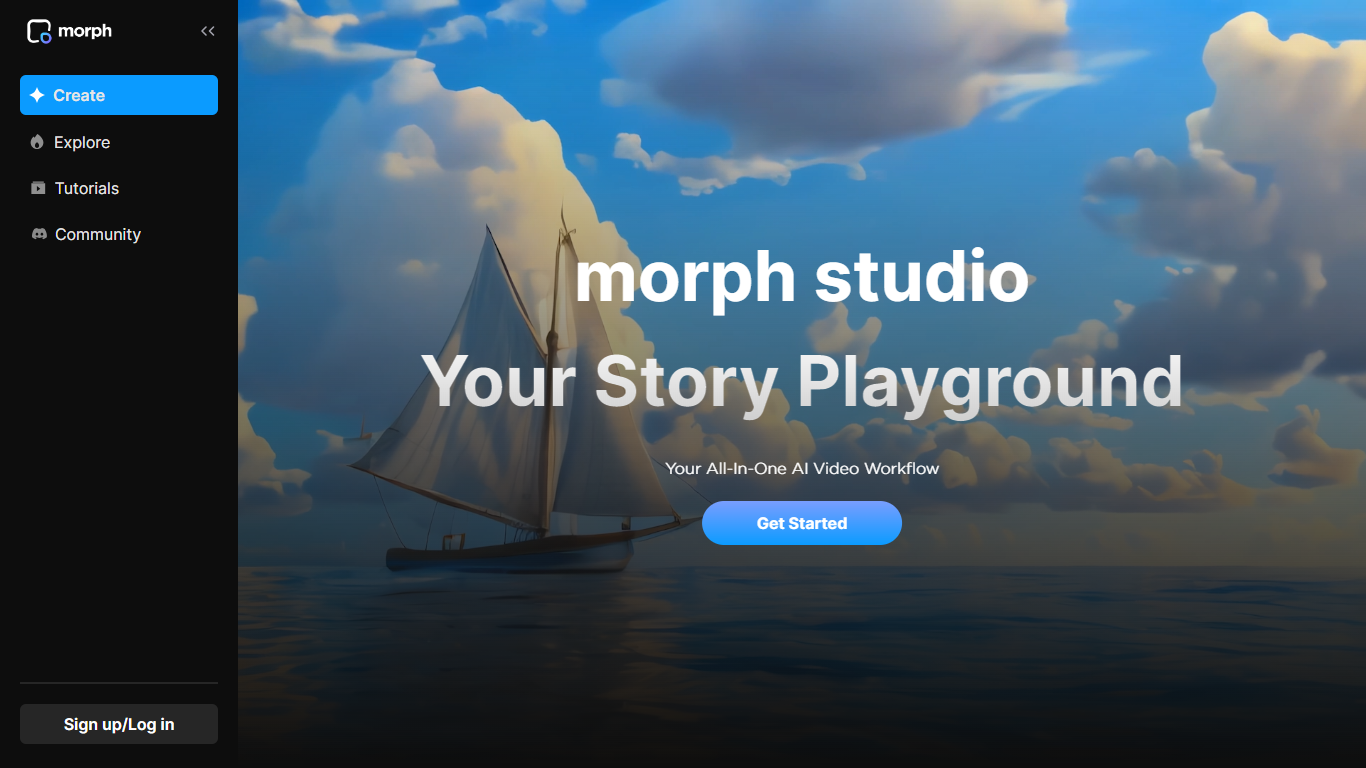
Morph Studio is a creative suite for generating and editing images and videos from text or image prompts. It bundles text-to-video, image-to-video, text-to-image, style transfer, and enhancement tools in one workflow, with a free tier to try the core generators before upgrading.
What sets it apart is model choice. Morph Studio routes your prompts to leading video and image models, including Seedance 2.0, Kling, Sora 2, Veo 3.1, Wan, Hailuo, Nano Banana, GPT Image, Flux, and Imagen. You pick the model that fits the look you want instead of being locked into one engine.
The product splits into two workspaces. Immersive Space is built for fast, prompt-first generation. Open Canvas gives you a borderless visual layout to arrange, edit, and connect assets into longer stories. Video style transfer can restyle footage into looks like anime, claymation, or cyberpunk while keeping motion consistent.
Morph Studio targets video creators, marketers, and e-commerce teams who need social clips, product visuals, and short-form content without jumping between separate apps. Paid plans add commercial use rights and unlimited asset retention.
Route prompts to Sora 2, Veo 3.1, Kling 3.0, Seedance 2.0, and more from one dashboard
Immersive Space for quick generation, Open Canvas for visual storyboarding
Restyle any video into anime, claymation, cyberpunk, or up to 8 distinct looks
Turn still photos into motion clips with image-to-video and motion control
Swap hairstyles, replace backgrounds, then push the result into video generation
Aggregates many leading video and image models in one subscription instead of separate tools.
Open Canvas workspace supports arranging and connecting assets into longer visual stories.
Free tier includes video style transfer and enough credits to test the platform.
Free plan retains assets for only 90 days and limits video models to two.
Credit-based pricing means heavy users may need Premier-tier volume for large projects.
Veo 3.1 text-to-video is restricted to Pro plan and above on the model usage table.
Does Morph Studio have a free plan?
Yes. Morph Studio offers a Free plan at $0 per month with 75 monthly credits, access to text/image-to-video on two models, text-to-image generation, and video style transfer. Free assets are retained for 90 days.
Which AI video models does Morph Studio support?
Morph Studio supports text-to-video and image-to-video across models including Seedance 2.0, Wan 2.7, Hailuo, Kling 3.0, Sora 2, Veo 3.1, Hunyuan Video, and Morph's own model. Paid plans unlock 10+ top-tier video models.
Can I use Morph Studio outputs commercially?
Commercial use is included on Morph Studio's Basic, Pro, and Premier paid plans. The Free plan does not list commercial use among its included features.
Does Morph Studio offer an annual billing discount?
Yes. Morph Studio pricing shows an annual billing option with 30% off compared to monthly rates. Basic drops to $8.40 per month ($100.80 billed annually), Pro to $24.50 per month ($294 billed annually), and Premier to $63 per month ($756 billed annually).
How does Morph Studio video style transfer work?
Morph Studio video style transfer lets you upload a video under 50MB, pick a style such as anime, cartoon, claymation, or cyberpunk, and generate a restyled clip. The tool applies consistent stylization across frames while preserving the original motion.
How do I sign up for Morph Studio?
Morph Studio accounts can be created at app.morphstudio.com using Google, Discord, or email. The marketing site links directly to the app for free image and video generation.