
Last updated 07-29-2026
Category:
Reviews:
Join thousands of AI enthusiasts in the World of AI!
Photo Editor
Combine photo editing, graphic design, and collage making into a single web-based workspace. This software removes the need for separate apps by letting users edit photos, create custom graphics, and assemble collages without switching tools.
Unlike traditional complex desktop applications, this tool is built for accessibility across skill levels. Beginners get simple one-click options like background removal, while professionals can access AI-powered batch editing and advanced artsy effects.
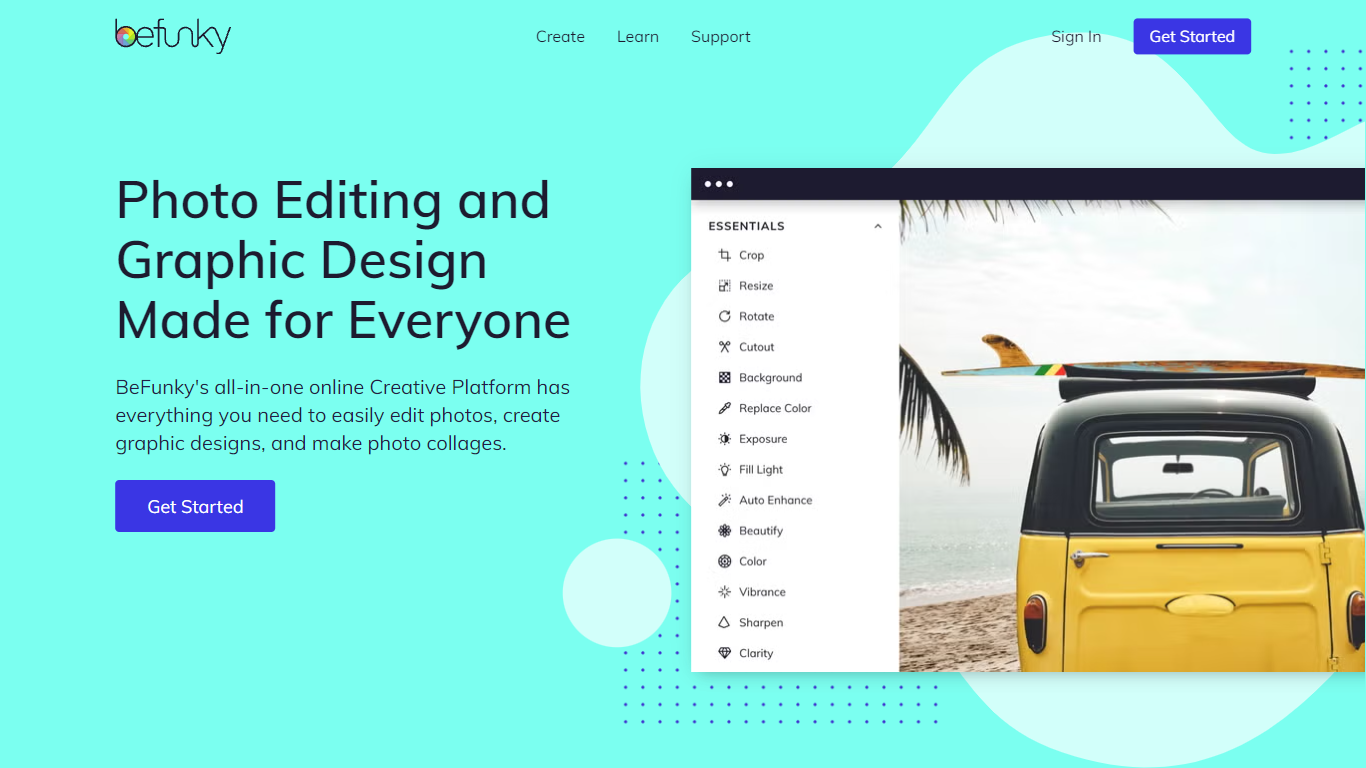
Photo editing features include cropping, resizing, exposure adjustment, and hundreds of effects. AI features like background removal, object eraser, and portrait enhancer automate complex tasks for quick results.
Graphic design and collage making are streamlined with drag-and-drop simplicity and automated wizards. Users can choose from thousands of templates for social media posts, banners, and invitations.
🎨 AI-Powered Background Remover removes backgrounds in one click for product photos and portraits
✨ Collage Wizard automatically generates layout options from uploaded photos
🖼️ Batch AI Editing processes hundreds of images at once with AI enhancements
📐 Smart Image Upscaler increases low-resolution image size up to 4x
🖌️ Graphic Design Templates provide thousands of options for social media and banners
💎 Pricing plans include Free tier, Plus at $6.99 per month, and Pro at $12.49 per month
Unified platform combining photo editing, graphic design, and collage making
AI-powered tools save time on background removal and touch-ups
Fully web-based with no complex software installation required
Extensive library of templates, vector graphics, and stock images
Advanced features require a paid subscription
Batch AI processing consumes credits that require occasional top-ups
Monthly subscription credits do not roll over
Do I need a subscription to use Photo Editor?
Many features in Photo Editor are free to preview, but premium AI tools and templates require a paid subscription.
What is the difference between Plus and Pro plans in Photo Editor?
Photo Editor Plus includes premium editing and design tools, while Pro adds batch AI processing and background removal.
How do credits work in Photo Editor?
Photo Editor credits are consumed when you perform batch AI processing tasks like background removal and batch enhancement.
Can I use Photo Editor on multiple devices?
Yes, your Photo Editor subscription works across computers, tablets, and smartphones as long as you are signed in.
What happens if I run out of credits in Photo Editor?
You can purchase additional top-up credits for Photo Editor at any time to continue using batch AI tools.
Can I switch between plans in Photo Editor?
Yes, you can upgrade or downgrade your Photo Editor subscription at any time from your account page.