
Last updated 07-29-2026
Category:
Reviews:
Join thousands of AI enthusiasts in the World of AI!
PlaylistAI
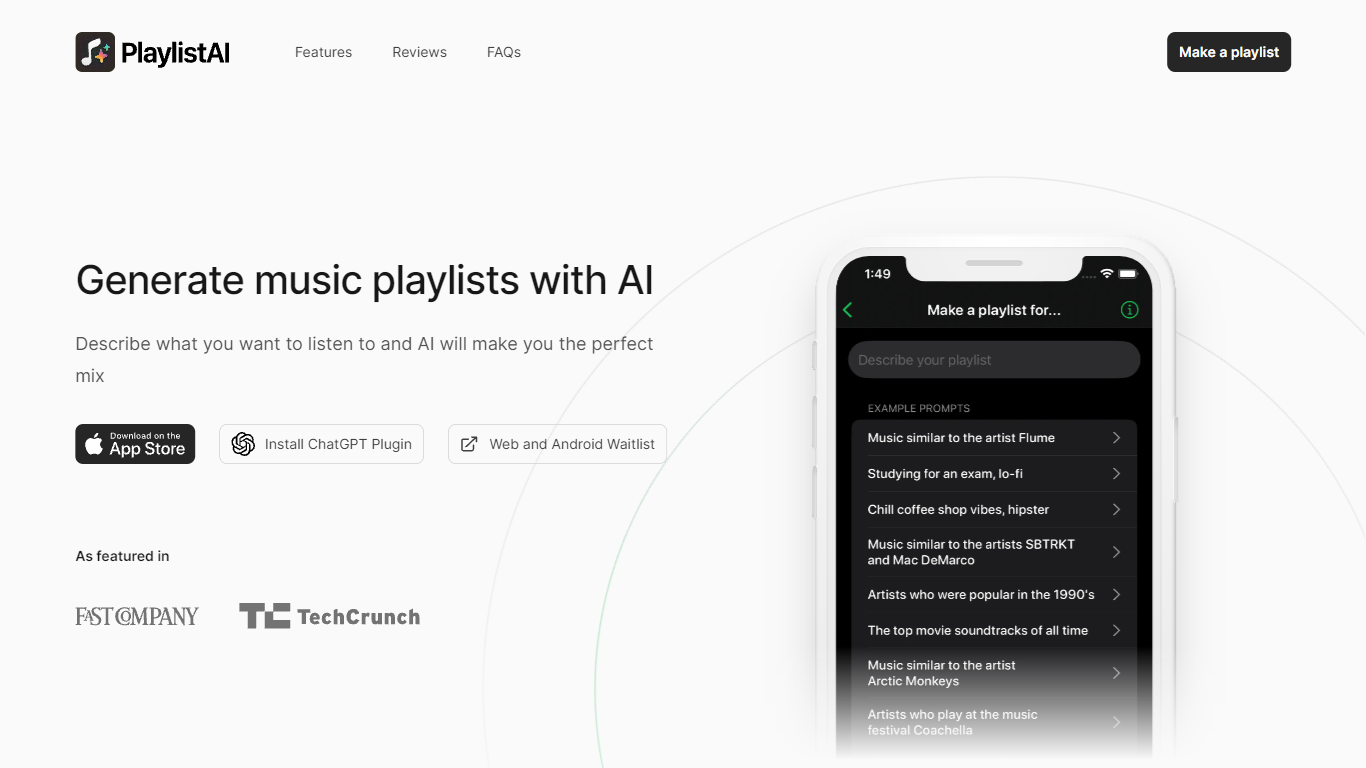
PlaylistAI turns your music ideas into ready-to-play playlists instantly. Describe any mood, genre, or activity like 'chill indie for a rainy afternoon' and its AI builds a full playlist that matches your taste. It works across Spotify, Apple Music, Amazon Music, and Deezer so you can listen anywhere.
The app and ChatGPT plugin let you create playlists from prompts, festival posters, TikTok videos, or your own listening history. Smart suggestions appear based on the time of day and your past favorites, making discovery effortless. You can also blend genres, find similar artists, or scan TikTok to identify songs and expand your library.
No ads interrupt the experience, and sharing playlists with friends is built in.
🎵 AI playlist generation from text prompts like '90s hip-hop workout mix'
📱 Works on web, iOS, and as a ChatGPT plugin
🎪 Instant festival playlists from event posters
🎧 TikTok song scanner to find and add music to playlists
🔄 Smart suggestions based on time of day and your listening history
Works across four major music platforms so you can listen where you prefer
Generates playlists from prompts, posters, TikTok videos, or your history
No ads and a clean interface focused on music discovery
Songs may auto-add to Apple Music library unless you disable the setting
Free plan limits you to 10 playlists per month
How do I use PlaylistAI in ChatGPT?
Add the PlaylistAI GPT at chat.openai.com/g/g-KkxbQAVuk-playlistai-music-playlist-maker and describe the playlist you want. It will generate a Spotify or Apple Music link you can open directly.
Can I create playlists from TikTok videos?
PlaylistAI yes. Use the TikTok scanner to identify songs in any video, then add similar tracks to a new playlist with one click.
Does PlaylistAI work with Amazon Music and Deezer?
Yes. PlaylistAI supports Spotify, Apple Music, Amazon Music, and Deezer so you can listen on your preferred platform.
How do I manage my subscription?
PlaylistAI if you subscribed on the web, go to billing.stripe.com/p/login/bIYaIG7LN7JwgaA5kk. On iOS, open Settings → your name → Subscriptions to manage or cancel.
Why do songs keep adding to my Apple Music library?
PlaylistAI apple Music adds playlist songs automatically. Turn off the toggle in Settings → Music → Add Playlist Songs to stop it.
Can I blend multiple genres into one playlist?
PlaylistAI yes. Select two or more genres and set a BPM range to get a cohesive blend of tracks from all chosen styles.
How many people use PlaylistAI?
Over 100,000 music lovers are discovering and creating playlists with PlaylistAI every month.