
Last updated 07-27-2026
Category:
Reviews:
Join thousands of AI enthusiasts in the World of AI!
Stable Audio
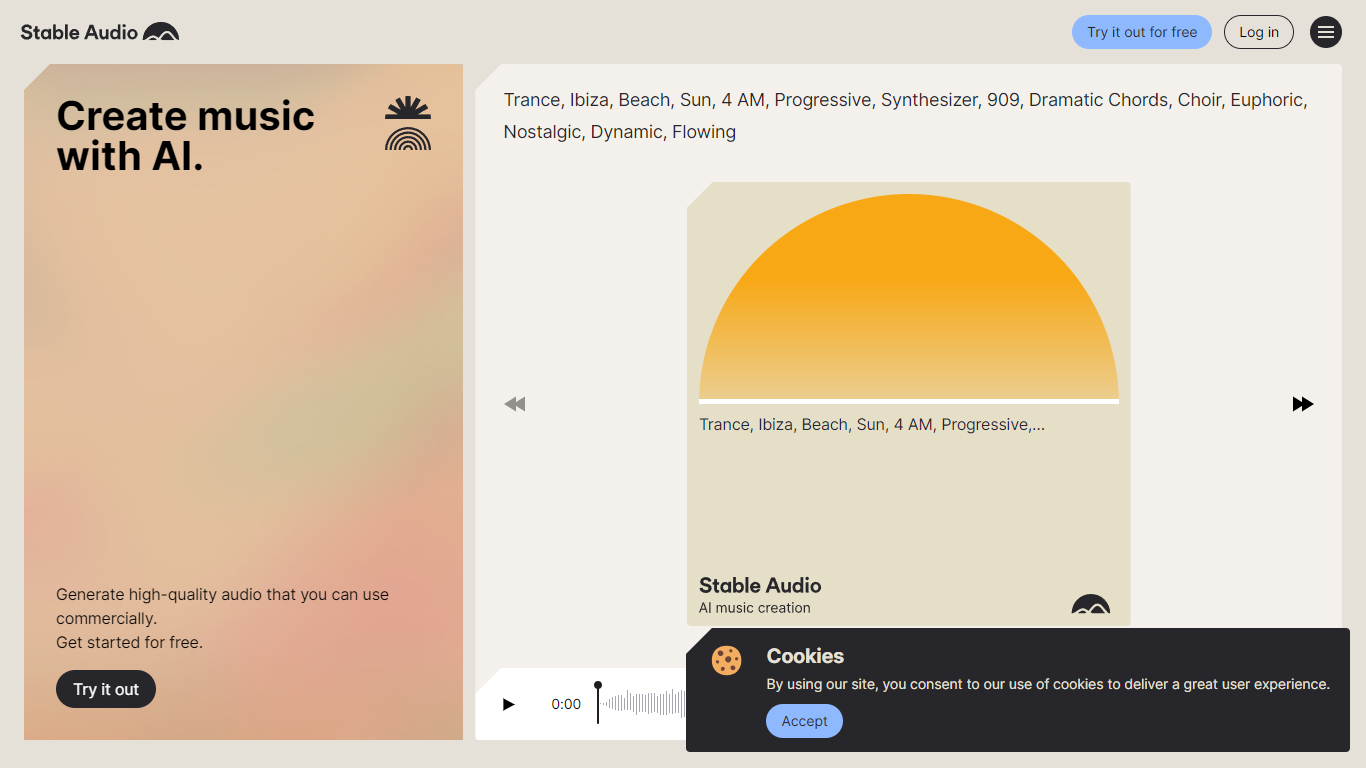
Stable Audio turns text descriptions into full music tracks, individual stems, and sound effects through a browser-based studio from Stability AI. You type a prompt covering genre, mood, instruments, and BPM, and the model returns downloadable audio up to six minutes long at 44.1 kHz stereo. The same workspace handles audio-to-audio generation, where an uploaded clip, recording, or vocal melody guides how the output develops.
Where tools like Suno optimize for finished songs from a single lyric prompt, Stable Audio leans toward producer workflows: style transfer on existing audio, stem-level generation, and SFX from short text cues like "car passing by" or "explosion." You can dial input audio strength and prompt strength separately, which makes it practical for iterating on samples rather than replacing a whole composition pipeline.
Producers, video editors, and game developers use it for beds, transitions, and licensed background audio. The free Personal plan caps you at ten generations a month for non-commercial work, while Pro, Studio, and Max subscriptions add commercial Creator licensing and monthly generation counts from 250 up to 2,500 tracks.
Generate music up to 6 minutes long at 44.1 kHz stereo
Free plan includes 10 track generations per month with Stable Audio 2.5
Audio-to-audio accepts MP3, WAV, MP4, and AIFF uploads for style transfer
Pro plan at $11.99 per month unlocks 250 generations and commercial Creator licensing
Text prompts support genre, BPM, mood, and instrument details for targeted output
Vocal input beta turns humming or singing into full backing tracks
Outputs 44.1 kHz stereo audio up to 6 minutes per generation.
Audio-to-audio supports upload, record, and vocal input alongside text prompts.
Paid tiers include Creator licensing for commercial music releases.
Built by Stability AI with models trained on licensed AudioSparx music.
Free tier limits you to 10 generations and non-commercial Personal licensing only.
Unused monthly generations do not roll over to the next billing cycle.
Vocal-to-music input is still in first-edition beta.
Is Stable Audio free to use?
Yes, Stable Audio offers a free plan with 10 track generations per month using Stable Audio 2.5. The free tier includes a Personal license for non-commercial projects only. Paid Pro, Studio, and Max plans start at $11.99 per month and add commercial Creator licensing.
Can I use Stable Audio music commercially?
Yes, Stable Audio allows commercial use on paid Pro, Studio, and Max subscriptions, which include a Creator license for commercial projects and music releases. The free Personal license covers non-commercial projects only.
How long can Stable Audio tracks be?
Stable Audio generates tracks up to 6 minutes long on every plan. Downloads are delivered in 44.1 kHz stereo format. Each generation creates a unique audio file that will not repeat on a second run.
What is Stable Audio audio-to-audio mode?
Stable Audio audio-to-audio lets you upload, record, or reuse generated audio alongside a text prompt to guide style transfers and variations. You adjust input audio strength and prompt strength sliders to control how much the source clip shapes the output.
What file formats can I upload to Stable Audio?
Stable Audio accepts MP3, WAV, MP4, and AIFF uploads for audio-to-audio generation. Uploaded files are scanned for copyright matches before use. Free users get 6 minutes of monthly upload allowance with clips cropped at 30 seconds.
Who makes Stable Audio?
Stable Audio is built by Stability AI, the company behind Stable Diffusion. Its models were trained on music from partner AudioSparx. Support requests go through the Stability AI knowledge base ticket form linked from the site.