
Last updated 07-28-2026
Category:
Reviews:
Join thousands of AI enthusiasts in the World of AI!
Tagify
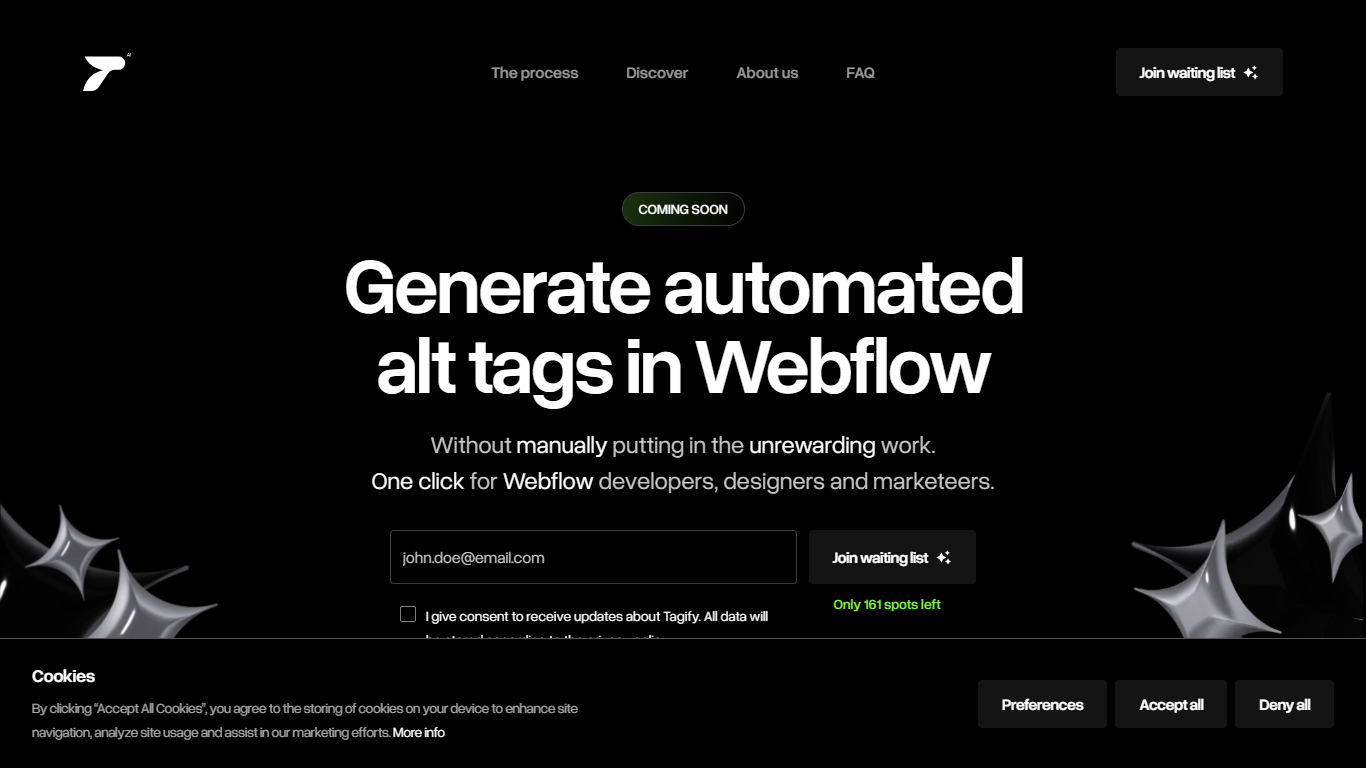
Tagify automates alt tag writing for Webflow and Framer sites. You connect a project, let it scan your images and UI elements, then review the suggested alt text before publishing. The pitch is straightforward: better accessibility scores and image SEO without tagging every asset by hand. Public access is still waitlist-only, with 326 signups and 161 spots left on the homepage counter.
Most SEO plugins treat alt text as one checklist item among dozens. Tagify does only alt tags, and only inside Webflow and Framer workflows. That narrow scope means it plugs into the builders designers already use instead of asking you to export images or run a separate audit tool. If your stack is not Webflow or Framer, this is not the product for you.
Webflow designers, Framer builders, and marketing teams maintaining large image libraries are the obvious fit. Tagify targets the tedious step of writing descriptive alt text across hero sections, galleries, and icons. Teams that care about WCAG compliance but lack bandwidth for manual tagging would get the most value once the waitlist opens.
Connects to Webflow or Framer projects with a single click
Scans site elements and suggests alt tags automatically
Homepage waitlist counter shows 326 signups with 161 spots remaining
Three-step workflow: connect, analyze, then review and publish
Built by ++addmore, the studio listed on the Tagify marketing site
Focused on Webflow and Framer only, so it fits existing no-code site workflows.
Automates bulk alt tagging with a manual review step before anything goes live.
Waitlist already has 326 signups, which suggests early demand from builder communities.
Three-step connect, analyze, publish flow keeps the process simple for non-developers.
Limited to Webflow and Framer sites; no WordPress, Shopify, or other CMS support.
Product is still on a waitlist with no public launch date or pricing published.
Homepage FAQ answers are not publicly visible without joining the waitlist.
What does Tagify do?
Tagify generates automated alt tags for images in Webflow and Framer projects. It scans site elements, suggests optimized alt text, and lets you review results before publishing. The goal is better accessibility and SEO without manual alt-tagging every image.
Which platforms does Tagify support?
Tagify supports Webflow and Framer. You connect a project with a single click, and Tagify analyzes site elements within that connected project before you review and publish the suggested alt tags.
Is Tagify available to use now?
Tagify is on a waitlist ahead of launch. The site shows 326 people already signed up with 161 waitlist spots remaining. Public access requires joining the waiting list on tagify.ai.
How does Tagify work?
Tagify follows three steps: connect your Webflow or Framer project, let Tagify scan elements and suggest alt tags, then review and publish. You can tweak suggestions before they go live on your site.
Who makes Tagify?
Tagify is built by ++addmore, a team that also lists roles like lead designer, Webflow developer, and product growth on the Tagify site.
Can you edit alt tags Tagify generates?
Yes. After Tagify scans your project and suggests tags, you can review and tweak them before publishing to your site.
Why use Tagify for alt tags?
Alt tags help screen readers and search engines understand images. Tagify automates that work inside Webflow and Framer instead of writing alt text image by image.