
Last updated 10-23-2025
Category:
Reviews:
Join thousands of AI enthusiasts in the World of AI!
tldraw
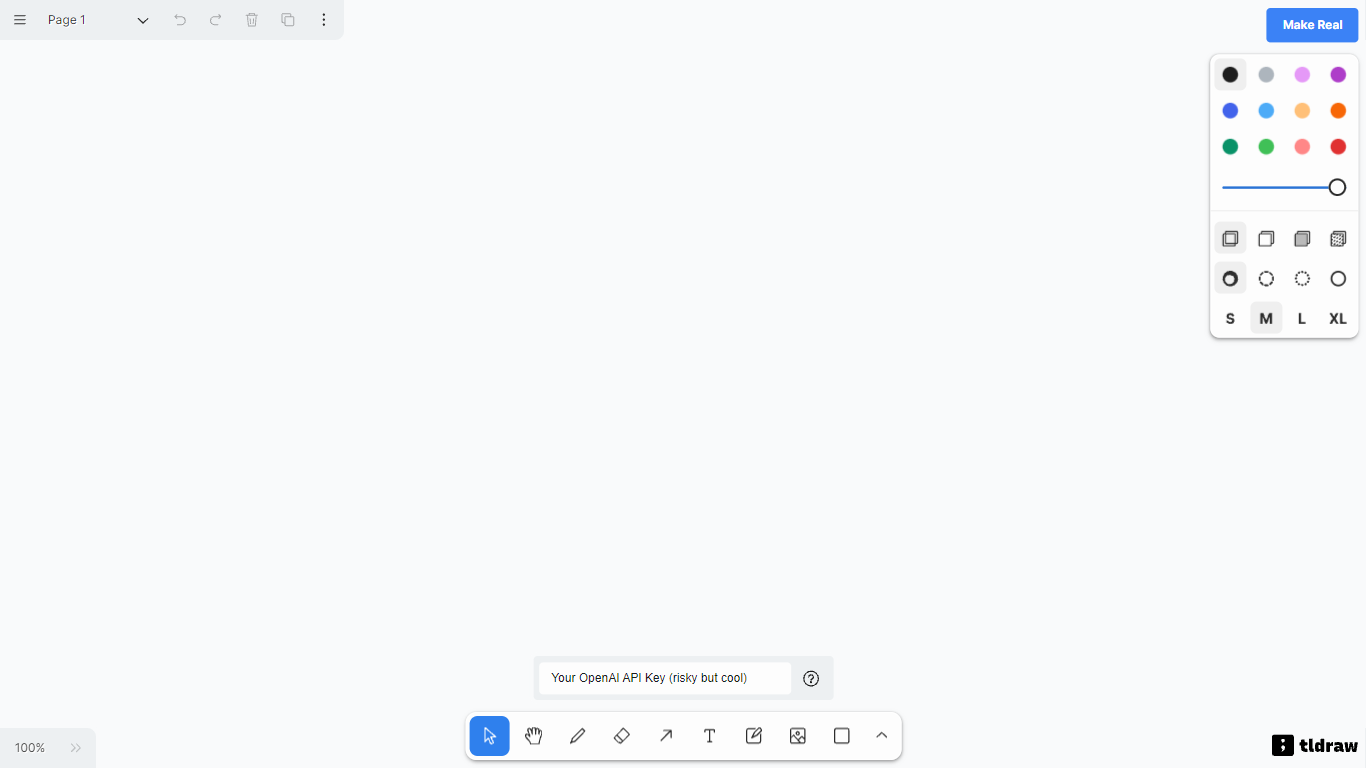
Experience the innovative interface design-to-reality software, makereal.tldraw.com, a unique platform that combines the artistic freedom of tldraw with the intelligent capabilities of GPT-4V. This groundbreaking experiment allows users to sketch a user interface on a canvas and convert it into a functioning website with a simple click. The story unfolds with the launch of GPT-4 with Vision by OpenAI, swiftly followed by tldraw's collaboration to embed the web-based UI within iframes on the canvas, facilitation an interaction-rich design process. It transforms how designers, developers, and dreamers alike could visualize and test web concepts instantaneously. The platform not only captured the attention of the developer community but has also spurred thousands to explore and share their creations across social media, making it an internet sensation.
Seamless Integration: The platform utilizes OpenAI's GPT-4 with Vision for intelligent image processing.
Interactive Canvas: tldraw's canvas allows for direct embedding of websites via iframes enhancing design interaction.
Innovative Functionality: Sketch a UI and instantly generate a live website with the 'Make Real' button.
Open Source Collaboration: Forking and iterating on an open source repository has led to over 10000 GitHub stars.
Community Engaged: A Starter template was released for the community to create their own tldraw and GPT-4V experiments.
What is makereal.tldraw.com?
makereal.tldraw.com allows users to draw a user interface and utilize the GPT-4 API to transform the sketch into a functional website.
How can I turn a UI sketch into a working website with tldraw?
Get an OpenAI developer API key, visit makereal.tldraw.com, draw your UI, select it, and click the 'Make Real' button.
Can I make live annotations and changes to the website on tldraw?
Yes, you can annotate your live website on the canvas and re-generate it using the 'Make Real' button for continuous iterations.
How does GPT4V process and display the content within iframes on tldraw?
GPT4V sees what's inside the box by using the previous result's HTML code along with notes specifying the content for the 'empty' iframe areas.
What was the community's reaction to tldraw's new feature?
The major response was the release of a starter template for others to experiment with tldraw + GPT-4V, sparking community-driven innovation.