
Last updated 07-28-2026
Category:
Reviews:
Join thousands of AI enthusiasts in the World of AI!
TuneBlades
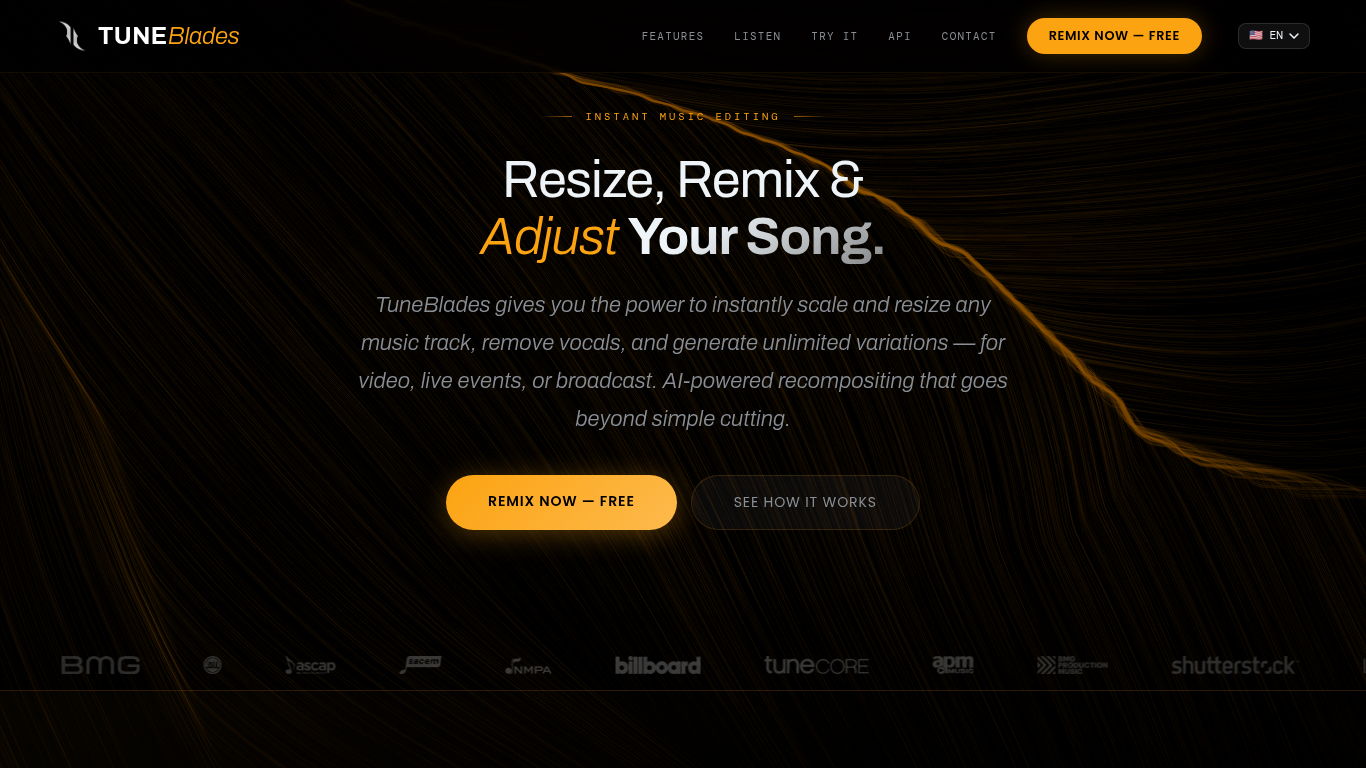
TuneBlades lets you resize, remix, and adjust songs instantly using AI that analyzes every beat and melody. It preserves key elements like melody, vocal integrity, structure, and tempo while creating natural-sounding edits. The tool is designed for creators who need quick, professional music edits for video, live events, or broadcasts.
TuneBlades supports batch processing and offers API integration for large-scale or commercial use. It is available on MacOS and iOS and supports multiple high-quality audio formats. The company behind TuneBlades, MatchTune, also supports artists through a program that helps them benefit from new sync opportunities created by rescaled tracks.
🎵 AI-Powered Music Rescaling: Resize songs to any duration while keeping melody and vocals intact.
⏱️ Instant Processing: Generate new song variations in under one second for fast editing.
🔄 Endless Playback Mode: Create infinite streaming versions for continuous play.
📁 Batch Processing Support: Upload entire catalogs via FTP or S3 for bulk music editing.
🔗 RESTful API Access: Integrate TuneBlades features directly into your own applications.
Instantly rescale songs with AI preserving musical integrity
Supports batch processing for large-scale music editing
Offers lossless audio downloads in multiple formats
Provides API access for custom integrations
Compatible with MacOS and iOS devices
Pro features require payment per download
Maximum upload file size limited to 100 MB and 5 minutes duration
How long does TuneBlades take to create a new song variation?
TuneBlades processes new variations in under one second, allowing for instant music editing.
What is the minimum and maximum duration for resizing tracks?
TuneBlades the minimum duration depends on the original track, typically between 7 to 15 seconds, while the maximum duration is unlimited, including streaming for infinite playback.
Can TuneBlades handle all music genres?
Yes, TuneBlades works with any genre, from electronic to classical, as long as the original track is at least 15 seconds long.
Does TuneBlades maintain the original audio quality after editing?
TuneBlades yes, it preserves the original audio quality, delivering professional-grade variations ready for release.
Is batch processing available for large music catalogs?
Yes, TuneBlades supports batch processing through FTP, S3, and direct uploads, ideal for labels and platforms.
What audio file formats does TuneBlades support for upload and download?
TuneBlades supports MP3, WAV, FLAC, AAC, OGG, MP4, MOV, and WEBM for uploads, and offers downloads in MP3, WAV, FLAC, and M4A formats.
How can I integrate TuneBlades into my own applications?
TuneBlades offers a RESTful API with 24/7 developer support for seamless integration.