
Last updated 10-23-2025
Category:
Reviews:
Join thousands of AI enthusiasts in the World of AI!
URL to PNG
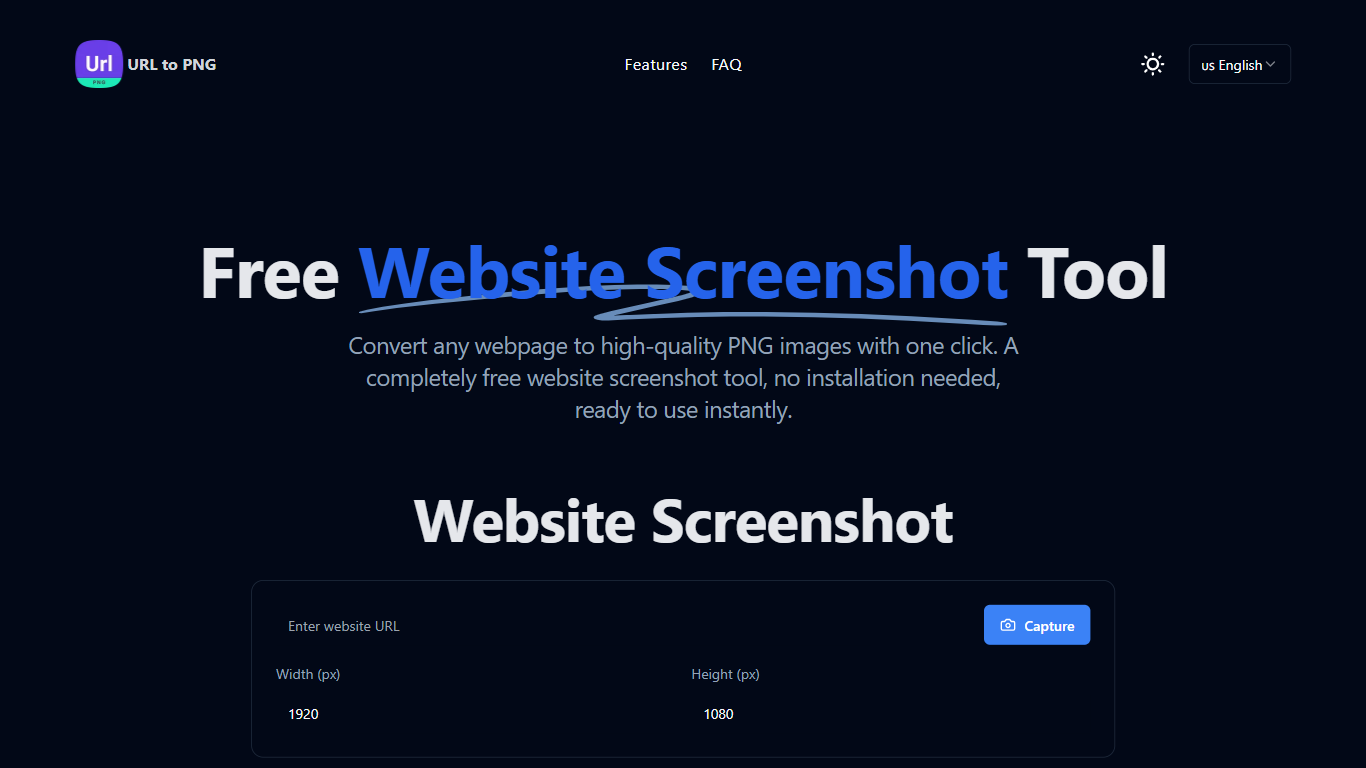
URL to PNG is a free online tool designed to capture full webpage screenshots and convert URLs into high-quality PNG images instantly. This tool is perfect for users who need to document web content, create presentations, or archive web pages. With its user-friendly interface, anyone can easily generate screenshots without any technical knowledge or prior experience. The tool is accessible directly through a web browser, making it convenient for users who want a quick solution without the hassle of software installation.
The target audience for URL to PNG includes students, professionals, marketers, and anyone who needs to capture web content for various purposes. Whether you are preparing a report, creating a presentation, or simply want to save a webpage for later reference, this tool caters to a wide range of needs. Its simplicity and efficiency make it an ideal choice for users looking for a straightforward solution to capture web pages.
One of the unique value propositions of URL to PNG is its ability to generate high-quality screenshots with just one click. Users can expect crystal-clear images that maintain the original resolution of the webpage. This feature is particularly beneficial for those who require high-quality visuals for their work. Additionally, the tool supports multiple languages, making it accessible to a global audience.
Key differentiators of URL to PNG include its lightning-fast screenshot generation and customizable size options. Users can adjust the dimensions of their screenshots to fit their specific needs, whether they want a full-page capture or a smaller section of a webpage. The tool's performance is optimized for speed, ensuring that users can quickly obtain their screenshots without unnecessary delays.
In terms of technical implementation, URL to PNG operates entirely in the browser, eliminating the need for any software installation. This makes it a hassle-free option for users who want to capture screenshots on the go. The tool is designed to be user-friendly, with a simple interface that guides users through the process of entering a URL and downloading their screenshots. Overall, URL to PNG stands out as a reliable and efficient tool for capturing webpage screenshots.
High Quality Screenshots: Generate crystal-clear PNG screenshots with perfect resolution, ensuring your images look professional and clear.
Lightning Fast: Enjoy instant screenshot generation with optimized performance, so you can get your images quickly without waiting.
Customizable Size: Freely adjust screenshot dimensions to meet your needs, allowing you to capture exactly what you want.
Full Page Capture: Capture entire webpages, including content below the fold, so you don't miss any important information.
Multi-language Support: Available in multiple languages, making it accessible to users around the world.
What is URL to PNG?
URL to PNG is a free online tool that allows you to capture full webpage screenshots and convert URLs into high-quality PNG images.
How do I use URL to PNG?
To use URL to PNG, simply enter the URL of the webpage you want to capture, click the capture button, and then download your screenshot.
Is URL to PNG really free?
Yes, URL to PNG is completely free to use, with no hidden costs or fees.
What image quality can I expect?
You can expect high-quality screenshots with perfect resolution, ensuring that your images are clear and professional.
Can I capture the full webpage?
Yes, URL to PNG allows you to capture entire webpages, including content that is below the fold.
What are the size limitations?
There are no specific size limitations mentioned, but you can customize the dimensions of your screenshots to fit your needs.
Which browsers are supported?
URL to PNG is designed to work in most modern web browsers, ensuring a wide range of compatibility.